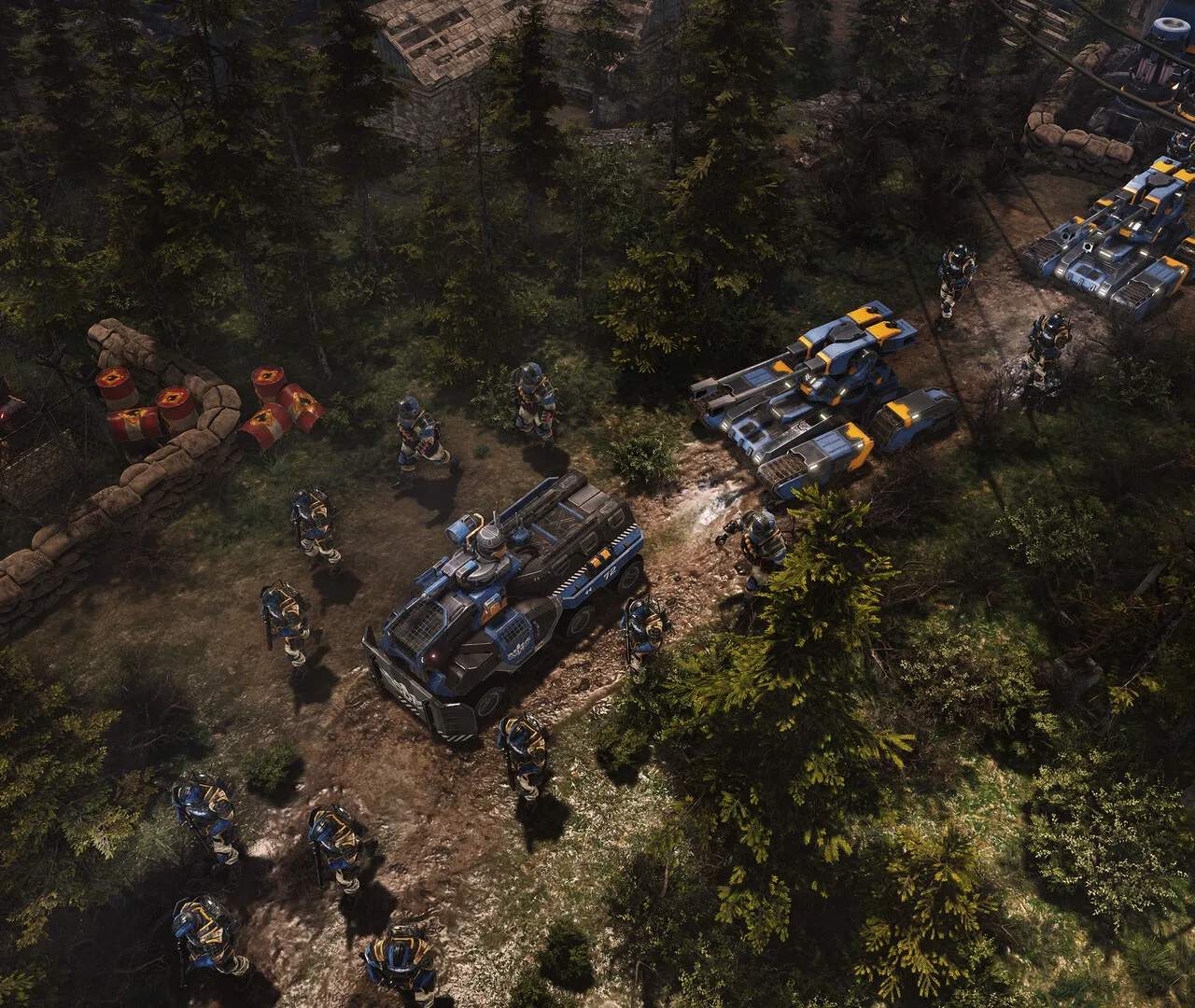
Mastering the controls is crucial for efficient gameplay. The default controls are standard for RTS games:
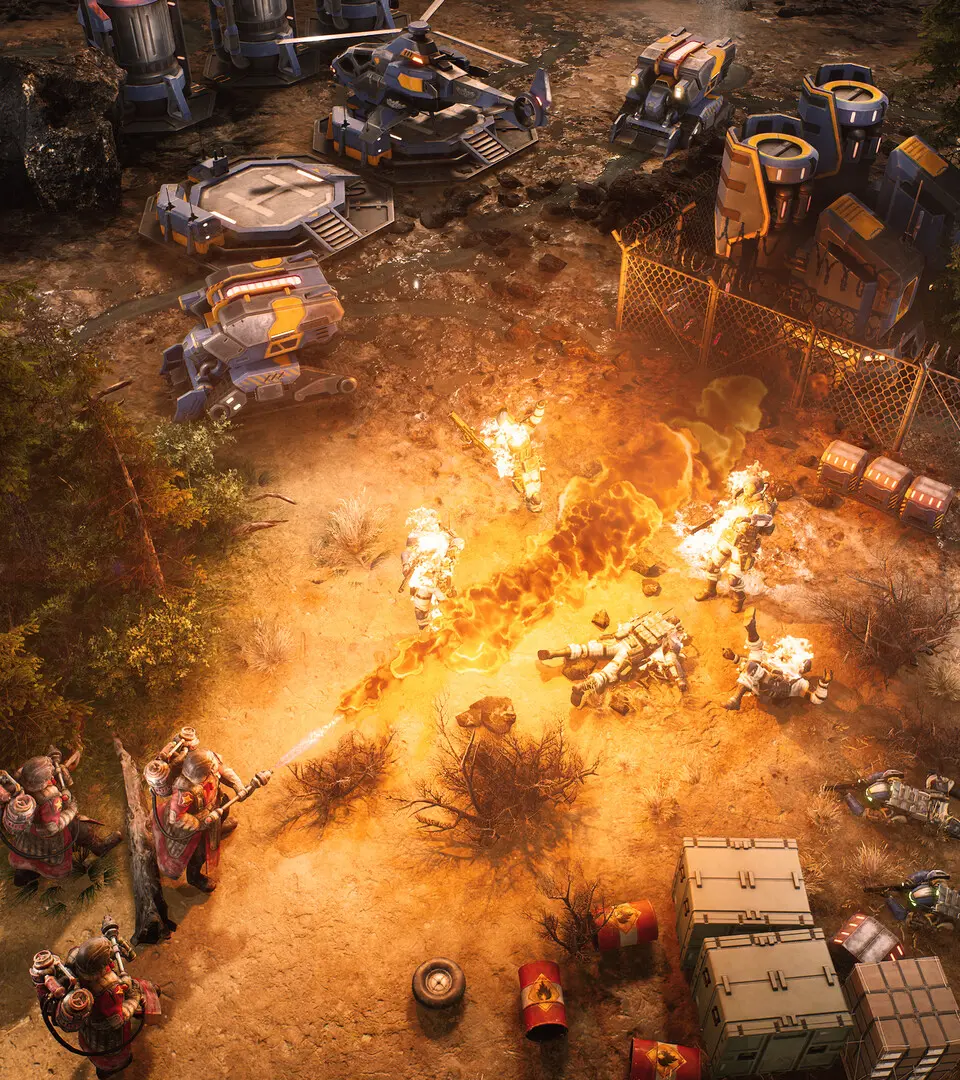
- Left-Click: Select units, buildings, or issue commands.
- Right-Click: Move units, attack enemies, or interact with objects.
- WASD or Arrow Keys: Pan the camera across the map.
- Mouse Wheel Up/Down: Zoom in/out.
- Middle Mouse Button (Hold): Rotate camera.
- Ctrl + Number (1-9): Create a control group for selected units.
- Number (1-9): Select a control group.
- Spacebar: Center camera on your Command Center or last alert.
- Tab: Cycle through sub-groups of selected units.
- Esc: Open the game menu.
Practice these controls in the tutorial missions to build muscle memory. Efficient camera management allows you to quickly assess threats and deploy forces.