
The Hold Box is arguably your most important 'tool' in Tetris Effect: Connected. It allows you to temporarily store one Tetrimino for later use, swapping it with the piece currently falling. This seemingly simple mechanic offers immense strategic depth.
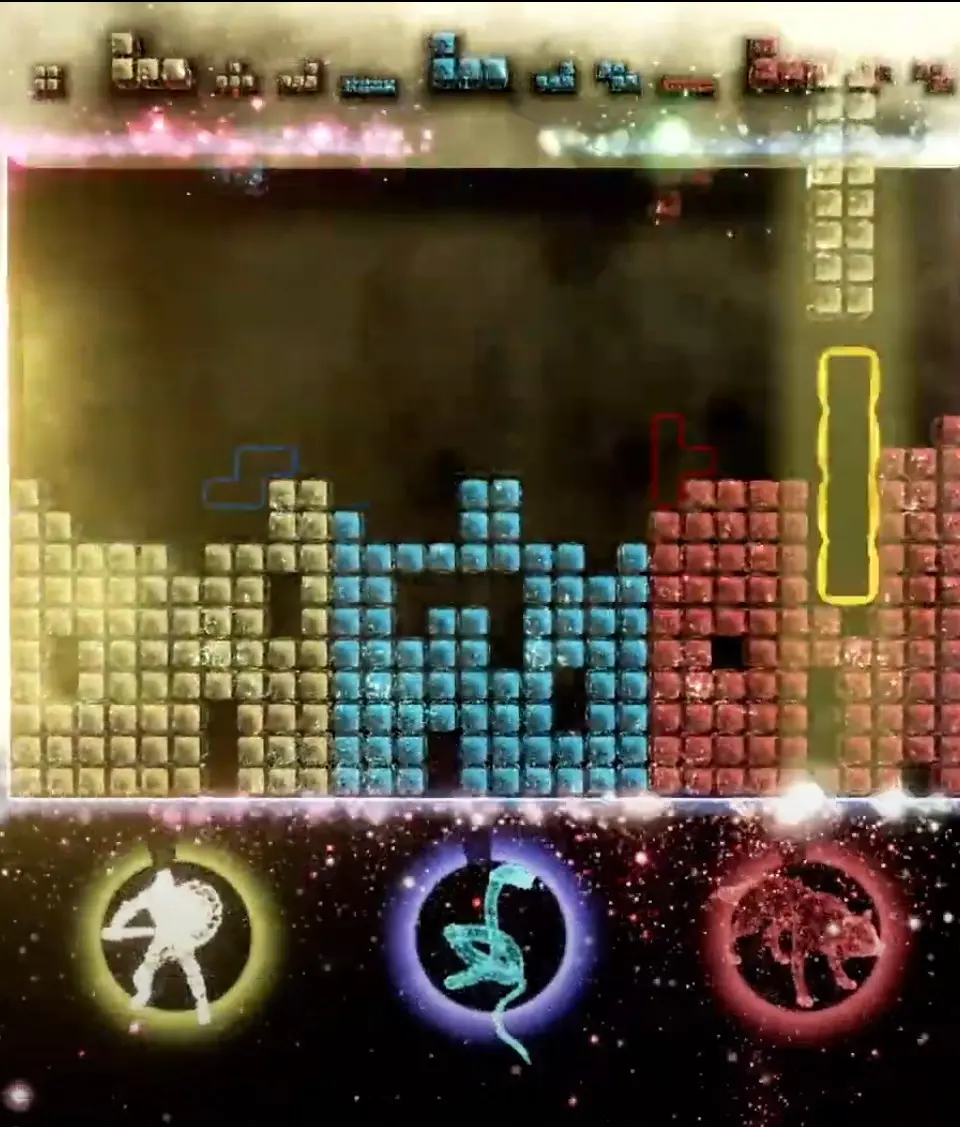
How to Use the Hold Box
- Press the 'Hold' button (L/R Bumper on most controllers) to move the current falling Tetrimino into the Hold Box.
- If the Hold Box is empty, the next piece from the 'Next' queue will immediately start falling.
- If the Hold Box contains a Tetrimino, the falling piece will be swapped with the one in the Hold Box.
- You can only use the Hold function once per falling Tetrimino. Once you've held a piece, you cannot hold the piece that immediately replaces it until you've placed that piece.
Strategic Applications
- Saving for Tetris: The most common use is to save an I-Tetrimino when you have a four-wide well ready.
- Avoiding Bad Pieces: If you get a piece that doesn't fit your current stack well, hold it and hope for a better one.
- Setting Up Combos/T-Spins: Hold a specific piece needed to complete a complex setup.
- Emergency Clearing: Hold an I-Tetrimino to clear a large number of lines if your stack is getting dangerously high.
Mastering the Hold Box is a hallmark of an experienced Tetris player, allowing for greater control and adaptability.