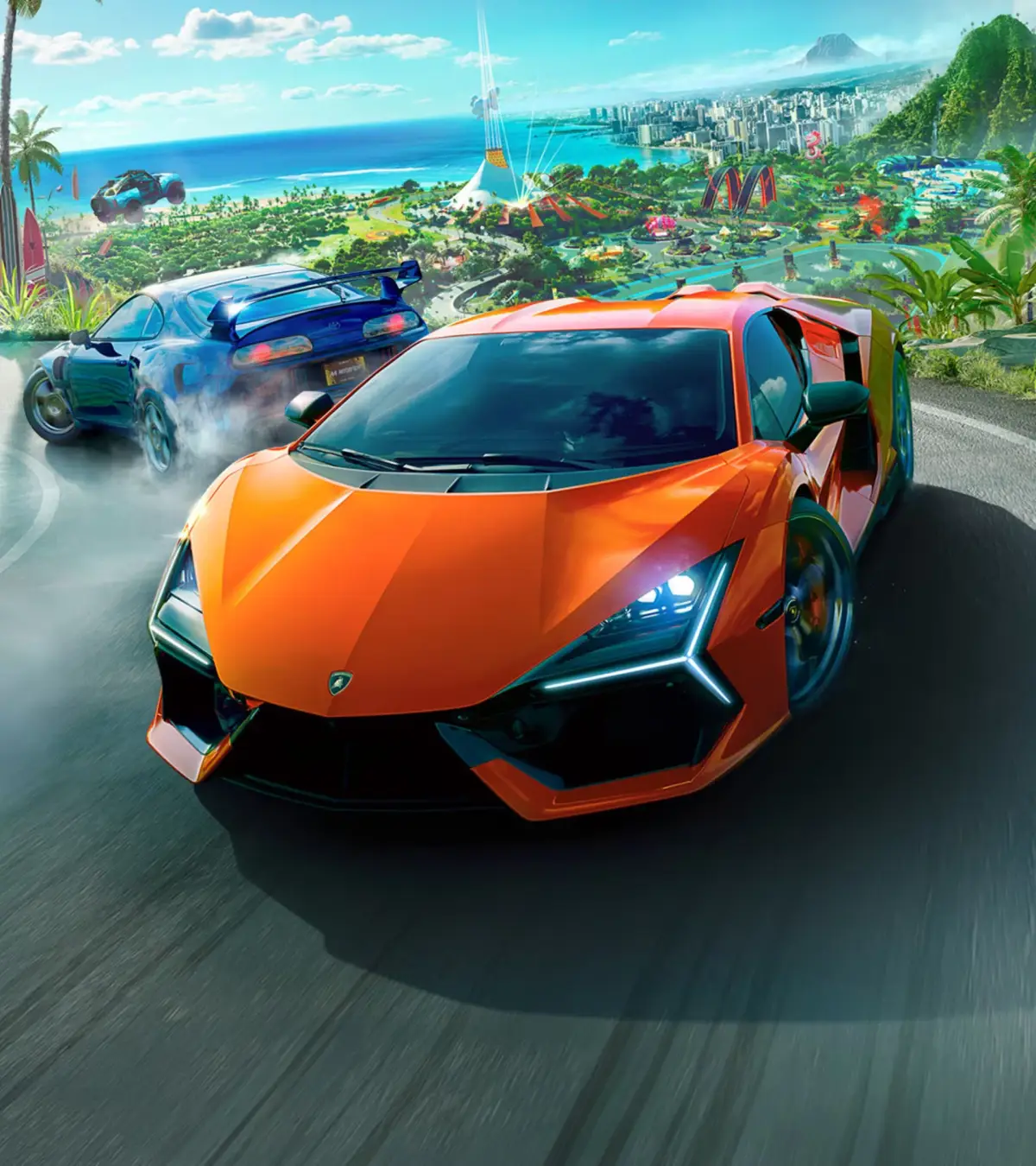
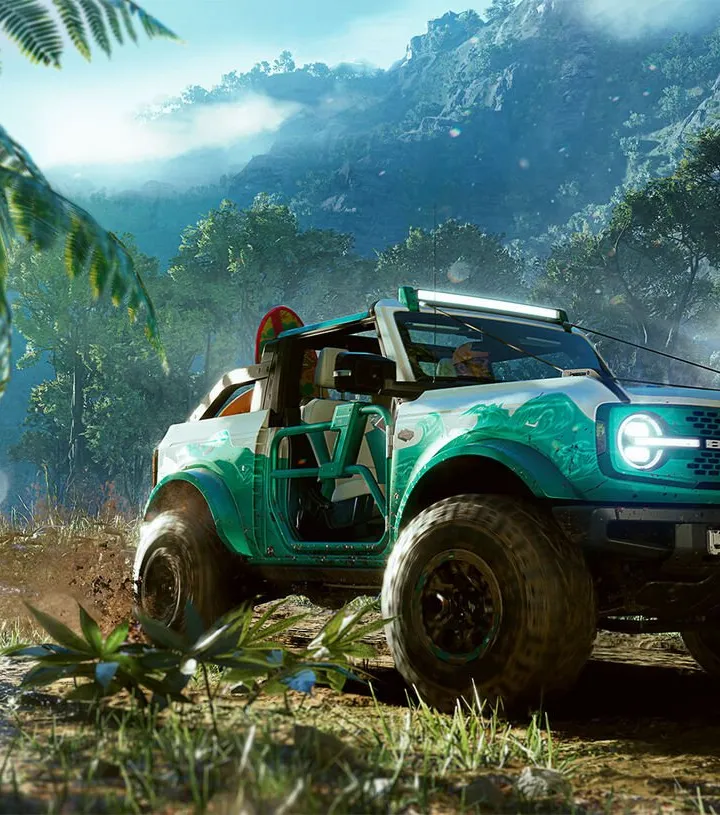
Customize your vehicles in The Crew Motorfest with performance and visual upgrades. Personalize your rides to express yourself and outperform the competition.
Welcome to the ultimate guide for personalizing your ride in The Crew Motorfest! Whether you're aiming for peak performance on the track or a head-turning aesthetic, this section will walk you through every step of transforming your vehicles into unique masterpieces. Customization is key to both expressing yourself and dominating the competition, so let's dive in!
Accessing the Customization Menu
To begin customizing any of your vehicles, follow these simple steps:
- Open the Main Menu: Press the designated button (e.g., Options on PlayStation, Menu on Xbox, Esc on PC) to bring up the game's main interface.
- Navigate to the "Profile" Tab: Use your controller or keyboard to select the "Profile" section.
- Select "Vehicles": Within the Profile tab, choose "Vehicles" to view your entire garage.
- Choose Your Ride: Select the specific vehicle you wish to customize from your collection.
- Enter Customization: Once the vehicle is highlighted, you'll see options like "Performance" and "Visual." Select the desired customization type to proceed.
Performance Customization: Tuning for Victory
Performance customization is all about upgrading your vehicle's stats to improve its speed, handling, and overall competitiveness. This is crucial for tackling harder events and setting new records.
Understanding Performance Parts
Performance parts are categorized by their impact on your vehicle's core attributes. Each part contributes to your vehicle's overall "Performance Level" (or "Perf Level"), a numerical representation of its power. Higher Perf Level generally means better performance.
- Engine: Boosts horsepower and torque, directly impacting acceleration and top speed.
- Gearbox: Affects shift times and overall power delivery.
- Brakes: Improves stopping power and reduces braking distance.
- Suspension: Influences handling, stability, and cornering ability.
- Tires: Dictates grip and traction, vital for all surfaces.
- ECU (Engine Control Unit): Optimizes engine performance for various conditions.
- Exhaust: Can slightly improve horsepower and often changes the engine sound.
Acquiring Performance Parts
There are several ways to get your hands on better performance parts:
- Event Rewards: The most common method. Successfully completing races and events will often reward you with new performance parts. The rarity and Perf Level of these parts typically scale with the difficulty and type of event.
- Loot Drops: Keep an eye out for loot crates and drops during exploration or specific activities.
- Shop Purchases: While less common for high-tier parts, some basic upgrades might be available for purchase in the in-game shop using Bucks (in-game currency).
- Summit Rewards: Participating in the weekly Summit competitions can yield exclusive and powerful performance parts as rewards for achieving certain ranks.
Installing and Managing Parts
Once you have new parts, installing them is straightforward:
- Access the Performance Menu: From the main customization screen for your chosen vehicle, select "Performance."
- Select a Part Slot: You'll see a list of available part categories (Engine, Brakes, etc.). Select the category you wish to upgrade.
- Choose the Best Part: The game will automatically highlight the best available part you own for that slot, indicated by a green arrow or a higher Perf Level number. You can also manually browse all owned parts for that slot.
- Confirm Installation: Select the desired part to equip it. Your vehicle's Perf Level will update instantly.
Pro Tip: Always aim to equip parts with the highest Perf Level number. While some parts might have specific perks, raw Perf Level is generally the most impactful metric for overall performance. check for parts with "Set Bonuses" if you're collecting a specific set!
Visual Customization: Expressing Your Style
Visual customization allows you to personalize the appearance of your vehicle, making it truly yours. From paint jobs to body kits, the options are vast.
Paint and Liveries
- Paint:
- Primary Color: The main body color of your vehicle.
- Secondary Color: Often used for accents, mirrors, or specific body panels depending on the vehicle.
- Rim Color: Customize the color of your wheels.
- Interior Color: For some vehicles, you can even change the interior trim color.
- Material: Choose between various finishes like Gloss, Matte, Metallic, Chrome, Pearlescent, and even special effects like Iridescent. Each material dramatically changes how light interacts with your vehicle.
- Liveries: Pre-designed decals and patterns that can be applied to your vehicle.
- Pre-made Liveries: A selection of official liveries provided by the game.
- Community Liveries: Browse and download liveries created by other players. This is a fantastic way to find unique designs.
- Create Your Own: Dive into the Livery Editor to design your own intricate decals, shapes, and patterns from scratch. This powerful tool allows for incredible creativity, layering multiple elements to achieve complex designs.
Body Parts and Kits
Transform the silhouette of your vehicle with different body modifications:
- Front Bumper: Changes the front fascia and sometimes includes new grilles or air intakes.
- Rear Bumper: Modifies the rear of the car, often with different diffuser styles or exhaust cutouts.
- Side Skirts: Alters the profile along the sides of the vehicle.
- Hood: Offers various designs, including vented hoods or those with power bulges.
- Spoiler/Wing: A crucial visual element, ranging from subtle lip spoilers to aggressive GT wings.
- Mirrors: Customize the style of your side mirrors.
- Headlights/Taillights: For some vehicles, you can change the housing or tint of your lights.
- Widebody Kits: These comprehensive kits dramatically widen your vehicle's fenders, giving it a more aggressive stance. Often come as a complete set.
Wheels and Tires
- Rims: Choose from a vast selection of rim designs, sizes, and spoke patterns. Different rim brands and styles are available.
- Tire Sidewall: Customize the text and branding on your tire's sidewall.
- Brake Calipers: Change the color of your brake calipers for an extra touch of detail.
Vanity Items
These are smaller, often whimsical, additions to further personalize your ride:
- Underglow: Add neon lights beneath your car that glow in various colors and patterns.
- Horn: Select from a wide array of custom horn sounds.
- Nitrous Smoke: Change the color of the smoke emitted when you use your nitrous boost.
- Window Tint: Apply different levels of tint to your vehicle's windows.
- License Plate: Customize the text and design of your license plate.
Acquiring Visual Parts
Most visual customization items are purchased using Bucks (in-game currency) or Crew Credits (premium currency) directly from the customization menu. Some exclusive items might be rewards from events, Summit competitions, or part of special bundles.
Saving and Managing Customizations
Once you've perfected your vehicle's look and performance, remember to save your changes. The game typically saves automatically when you exit the customization menu, but it's always good to double-check. You can also create and save multiple "presets" for a single vehicle, allowing you to quickly switch between different performance tunes or visual styles for various event types or moods.
Experiment with different combinations, express your unique style, and dominate the roads of Motorfest!
100% Human-Written. AI Fact-Checked. Community Verified. Learn how AntMag verifies content