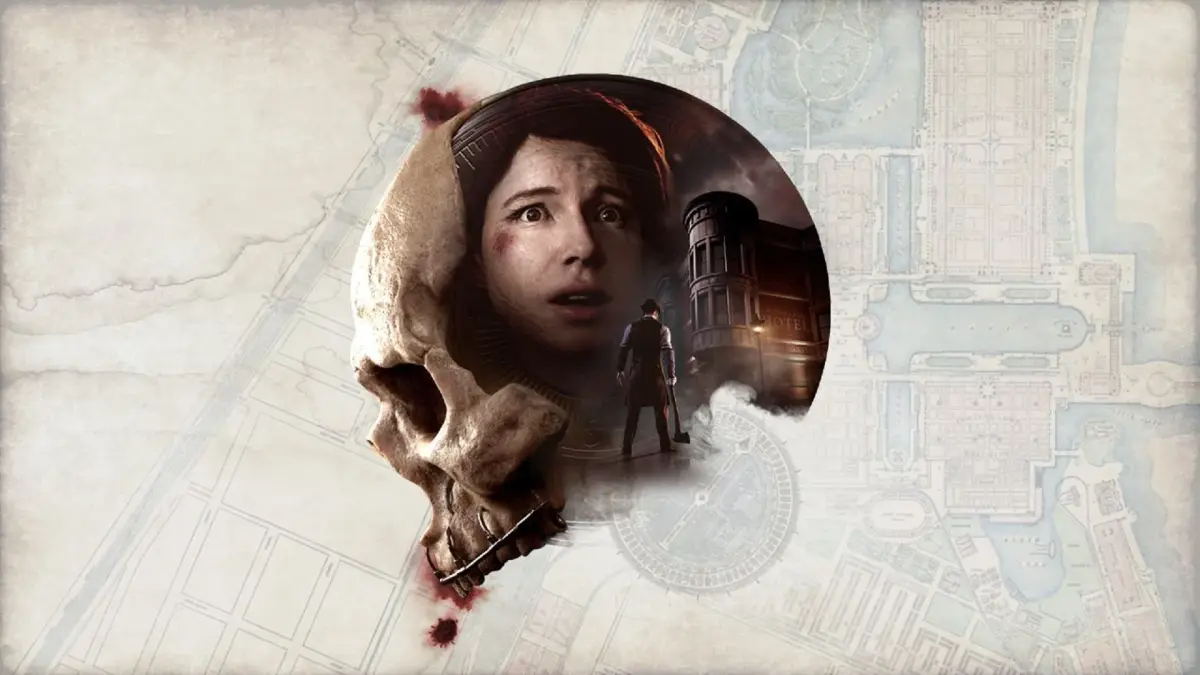
Explore the User Interface (UI) elements in The Dark Pictures Anthology: The Devil in Me. Learn how the game's interface guides your gameplay and enhances the horror experience.
The Dark Pictures Anthology: The Devil in Me features a distinct user interface (UI) that plays a crucial role in its interactive drama survival horror gameplay. The UI is designed to immerse players in the narrative, provide necessary information, and present gameplay mechanics in a clear and intuitive manner.
Key UI Elements:
- Dialogue Choices: At critical junctures, players are presented with dialogue options that shape character relationships and influence the story's progression. These choices are typically displayed prominently on screen, often with a timer, adding urgency to decision-making.
- Quick Time Events (QTEs): Action sequences and moments of peril are often governed by QTEs, requiring players to press specific buttons or perform certain actions within a limited time frame. These are visually indicated on screen, demanding quick reflexes.
- Character Status: Information regarding character health, stress levels, or other relevant status effects may be displayed, though this is often subtle to maintain immersion.
- Inventory/Items: While not a heavy inventory management game, players may interact with and collect items crucial for puzzles or survival. These are usually highlighted when interactable and managed through a simple interface.
- Exploration Prompts: When exploring the environment, interactive objects or points of interest are often highlighted or accompanied by on-screen prompts, guiding the player on what they can examine or use.
- The Curator: Throughout the game, 'The Curator' acts as a narrator and guide, occasionally appearing to summarize player decisions, offer cryptic hints, or provide context. His appearances are part of the narrative delivery, integrated into the game's presentation rather than a traditional UI element.
The UI in The Devil in Me is crafted to enhance the tension and narrative focus, ensuring that players are engaged with the story and its consequences without being overwhelmed by complex menus or information overload.
100% Human-Written. AI Fact-Checked. Community Verified. Learn how AntMag verifies content