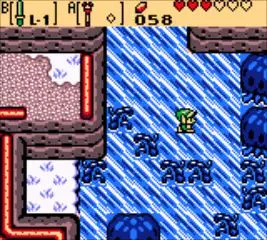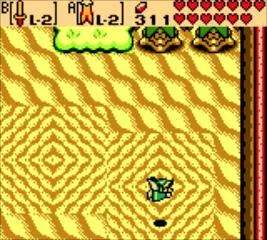
The game's UI provides vital information at a glance. In the top-left corner, you'll see Link's Heart Container display, indicating his current health. Each full heart represents two units of health. Below that, you'll find your current Rupee count, the currency of Holodrum. In the top-right, the equipped item slots (A and B) are shown, reminding you what items are ready for use. The bottom-left often displays contextual messages or hints from NPCs. Pay attention to these elements, especially your health, as it's easy to get overwhelmed in new areas. The subscreen (accessed via Start) offers a more detailed view of your inventory, map, and quest items.