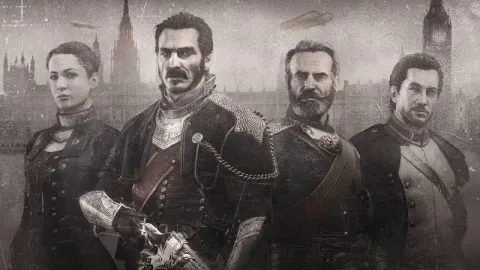
Learn the button mappings and controls for The Order: 1886. Understand how to aim, fire, and navigate the game world to effectively combat enemies and progress through the story.
This section details the default control scheme for The Order: 1886. While the layout is fixed, players have the option to swap the Aim and Fire buttons (L1/R1 to L2/R2) and adjust the sensitivity of the analog sticks to better suit their playstyle.
| Action | Button |
|---|---|
| Aim | L1 / L2 |
| Fire | R1 / R2 |
| Melee Attack | Square |
| Jump / Vault | X |
| Cover | Circle |
| Interact / Use | Triangle |
| Reload | R2 (Hold) |
| Special Ability (Black Sight) | L2 (Hold) |
| Grapple | L1 |
| Throw Grenade | R1 |
| Quick Turn | Double Tap Square |
| Dodge | Double Tap X |
| Sprint | L3 (Press) |
| Look / Camera Control | Right Analog Stick |
| Movement | Left Analog Stick |
100% Human-Written. AI Fact-Checked. Community Verified. Learn how AntMag verifies content