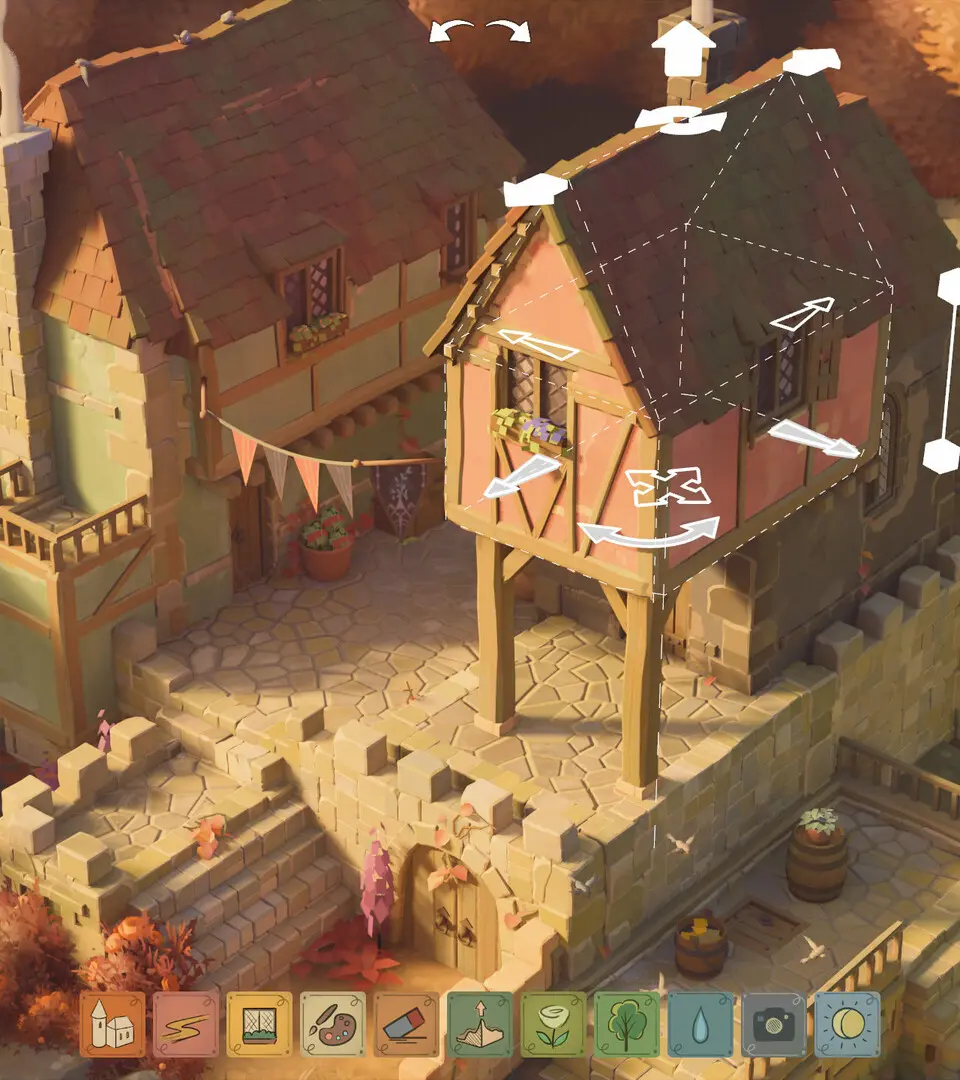
The interface in Tiny Glade is designed to be intuitive and accessible, allowing players to focus on creativity. While specific controls may vary slightly between PC and console versions, the core actions remain consistent. You'll typically use a mouse and keyboard (PC) or gamepad (console) to select building pieces, place them, rotate them, and adjust their size or position. The UI features a clean, minimalist des, with building menus often appearing contextually or as easily accessible palettes. Pay attention to on-screen prompts, especially when first starting, as they will guide you through the initial placement and manipulation of objects. Experiment with different camera angles to get a better view of your creations.