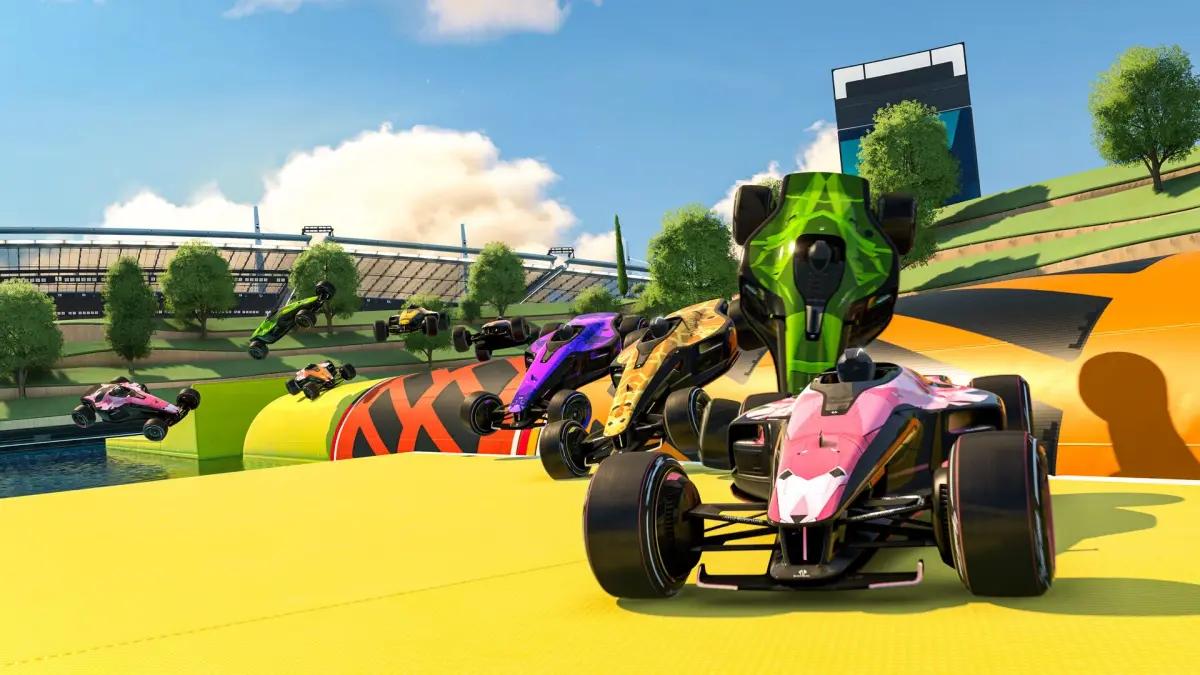
Welcome to Trackmania, the ultimate arcade racing game where mastering speed and precision is everything. Developed by Nadeo and Firebrand Games, this title, released in 2010, offers a unique blend of singleplayer and multiplayer mayhem across PC and Wii. You'll be pushing your car to its absolute limit on a vast array of custom-built tracks, chaining together perfect drifts and boosts to shave off every millisecond. It's a game that's easy to pick up but incredibly difficult to master, perfect for anyone who loves pure, unadulterated racing action.
This guide is your fast lane to success, covering everything you need to dominate. We'll dive deep into core mechanics like understanding track blocks and mastering author medal strategies. Whether you're aiming for that elusive Gold Medal in the Spring 2024 campaign or looking to climb the ranks in competitive PvP, we've got you covered. Get ready to explore advanced driving techniques and ensure your initial setup and customization are dialed in for peak performance.
Getting Started
Dive into Trackmania: Build to Race! Learn about its gameplay, modes like Race, Puzzle, and Platform, and the environments available. Get started on your racing journey!
Getting Started
Dive into Trackmania: Build to Race! Learn about its gameplay, modes like Race, Puzzle, and Platform, and the environments available. Get started on your racing journey!
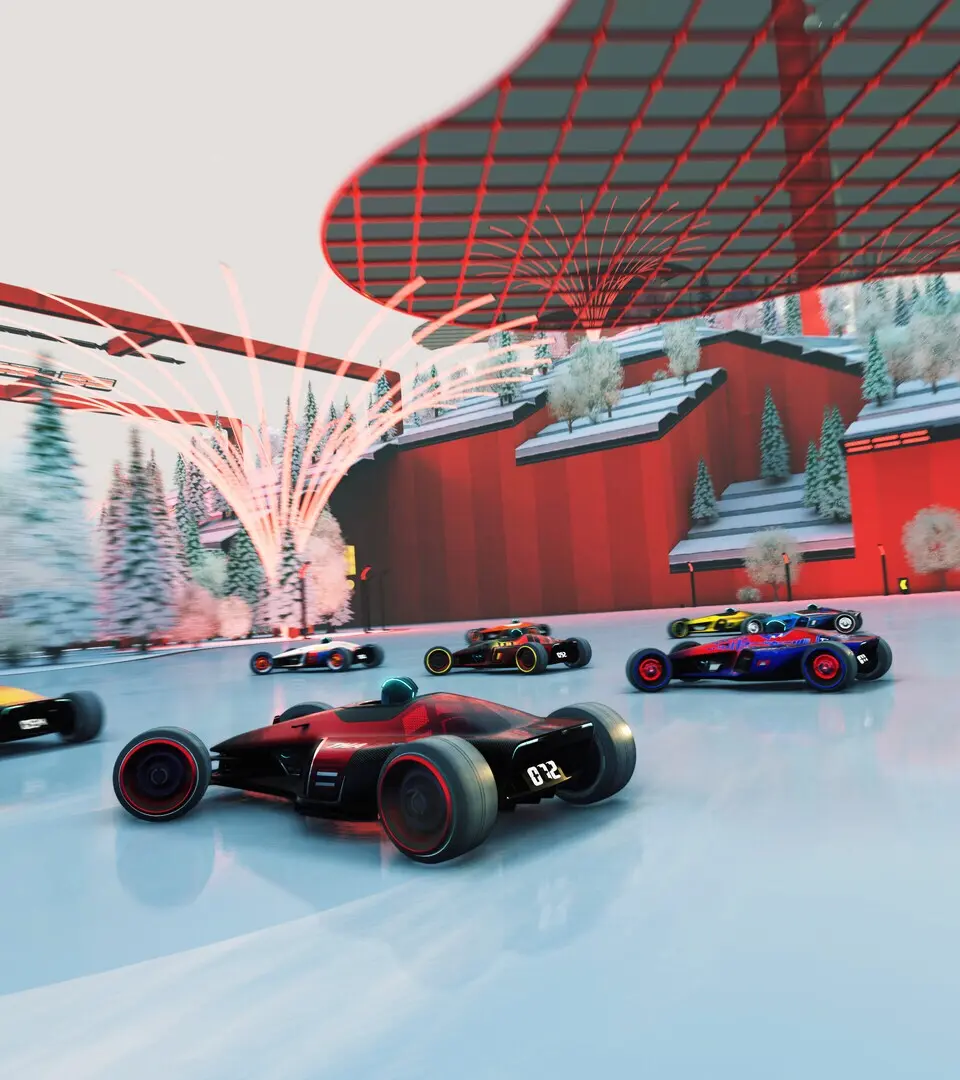
Installation and First Launch
Get Trackmania: Build to Race installed and ready to go! This guide covers everything you need to know for your first launch and getting started with the game.
Alright, so you've got your hands on Trackmania: Build to Race (or maybe you know it as Trackmania Wii). It's part of the awesome Trackmania series, and getting it set up is pretty straightforward. Think of this as your quick-start guide to jump right into the action!
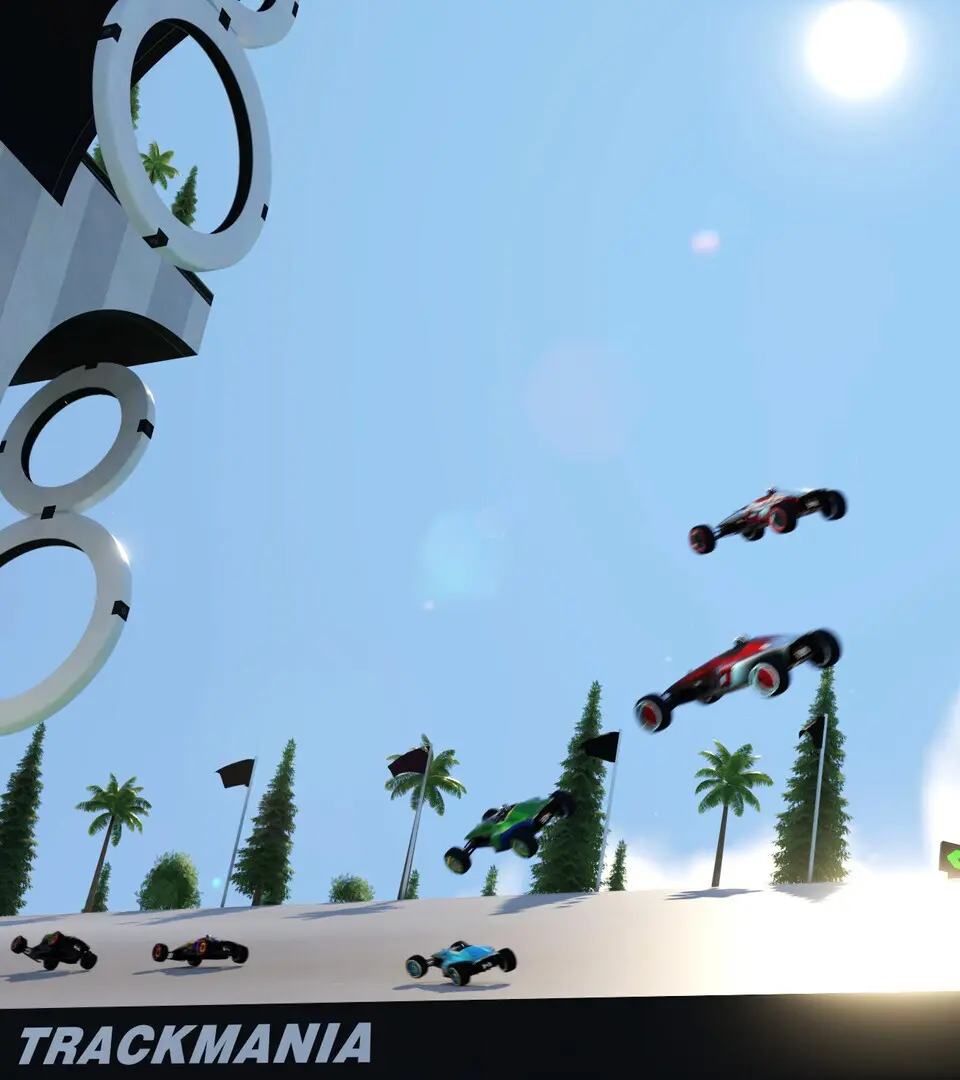
The game itself is pretty similar to other Trackmania titles you might have played. You've got a Solo campaign with over 200 tracks to conquer, and a super fun track editor to let your creativity run wild. The game packs in the classic Race, Puzzle, and Platform modes, and you'll get to race across six of the seven iconic environments: Stadium, Island, Desert, Snow, Rally, and Coast. The Bay environment didn't make the cut this time around, likely because its scenery is a bit too complex for the Wii.
A Little History: This game first popped up on our radar back on June 30, 2009. It was originally slated for a July 20, 2010 release, but the folks at Dreamcatcher Interactive decided to give it a little more polish, pushing the date back. Eventually, it landed on September 23, 2010, in the UK.
DLC Fun (Back in the Day): Back when the Nintendo Wi-Fi Connection was a thing, you could download extra tracks called Turbo 1-8. Unfortunately, that service is no longer available, so you can't grab those directly anymore. However, the community has done a great job recreating them, and you can find guides on how to replicate those routes if you're curious!
Did You Know? This is the only Trackmania game that came out on the Nintendo Wii, and it was the second console release after Trackmania DS. Fun fact: the Island and Coast environments don't have a Night mode in this game, which is a bit unique!
Basic Controls — Trackmania Guide
Learn the essential controls for Trackmania: Build to Race. Master driving, editing, and game modes to dominate the tracks.
Hey there! So you're diving into Trackmania, huh? Awesome! This guide is all about getting you comfy with the basics so you can start racing and building like a pro. We'll cover how to actually drive your car, what different game modes mean, and even how to whip up your own crazy tracks.
Think of this as your pit stop before hitting the main circuit. We'll break down the core mechanics so you're not just steering, you're mastering the track. Let's get you up to speed!
Understanding the User Interface (UI) — Trackmania Guide
Learn to navigate the Trackmania interface like a pro! This guide breaks down the UI elements to help you get the most out of your racing and building experience.
Hey there! So you're diving into Trackmania and want to get a handle on what all those buttons and meters mean? That's smart! Understanding the User Interface (UI) is key to mastering any game, and Trackmania is no different. Let's break down what you'll be seeing on your screen so you can focus on what really matters: going fast and building awesome tracks.
This guide will walk you through the essential UI elements you'll encounter, from the race screen to the track editor. We'll cover everything you need to know to feel confident and in control, whether you're aiming for that perfect lap or creating your next masterpiece.
Similar guides you might like
100% Human-Written. AI Fact-Checked. Community Verified. Learn how AntMag verifies content