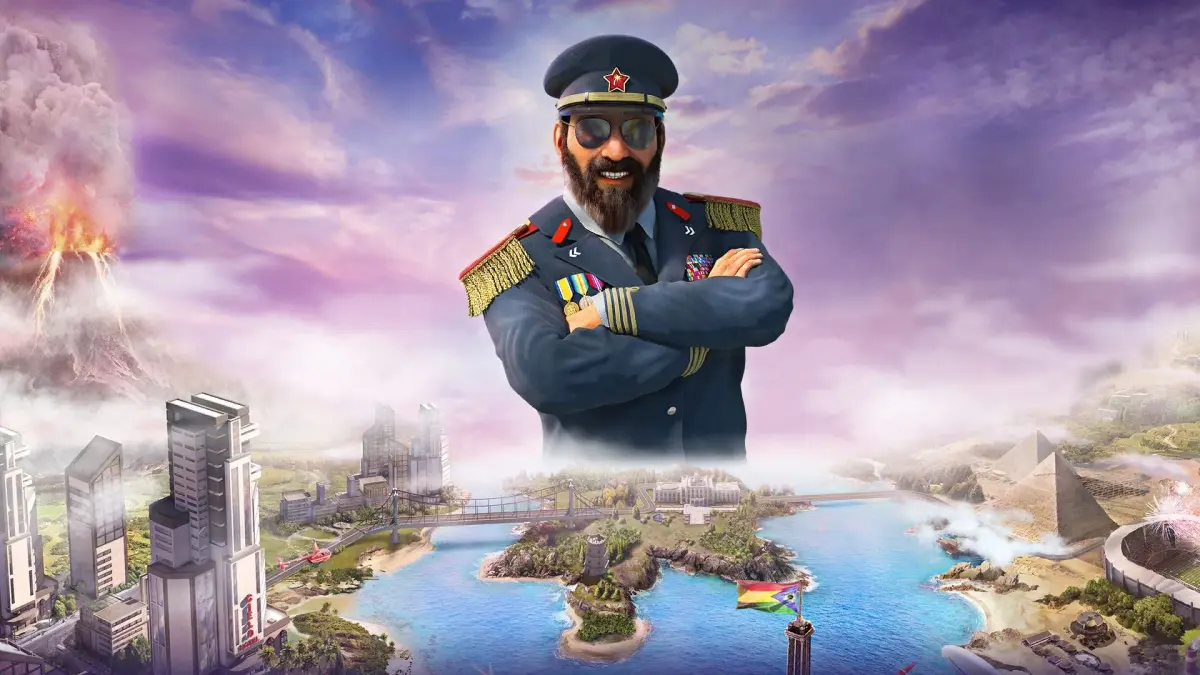
Discover how to use Tropico 6's Editor Mode to reshape your island, create custom scenarios, and even cheat for strategic advantages. Learn map editing tricks.
The Tropico Editor allows for extensive map manipulation, including raising or flattening terrain, deepening oceans, and creating buildings. While it can be used for underhanded tactics, it also offers legitimate ways to improve your island's landscape and production. You will need to download the Tropico Editor from the internet (e.g., www.poptop.com).
Editor Mode Overview:
Presidente, your power extends to reshaping the very land of your island. You can place terrain features like grass and rocks to create unique landscapes. This section details how to use these tools and maximize their effect.
Map Editing vs. Cheating:
Map editing is not always cheating. Flattening hills for construction or farming is a legitimate use. However, using the 'Place Minerals' tool to cover the island in gold, restoring depleted forests, or making the ocean teem with fish solely for your benefit is considered cheating. Modifying game mechanics or smoothing over auto-generated features to suit your preference is a different matter, requiring strategic adjustments. Conversely, using the map editor to increase difficulty, such as creating steep cliffs or fjords, is a legitimate difficulty enhancer.
Smoothing Terrain:
Flattening your entire island can benefit pedestrian movement and crops requiring lowland. However, it may negatively impact crops like coffee that thrive on hillsides and alter rainfall patterns unnaturally. Changing topography necessitates adjusting farm and mine strategies.
Expanding Island Borders:
You can alter the island's shape by using the 'place beach' tool to create land bridges across inlets, then filling them with grass. This allows for land reclamation or creating small landmasses surrounded by water. After redrawing borders, remember to move your city to a more convenient location, as detailed in the EDITOR.TXT file.
Relocating Buildings:
Examine your map for gold deposits. You can remove and re-place your palace, farms, and docks near these deposits. This method can be used to change your starting location and can provide an economic boost if you are not adept at maximizing initial resources. This is generally considered cheating unless you are moving away from archaeological sites or gold deposits.
Advanced Event Editor Tricks:
The Event Editor allows for powerful scenario creation. By creating an event that always evaluates to true and uses a condition like 'AddTo All Revenue' by a certain amount (e.g., 200), you can effectively triple the selling price of goods. This can be used to create challenging or advantageous custom scenarios.
100% Human-Written. AI Fact-Checked. Community Verified. Learn how AntMag verifies content