
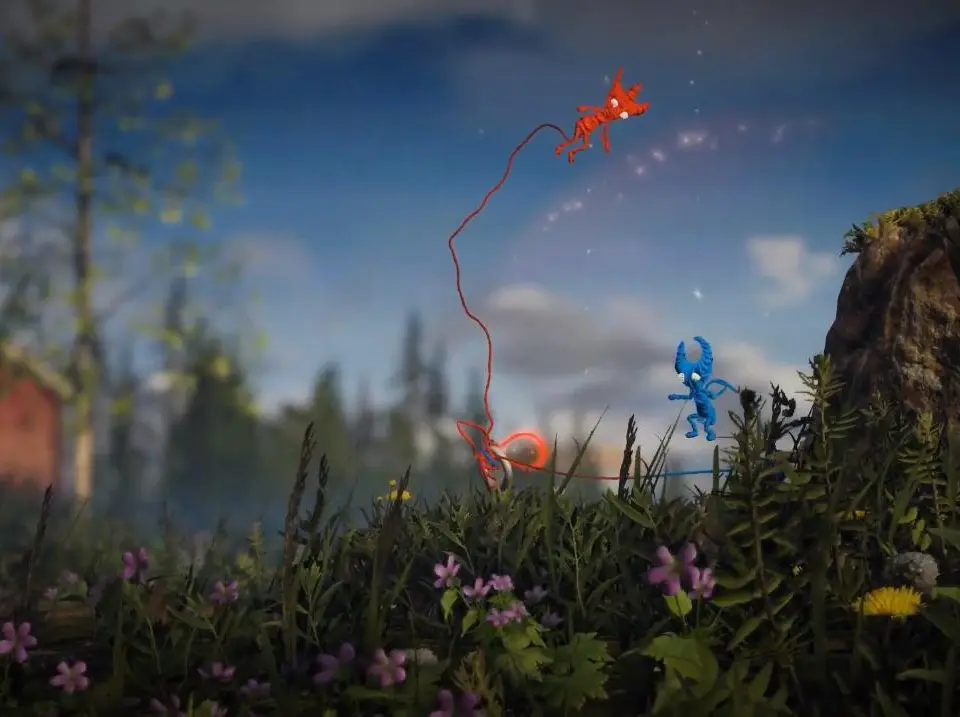
Explore the accessibility options in Unravel Two to customize your gameplay experience. Learn how to adjust settings for a more inclusive and enjoyable adventure.
Unravel Two offers several accessibility options to tailor the game to your needs. These settings can be found in the game's menu and allow for adjustments to gameplay and visual elements.
Accessibility Options:
- Colorblind Mode: Adjusts the color palette to assist players with color vision deficiencies.
- Adjustable Text Size: Allows for larger text to improve readability.
- Subtitles: Option to enable or disable subtitles for dialogue.
- Control Remapping: Customize button layouts for a more comfortable play experience.
- Assisted Controls: Options to simplify certain control inputs, making complex maneuvers easier.
- Reduced Motion: Settings to decrease screen shake and other motion effects for players sensitive to them.
By utilizing these options, players can create a more comfortable and accessible experience while enjoying the cooperative puzzle-platforming of Unravel Two.
100% Human-Written. AI Fact-Checked. Community Verified. Learn how AntMag verifies content