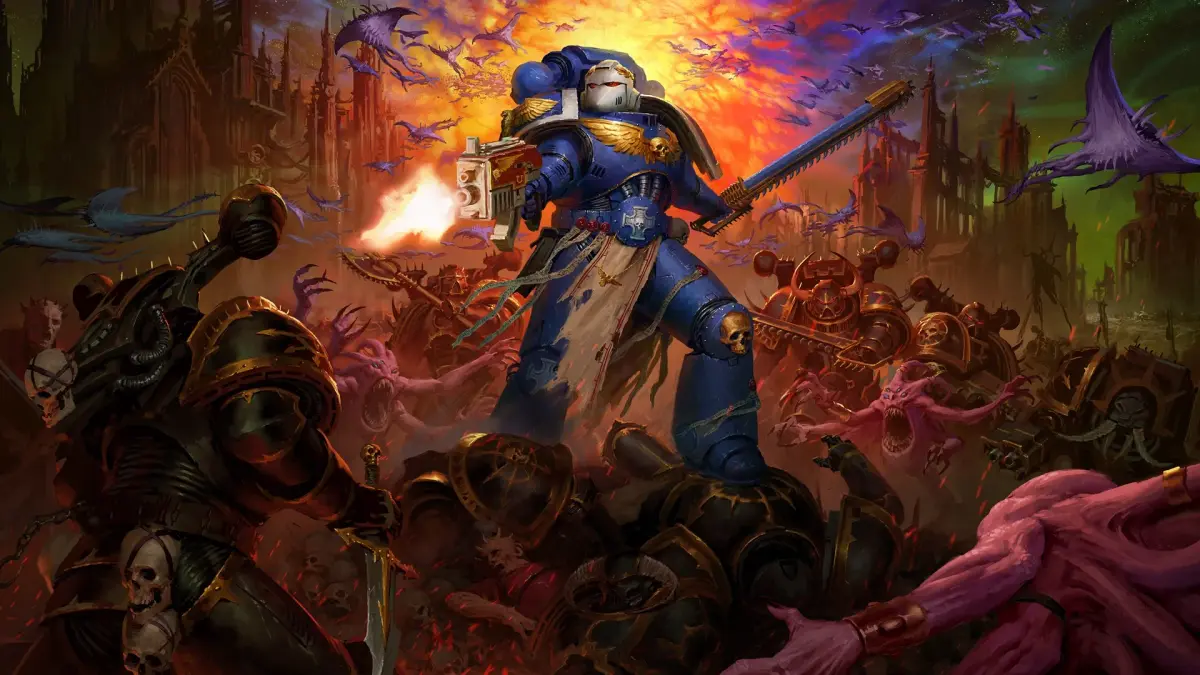
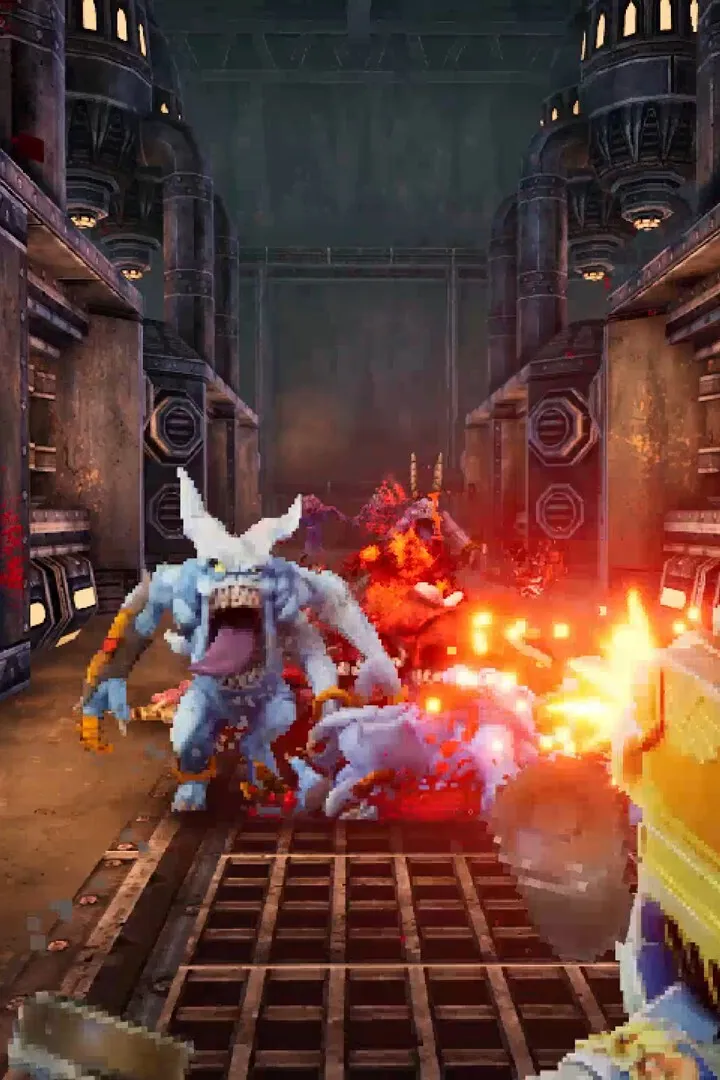
Master the controls for Warhammer 40,000: Boltgun 2 with our guide to controller layouts and keybindings. Optimize your setup for fast-paced combat.
Warhammer 40,000: Boltgun offers a highly customizable control scheme, allowing players to tailor their experience whether they prefer the tactile feedback of a controller or the precision of a keyboard and mouse. Understanding and optimizing these bindings is crucial for executing rapid maneuvers and unleashing devastating firepower against the forces of Chaos. The default settings are designed to be intuitive, but personal preference and playstyle can greatly benefit from adjustments. Experimenting with different layouts can significantly improve your reaction times and overall combat effectiveness, especially when facing hordes of cultists or heavily armored Terminators.
Default Controller Layout (Example for Xbox Controller)
The default controller layout for Warhammer 40,000: Boltgun prioritizes quick access to core actions. The left analog stick controls movement, while the right analog stick handles aiming. The face buttons are typically mapped to primary fire (X), secondary fire/grenades (A), reload (B), and jump (Y). The shoulder buttons often control weapon switching (Left Bumper) and the tactical sprint/dash (Right Bumper). The triggers are usually dedicated to aiming down sights (Left Trigger) and firing the equipped weapon (Right Trigger). The D-pad can be used for weapon selection or accessing specific abilities, depending on the context. For instance, pressing down on the D-pad might cycle through your available ammo types for the Bolter.
Default Keyboard & Mouse Keybindings (Example)
For PC players, the keyboard and mouse setup offers a familiar FPS experience. WASD keys are standard for movement. The mouse controls aiming and camera movement. Left-click is primary fire, and right-click is typically secondary fire or aiming. The scroll wheel or dedicated number keys (1-9) are used for weapon switching. 'R' is commonly bound to reload, 'Spacebar' to jump, and 'Shift' to sprint. Abilities like the Chainsword attack might be mapped to 'F' or 'E', while grenades could be assigned to 'G'. A crucial binding to consider is the quick melee, often mapped to a mouse button or a key like 'V', which can be a lifesaver when enemies get too close, such as a charging Chaos Space Marine.
Customization and Optimization Tips
Players are encouraged to explore the in-game options menu to find the control scheme that best suits them. Consider remapping frequently used actions to more accessible buttons or keys. For example, if you find yourself constantly switching weapons, assigning specific weapons to number keys or even mouse buttons can be highly beneficial. Similarly, if you rely heavily on the dash or dodge mechanic, ensuring it's on a comfortable button can mean the difference between evading a blast from a Heavy Bolter or taking critical damage. Don't be afraid to experiment; what works for one player might not work for another. The goal is to create a seamless connection between your intentions and the actions of your Space Marine, allowing you to focus on the brutal combat against the forces of the Imperium's enemies.
100% Human-Written. AI Fact-Checked. Community Verified. Learn how AntMag verifies content