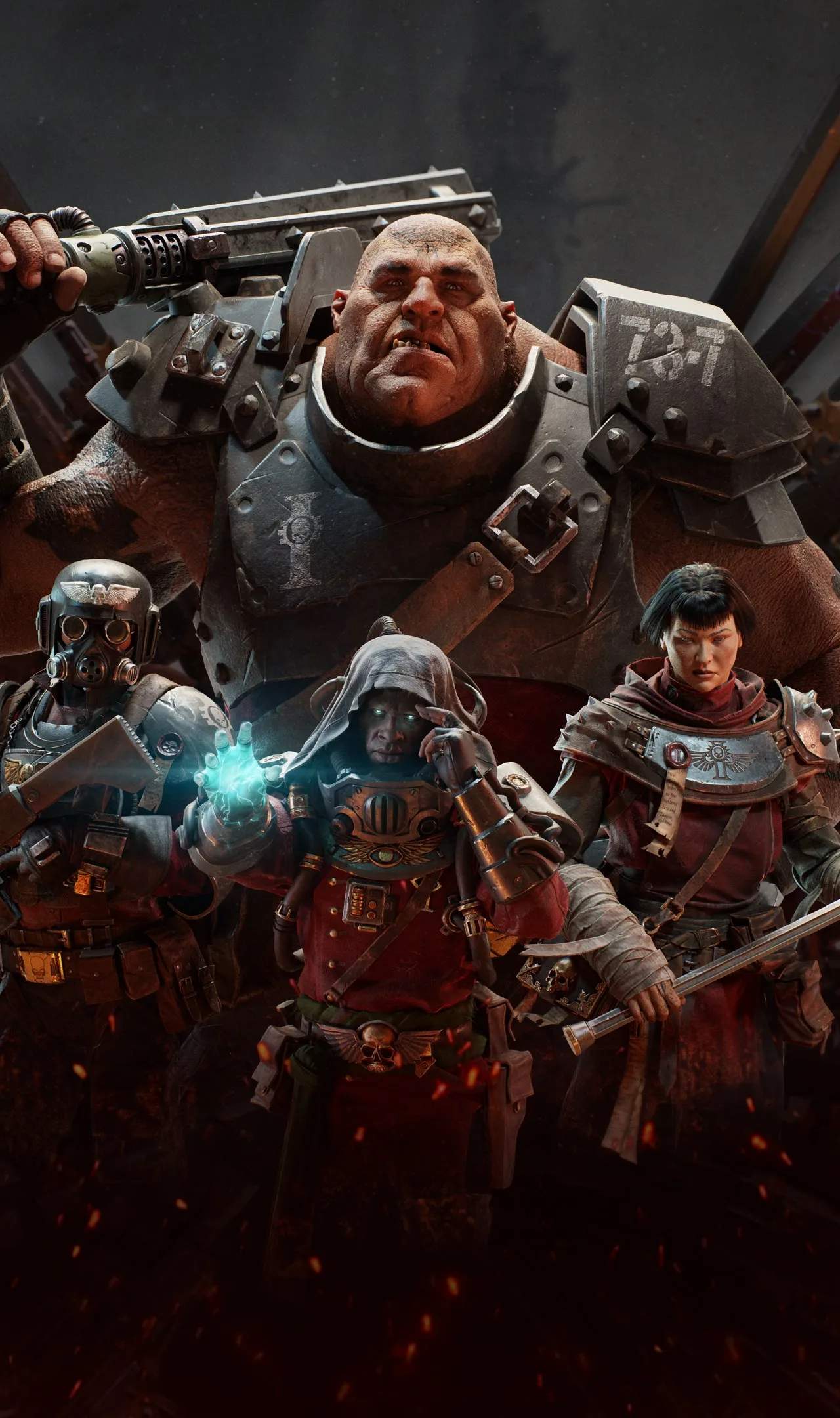
Stay connected with your squad and the wider Imperial Guard through text chat in Darktide. Communicate vital information, coordinate strategies, and share your triumphs and frustrations in the grim darkness of the 41st millennium.
Utilizing Text Chat
Text chat is an essential tool for communication in Darktide, especially when voice chat isn't an option or when you need to convey specific information quickly. It allows you to interact with your teammates and other players on the Mourningstar.
Key Chat Commands and Functions
The text chat interface is straightforward. You can typically open it by pressing the 'Enter' key. Once open, you can type your message and press 'Enter' again to send it.
- General Chat: Messages sent here are visible to all players in your current lobby or on the Mourningstar. This is useful for general announcements, asking questions, or coordinating with players before a mission.
- Team Chat: Messages sent here are only visible to your current mission squad. This is the most important chat for in-game communication during missions. Use it to call out enemy types, request assistance, or coordinate objectives.
- Whispers (Direct Messages): You can send private messages to specific players. This is useful for one-on-one conversations without cluttering the general or team chat. To whisper a player, you typically type a command like `/w [playername] [message]`.
Effective Communication Strategies
Clear and concise communication is vital for success in Darktide. Here are some tips for effective text chat usage:
- Call out enemy types: "Horde incoming!", "Mauler on flank!", "Daemonhost spotted!"
- Indicate danger: "Need help, cornered!", "Low on ammo!", "Revive me!"
- Coordinate objectives: "Going for the secondary objective.", "Defending this area."
- Share information: "Found a medicae station.", "Mission objective updated."
- Be brief: In the heat of battle, long messages are impractical. Use abbreviations and common gaming shorthand where appropriate.
Chat Etiquette
While the Imperium is a harsh place, maintaining a degree of civility in chat is appreciated. Avoid excessive spamming, offensive language, and griefing. Remember that you are representing the Emperor's will, even in digital form.
Troubleshooting Text Chat
If you're having trouble with text chat, ensure it's enabled in your game settings. Sometimes, restarting the game or your PC can resolve connectivity issues. If you're experiencing persistent problems, check the game's official forums or support channels.
Beyond the Mission
Text chat isn't just for in-game coordination. On the Mourningstar, you can use it to find groups for specific missions, trade items (if applicable in future updates), or simply chat with fellow Inquisitorial agents. It fosters a sense of community within the game.