
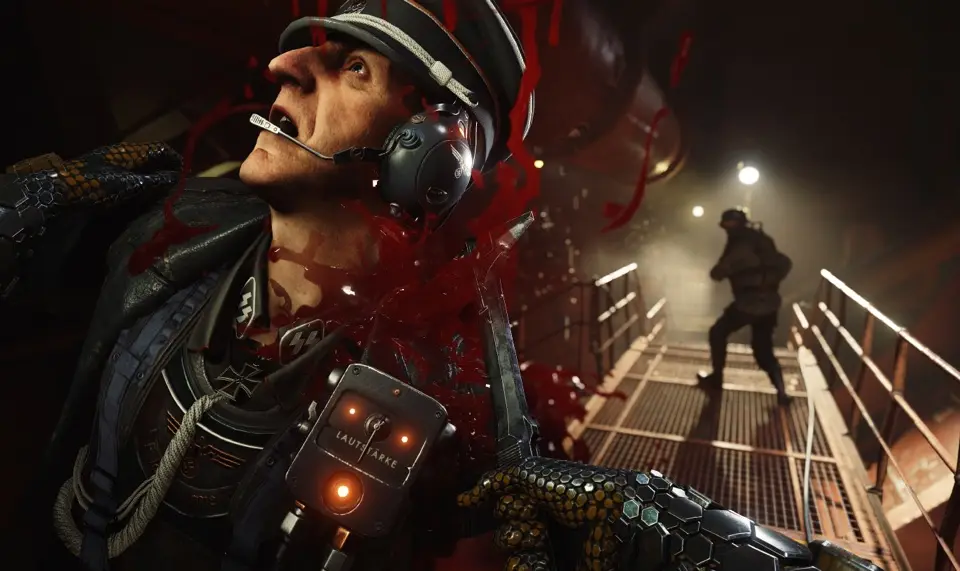
Learn about the User Interface (UI) in Wolfenstein II: The New Colossus. This guide covers essential elements to help you navigate the game effectively.
This guide provides an overview of the User Interface (UI) elements in Wolfenstein II: The New Colossus. Understanding the UI is crucial for effective gameplay, allowing players to manage resources, track objectives, and understand game mechanics.
The UI in Wolfenstein II: The New Colossus includes:
- Health and Armor Indicators: Displays your current health and armor levels.
- Ammo Count: Shows the remaining ammunition for your currently equipped weapon.
- Objective Markers: Guides you towards your current mission objective.
- Minimap: Provides a small map of your immediate surroundings, often showing enemy positions and points of interest.
- Weapon Wheel/Selection: Allows you to quickly switch between your available weapons.
- Interaction Prompts: Indicates when you can interact with objects or characters in the environment.
- Ability/Perk Displays: Shows available special abilities or perks and their status.
100% Human-Written. AI Fact-Checked. Community Verified. Learn how AntMag verifies content