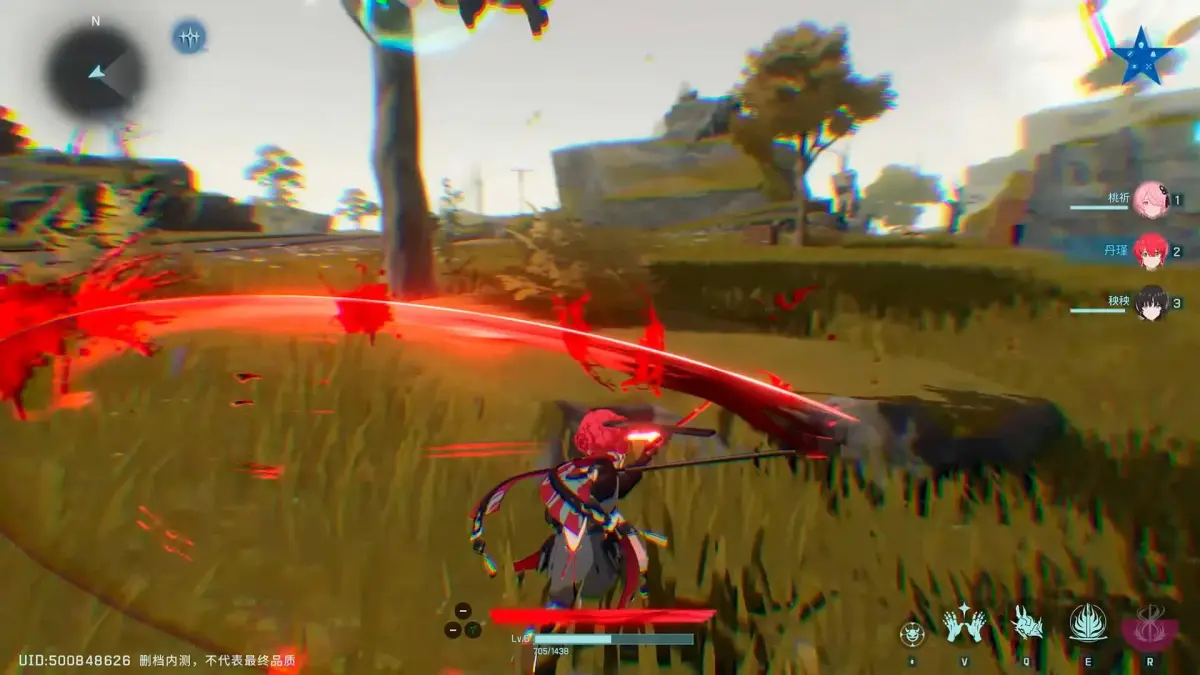
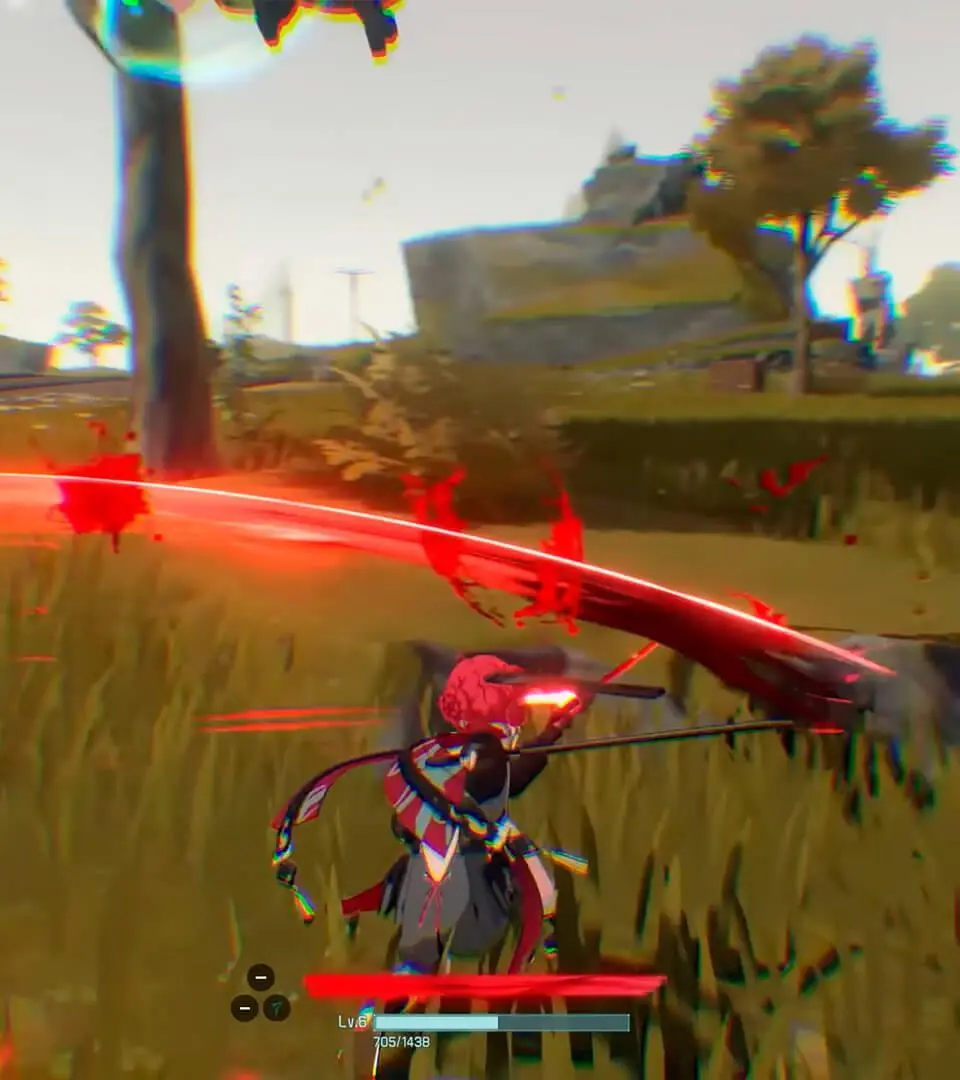
Learn the essential controls and movement mechanics in Wuthering Waves. Master combat, exploration, and traversal with our comprehensive guide.
This guide covers the basic controls and movement mechanics for Wuthering Waves. Understanding these fundamentals is key to navigating the world, engaging in combat, and mastering exploration.
| Action | Button |
|---|---|
| Movement | Left Stick |
| Camera Control | Right Stick |
| Jump | A Button (Xbox) / X Button (PlayStation) / Spacebar (PC) |
| Dodge/Evade | B Button (Xbox) / Circle Button (PlayStation) / Left Shift (PC) |
| Attack | Right Trigger (Xbox) / R2 Button (PlayStation) / Left Mouse Button (PC) |
| Skill | Left Trigger (Xbox) / L2 Button (PlayStation) / Right Mouse Button (PC) |
| Heavy Attack | Y Button (Xbox) / Triangle Button (PlayStation) / Middle Mouse Button (PC) |
| Dodge Attack | Press Attack during Dodge |
| Sprint | Hold Left Stick + B Button (Xbox) / Circle Button (PlayStation) / Left Shift + W (PC) |
| Interact/Pick Up | X Button (Xbox) / Square Button (PlayStation) / E Key (PC) |
| Open Menu | Start Button (Xbox) / Options Button (PlayStation) / Tab Key (PC) |
| Open Map | View Button (Xbox) / Touchpad (PlayStation) / M Key (PC) |
| Open Inventory | Select Button (Xbox) / Share Button (PlayStation) / I Key (PC) |
| Switch Character | D-Pad Left/Right (Controller) / 1/2/3 Keys (PC) |
| Special Skill/Ultimate | D-Pad Up (Controller) / Q Key (PC) |
100% Human-Written. AI Fact-Checked. Community Verified. Learn how AntMag verifies content