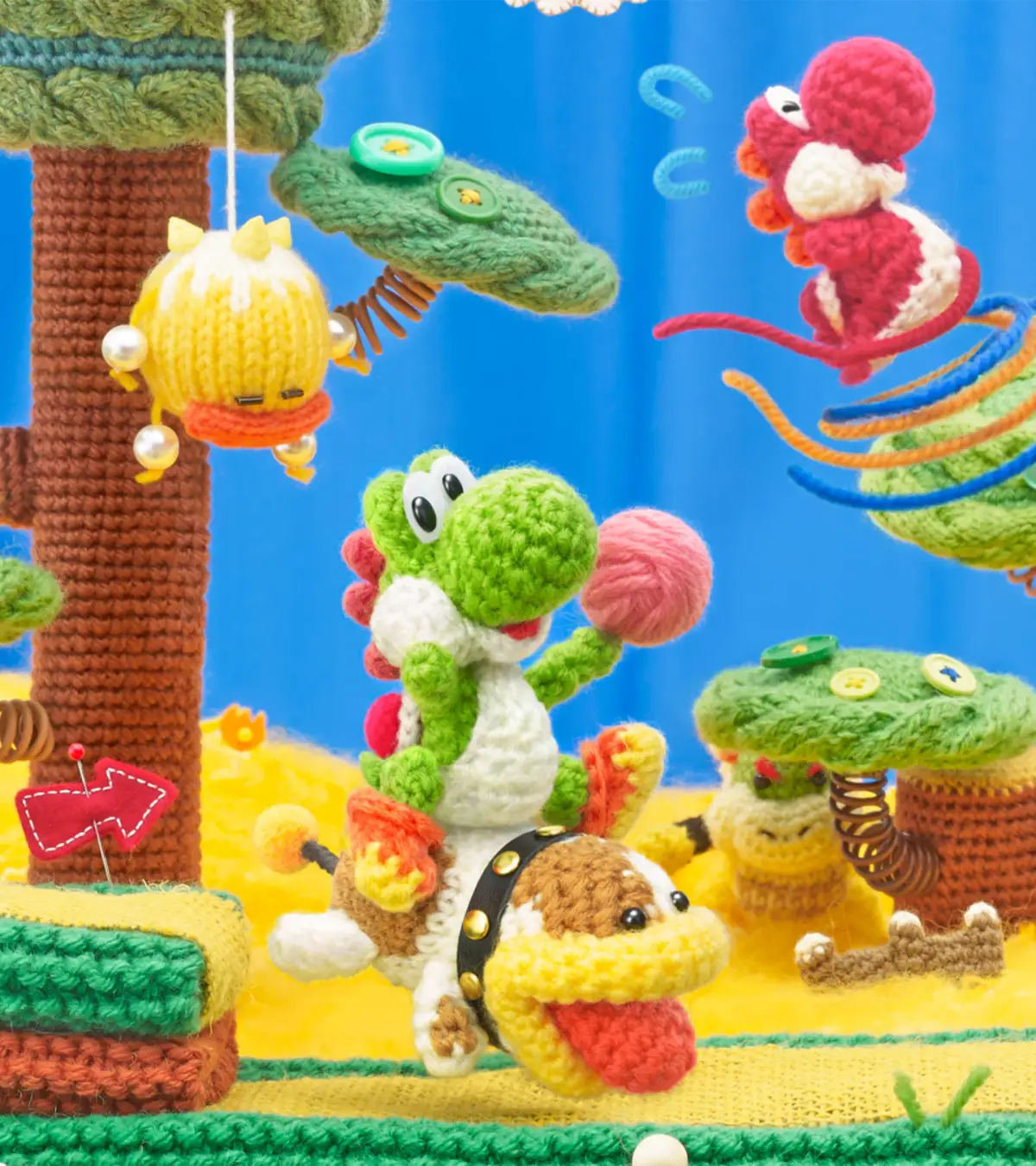
Embark on your Yoshi's Woolly World adventure! This guide covers your first steps on Craft Island and diving into World 1, helping you choose your Yoshi and navigate the initial hub.
Alright, let's get this Yoshi's Woolly World adventure rolling! When you first boot up the game, you'll get to pick one of three save files. Each file determines the color of your starting Yoshi. This guide's gonna assume you're playing in Classic Mode, which is the standard way to play, rather than the super-easy Mellow Mode. After that, you'll set up your controller settings. Just pick whatever feels best for you. I'd recommend setting the Throw Style to "Patient" instead of "Hasty" because it gives you a bit more breathing room to throw yarn balls accurately while you're in the air. Once you're happy with your choices, hit "OK"!
You'll then see some cool cutscenes that set up the game's story. When you finally get to control Yoshi, you'll be on Craft Island, which is like your main hub area. Depending on which save file you chose, you'll start as either a Green Yoshi (File 1), Pink Yoshi (File 2), or Light-Blue Yoshi (File 3). You can even switch to a Red Yoshi if you fancy! Take a moment to look around the island. Right now, there aren't many options. You'll see two tents: the amiibo Hut, where you can scan an amiibo to get a special Yarn Yoshi partner, and the Scrapbook Theater, which is pretty empty at the start. Craft Island connects to all the different worlds, but for now, the only place you can go is World Bobbin, which leads you to World 1. So, let's head there! Once you arrive, there's just one course available to start with, so let's jump in!
100% Human-Written. AI Fact-Checked. Community Verified. Learn how AntMag verifies content