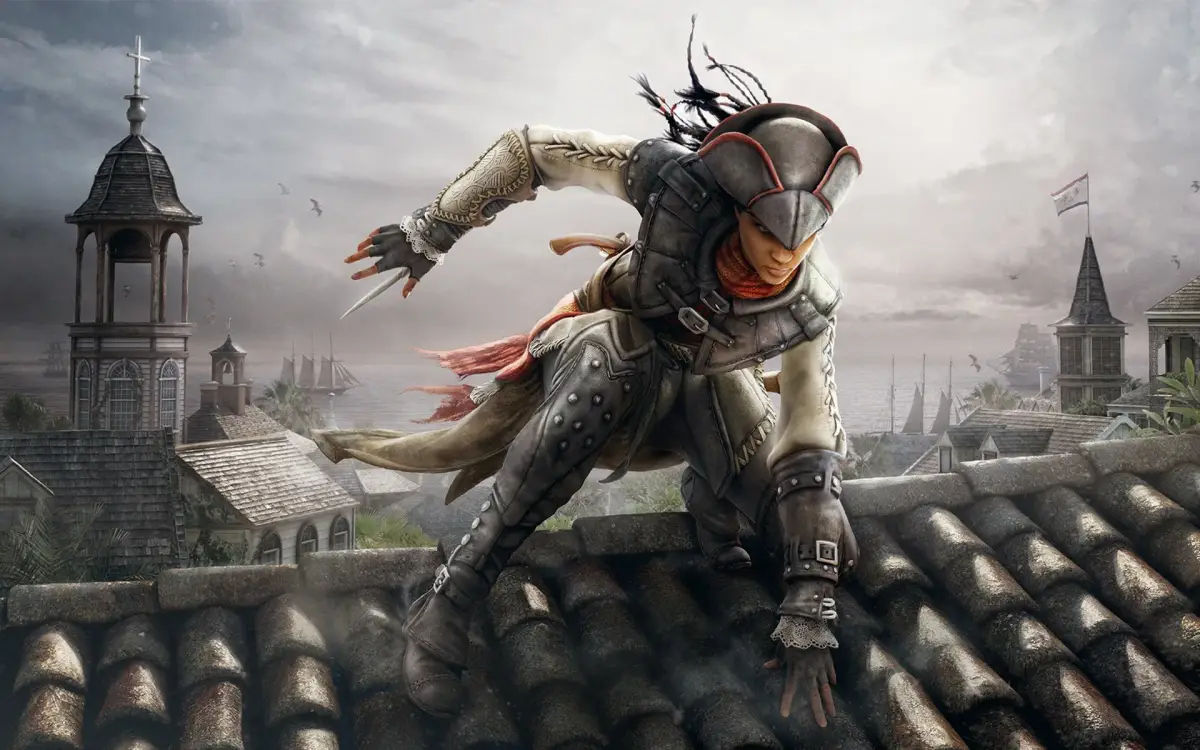
Master Assassin's Creed Liberation HD with our comprehensive controls guide. Learn all standard, combat, and canoe controls for PlayStation 3 and Xbox 360.
Should you need a crash course on the controls or simply forget how to perform certain actions, refer to this part of the guide. In the tables below, the first column shows the variety of basic actions you can perform. The second column provides the required input to perform the action. Standard controls are available at any time while you are playing.
| Action | PlayStation 3 Input | Xbox 360 Input |
|---|---|---|
| Open pause menu | Start button | Start button |
| Open map | Select button | Back button |
| Open weapon wheel | R2 button (hold) | Right bumper (hold) |
| Quick selection | Directional buttons | Directional buttons |
| Set quick selection shortcut | D-pad (when weapon highlighted) | D-pad (when weapon highlighted) |
| Move | Left analog stick | Left stick |
| Look around | Right analog stick | Right stick |
| Switch shoulder | R3 button | Right stick button |
| Toggle eagle vision | L3 button | Left stick button |
| Gentle push | Move + Circle button | Move + B button |
| Walk faster | Move + X button (hold) | Move + A button (hold) |
| Free run | Move + R1 button (hold) | Move + Right trigger (hold) |
| Jump | R1 (hold) + X button | Right trigger (hold) + A button |
| Climb | X button (when near a scalable object or wall) | A button (when near scalable object or wall) |
| Drop | Circle button (when climbing) | B button (when climbing) |
| Perform leap of faith | Move + R1 button (hold) + X button (hold) | Move + right trigger (hold) + A button (hold) |
| Fast swim | R1 button (hold) + X button (hold) | Right trigger (hold) + A button (hold) |
| Dive | X button (while swimming) | A button (while swimming) |
| Rise | X button (hold) (while underwater) | A button (hold) (while underwater) |
| Toggle precision mode | L1 button | Left trigger |
| Swing-jump | R1 button (hold) + X button (hold) -> Run | Right trigger (hold) + A button (hold) -> Run |
| Ready weapon | Square button | X button |
| Sheathe weapon | Circle button (when weapon is ready) | B button (when weapon is ready) |
| Interact | Circle button (on interactive object) | B button (on interactive object) |
| Whistle (in hiding) | Circle button | B button |
| Loot | Circle button (on lootable object) | B button (on lootable object) |
| Tackle | Run + Circle button | Run + B button |
| Shoot/reload/draw in | Triangle button (hold to focus) | Y button (hold to focus) |
Combat controls are used only in circumstances where you are engaged with one or more enemies.
| Action | PlayStation 3 Input | Xbox 360 Input |
|---|---|---|
| Attack | Square button (when weapon is ready) | X button (when weapon is ready) |
| Use tool | Triangle button | Y button |
| Break defense | X button | A button |
| Block | Circle button (hold) | B button (hold) |
| Counterattack | Circle button -> Square button (weapon) OR Triangle button (tool) | B button -> X button (weapon) OR Y button (tool) |
| Disarm | Circle button -> X button | B button -> A button |
| Throw | Circle button -> Circle button | B button -> B button |
| Activate chain-kill | L2 button | Left bumper |
| Enter high profile | R1 button (hold) | Right trigger (hold) |
| Pick up / drop enemy weapon | Circle button | B button |
Use the controls below for operating a canoe.
| Action | PlayStation 3 Input | Xbox 360 Input |
|---|---|---|
| Embark/disembark canoe | Circle button | B button |
| Move forward | R1 button | Right trigger |
| Move backward | L1 button | Left trigger |
| Steer | Left analog stick | Left stick |
100% Human-Written. AI Fact-Checked. Community Verified. Learn how AntMag verifies content