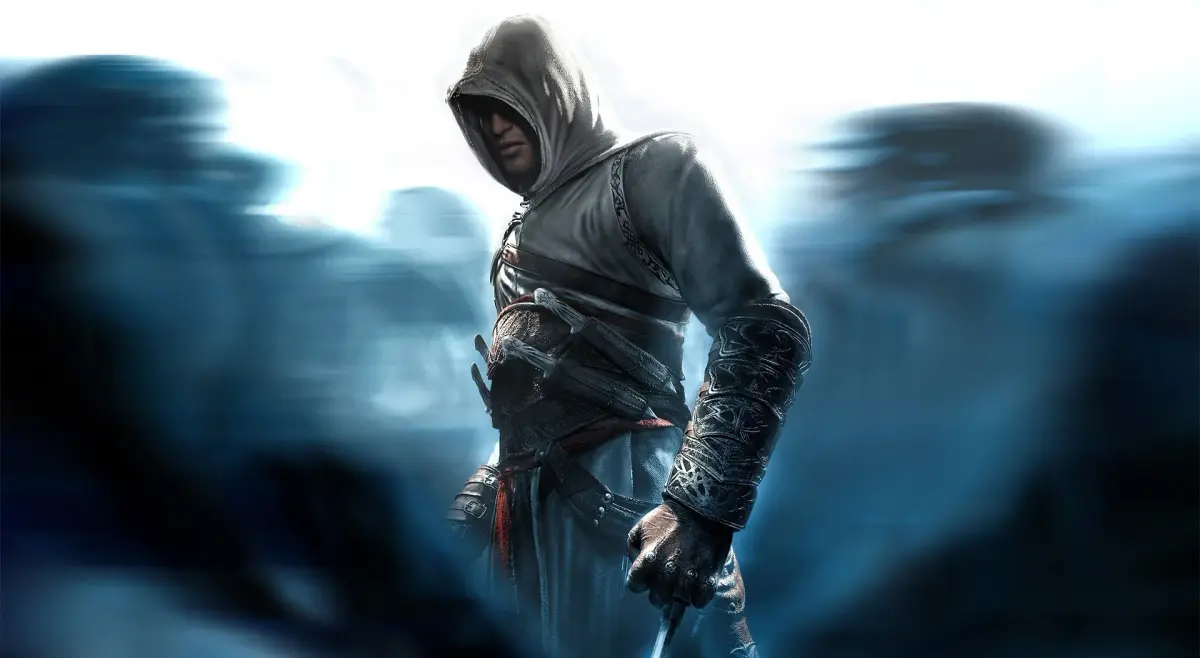
Navigate Assassin's Creed Revelations like a pro! Learn quickjump codes, control mappings, and essential combat techniques for Ezio's final adventure.
Hey there, future Master Assassin! So, you've booted up Assassin's Creed Revelations and you're wondering how to get the most out of this guide? It's pretty straightforward, so let's get you oriented.
First off, you'll see a table of contents right above this section. See those little codes at the end of most entries, like [bc01]? Those are your quickjump codes. They're super handy! Just hit Ctrl+F on your keyboard, type in the code, and bam! You'll instantly jump to that part of the guide. It's also a great way to search for specific keywords if you're hunting for a particular piece of info.
Before you send me any emails with questions or suggestions, please do me a solid and check out the FAQ section first. Chances are, your question is already answered there!
Most importantly, though? Just have fun with it! I really hope this guide helps you out, and that you find exactly what you need to make your journey through Constantinople as smooth as possible. Thanks for using the guide!
Controls
Alright, let's get down to the nitty-gritty: how to actually move and act in the game. Here's a breakdown of the button mappings for both PlayStation 3 and Xbox 360. Get these down, and you'll be blending into crowds and scaling walls like a seasoned pro in no time.
General Controls:
| Action | PS3 Button | 360 Button |
| Pause | Start | Start |
| Map | Select | Back |
| Movement | Left Analog Stick | Left Thumbstick |
| Camera | Right Analog Stick | Right Thumbstick |
| Lock on | L1 | Left Trigger |
| Call Assassins | L2 | Left Button |
| Eagle Sense | L3 | Left Thumbstick in |
| High Profile | R1 | Right Trigger |
| Inventory Wheel | R2 | Right Button |
| Center camera | R3 | Right Thumbstick In |
| Select Hidden Blade | D-Pad Up | D-Pad Up |
| Select Primary Weapon | D-Pad Right | D-Pad Right |
| Use Medicine | D-Pad Left | D-Pad Left |
| Select Fists | D-Pad Down | D-Pad Down |
Actions (Low Profile vs. High Profile):
| Action | PS3 Button | 360 Button |
| Steal (Low Profile) | X | A |
| Sprint/Free Run (High Profile) | X | A |
| Gentle Push (Low Profile) | Circle | B |
| Hookblade counter (High Profile) | Circle | B |
| Tackle (while running) | Circle | B |
| Attack | Square | X |
| Speak/Interact | Circle | B |
Tools of the Trade
Being a Master Assassin isn't just about fancy parkour; it's about having the right gear. Ezio's got a few key tools in his arsenal that you'll be using constantly.
- Hidden Blades: These are your bread and butter for silent takedowns. With the Double Hidden Blades upgrade, you can even take out two targets at once. Super versatile for any situation.
- Medium Weapons (Swords/Maces): These are your all-rounders. They're not the fastest, but they hit hard and are great for chaining combos and pulling off counters. You can even use a special move: hold Triangle when your pistol is out during combat to shoot a guard. Also, during an Execution Streak, holding Square instead of just tapping it can trigger a double kill – one enemy with your blade, another with your pistol!
- Daggers: Ezio can carry one main weapon and a dagger. Daggers are lightning fast for attacks and counters, giving you the edge in fights. They make your combo strikes quicker and give you a wider window for counter-kills. Just a heads-up, though: they're not the best for blocking attacks, especially from tougher enemies. And don't forget, you can hold Triangle with daggers equipped to throw up to three knives!
100% Human-Written. AI Fact-Checked. Community Verified. Learn how AntMag verifies content