Learn how to manage Madeline's dash in Celeste! This guide covers dash mechanics, refills, and resets, crucial for mastering the game's challenging platforming.
Walkthrough
- 1The dash is introduced at the end of the Prologue, gifted by the Bird.
- 2The dash propels Madeline forward in the direction the player is holding.
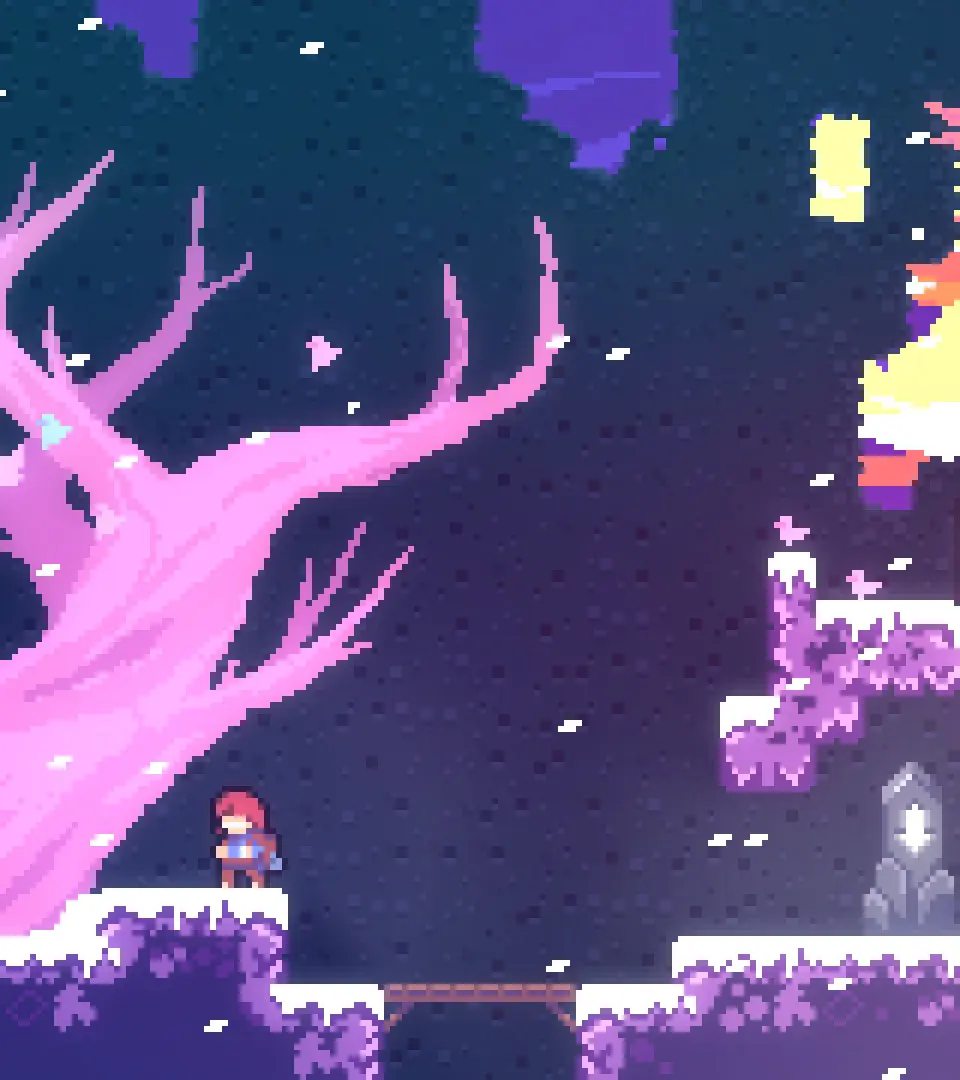
- 3The number of available dashes is indicated by Madeline's hair color.
- 4Dashes refresh when Madeline touches the ground.
- 5Dashes refresh when Madeline collects stamina crystals (Diamonds).
- 6Dashes refresh when Madeline transitions between screens.
- 7Advanced techniques involve combining the dash with jumping and climbing, detailed on the [Moves](https://celestegame.fandom.com/wiki/Moves "Moves") page.
Tips
- Mastering dash timing and direction is key to overcoming Celeste's challenging platforming sections.
- Pay attention to Madeline's hair color to track your available dashes.
- Look for opportunities to refresh your dash, such as landing on platforms or passing through screen transitions.
- Experiment with different dash combinations with jumping and climbing to find efficient movement strategies.
100% Human-Written. AI Fact-Checked. Community Verified. Learn how AntMag verifies content