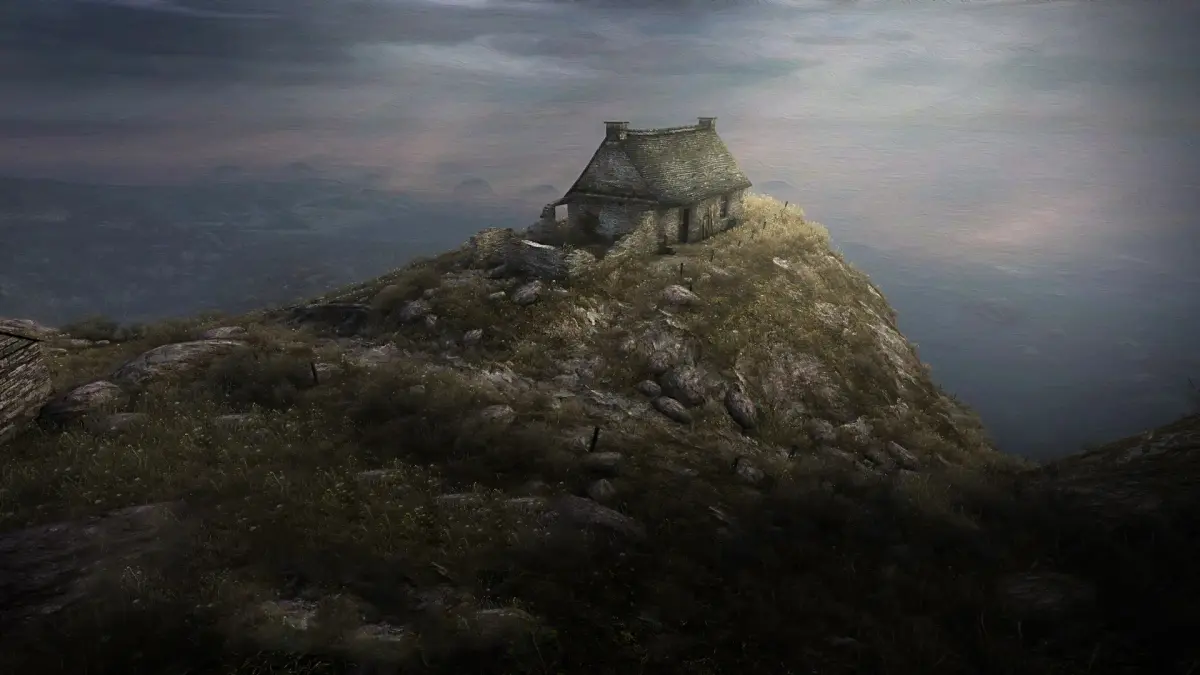
Get a grip on Dear Esther! This guide breaks down all the controls you'll need to navigate the island and uncover its secrets. Perfect for new players.
Alright, let's get you oriented with how to actually move around and interact in Dear Esther. It's a pretty straightforward game, so you won't be juggling a million buttons, but knowing what does what is key to soaking in the atmosphere and following the story.
Think of it like this: you're not fighting or building here, you're exploring and experiencing. Most of your time will be spent just walking, looking around, and listening. The controls are designed to be as unobtrusive as possible, letting the island's story unfold around you.
Here's a quick rundown of what you'll be doing:
| Action | Control |
| Movement (Forward, Backward, Left, Right) | Left Analog Stick |
| Look Around | Right Analog Stick |
| Interact / Trigger Events | X Button (PlayStation) / A Button (Xbox) |
| Pause Menu / Options | Start Button (PlayStation) / Menu Button (Xbox) |
That's really the core of it! The main thing is to get comfortable with moving and looking. Don't be afraid to stop and just take in the scenery – that's a huge part of the game. The 'Interact' button is usually pretty obvious when it's needed, often tied to progressing the narrative or picking up on something specific. Just keep an eye out for when the game prompts you to press it.
The menus are simple too. Use the Left Analog Stick to navigate and X/A to select. It's all pretty standard stuff, so you should feel right at home if you've played any games before. The most important thing is to immerse yourself in the story and the environment. Happy exploring!
100% Human-Written. AI Fact-Checked. Community Verified. Learn how AntMag verifies content