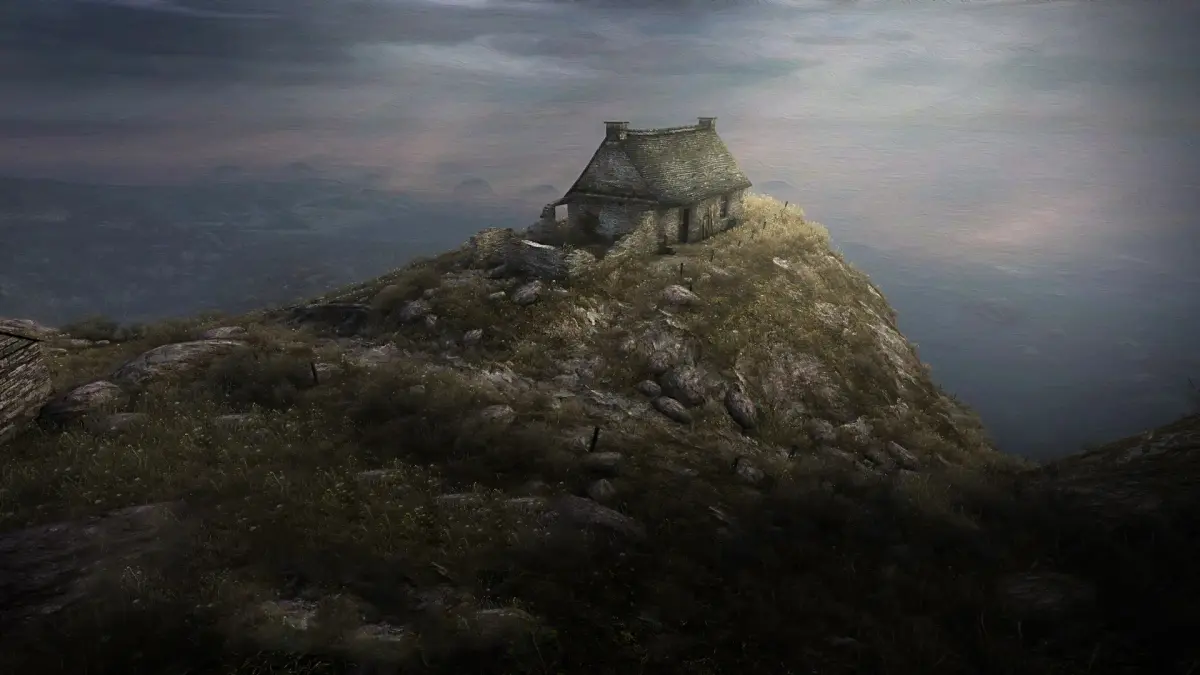
Adjust Dear Esther's audio, video, and control settings including volume, resolution, key bindings, and developer console.
The Options menu allows you to fine-tune various aspects of Dear Esther.
Audio Settings:
- Adjust volume levels.
- Configure speaker configuration.
- Modify sound quality.
- Toggle subtitles on or off.
Video Settings:
- Change the aspect ratio.
- Select the resolution.
- Switch between windowed and full-screen modes.
- Enable or disable power savings.
- Adjust detail foliage.
- Modify draw distance and field of view.
- Access advanced video settings.
Keyboard/Mouse Settings:
- Customize key bindings.
- Adjust camera sensitivity, speed, and acceleration.
- Enable or disable the developer console.
Controller Settings:
- Enable or disable controller support.
- Adjust control sensitivity.
- Select the look type.
- Configure vibration settings.
100% Human-Written. AI Fact-Checked. Community Verified. Learn how AntMag verifies content