
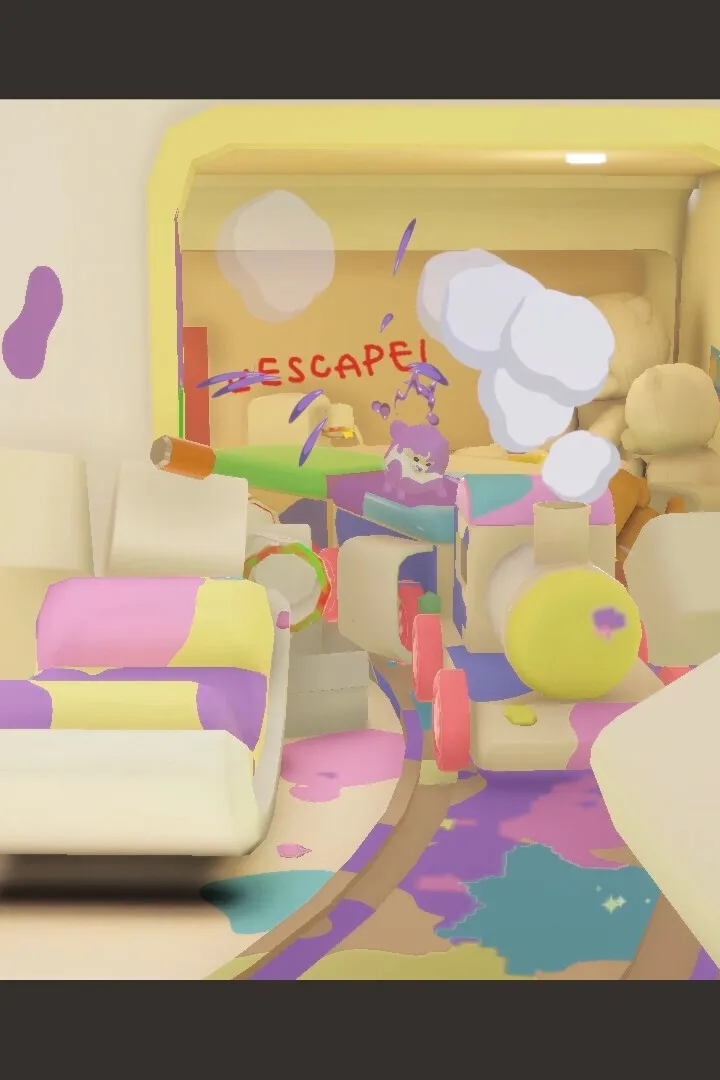
Boost Doronko Wanko performance. Optimize graphics settings, close background apps, update drivers, and check system requirements for smoother gameplay.
To ensure the smoothest and most enjoyable experience while playing Doronko Wanko, especially on less powerful hardware, optimizing performance is key. These tips will help you get the most out of your system and minimize any potential lag or frame rate issues.
Adjust In-Game Graphics Settings: The most direct way to improve performance is by lowering the graphical fidelity within the game's settings menu. Look for options such as resolution, texture quality, anti-aliasing, and shadow detail. Reducing these settings, particularly resolution and shadow quality, can have a significant impact on frame rates. Experiment with different combinations to find a balance between visual appeal and smooth gameplay.
Close Background Applications: Before launching Doronko Wanko, ensure that you close any unnecessary applications running in the background on your PC. Programs like web browsers with many tabs open, streaming services, or other resource-intensive software can consume valuable CPU and RAM, leaving less available for the game. A clean system ensures the game has the resources it needs to run optimally.
Update Graphics Drivers: Outdated graphics drivers are a common cause of performance problems. Visit the website of your graphics card manufacturer (NVIDIA, AMD, or Intel) and download the latest drivers for your specific model. Regularly updating your drivers can often resolve performance issues and improve compatibility with newer games.
Check System Requirements: Ensure that your PC meets the minimum system requirements for Doronko Wanko. If your hardware is below the recommended specifications, you may experience performance limitations regardless of optimization efforts. In such cases, lowering settings even further might be necessary.
Monitor Temperatures: Overheating components, particularly the CPU and GPU, can lead to performance throttling. Ensure your system has adequate cooling. If you notice significant performance drops during longer play sessions, it might be an indication of overheating. Cleaning dust from fans and vents can help improve cooling efficiency.
By implementing these performance tips, you can significantly enhance your gameplay experience in Doronko Wanko, allowing you to fully immerse yourself in the messy fun without technical interruptions.
100% Human-Written. AI Fact-Checked. Community Verified. Learn how AntMag verifies content