
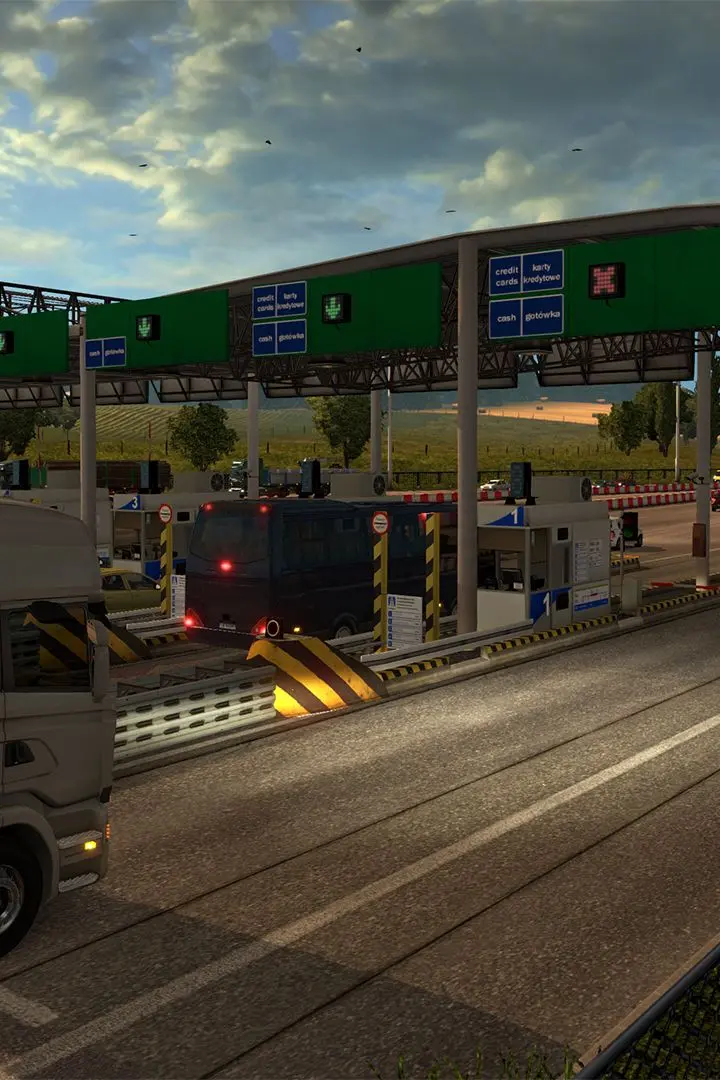
Learn how to use Photo Mode in Euro Truck Simulator 2 to capture stunning screenshots and share them with the community. Enhance your in-game photography skills.
Euro Truck Simulator 2 offers a robust Photo Mode that allows players to capture incredible screenshots of their trucking adventures. This guide will walk you through accessing and utilizing the Photo Mode features, as well as how to share your creations with the vibrant ETS2 community.
Photo Mode Features:
- Accessing Photo Mode: Typically done through a keybind (often 'U' or a similar key, check your game settings).
- Camera Controls: Learn to navigate the free camera, adjust zoom, and change camera angles.
- Filters and Effects: Explore various filters, depth of field, and lighting adjustments to enhance your shots.
- UI Toggling: Hide the game's user interface for a cleaner image.
Community Sharing:
- Saving Screenshots: Understand where your screenshots are saved on your PC.
- Sharing Platforms: Discover popular platforms and forums where ETS2 players share their photos, such as the Steam Community Hub, dedicated forums, and social media.
- Tips for Great Photos: Learn composition techniques, best times of day for lighting, and how to showcase your trucks and the game's environments effectively.
100% Human-Written. AI Fact-Checked. Community Verified. Learn how AntMag verifies content