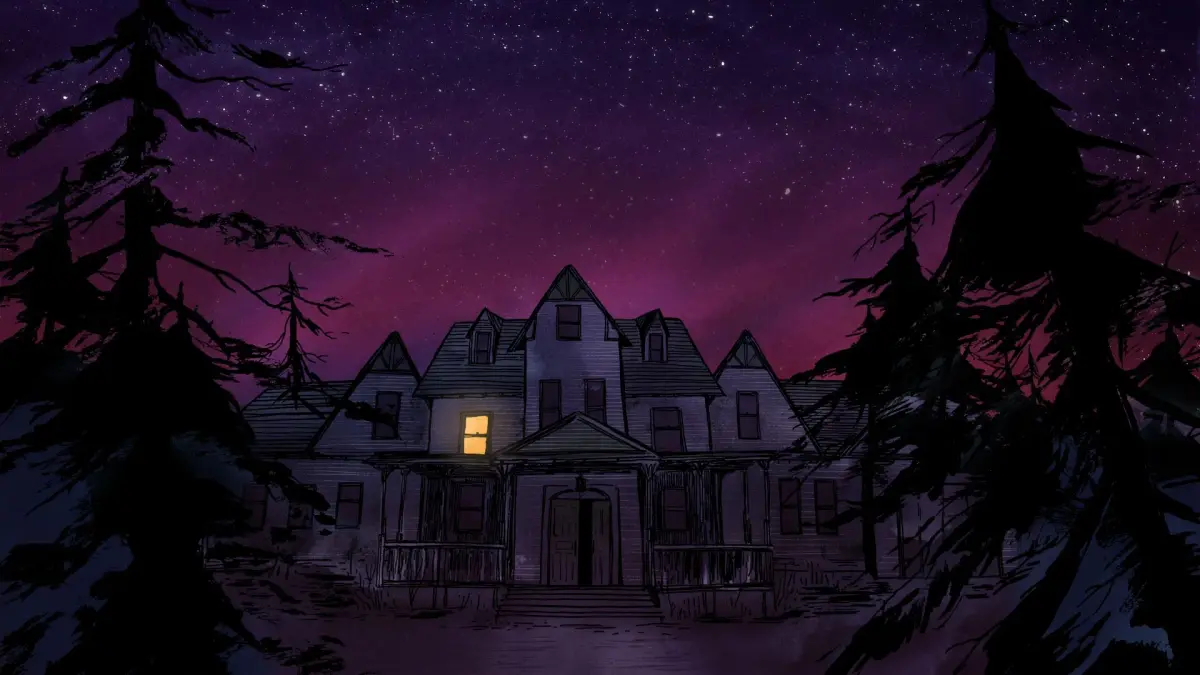
Learn the controls for Gone Home on PS4, including button mappings, saving progress, and gameplay options like Graphics, Controls, Sound, Gameplay, and Language.
This section covers the controls and gameplay features for Gone Home on PlayStation 4. Understanding these elements is key to navigating the game effectively and achieving specific goals, especially for speed runs.
| Action | Button (PS4) |
|---|---|
| Pause, Resume, Options, Save and Quit | Options |
| Open Menu (Items/Journals), Scroll Tabs | L1/R1 |
| Close-up View (Zoom In) | L2/D-Pad Top |
| Interact, Grab, Put Back, Discard, Throw | R2/X |
| Open Map | Triangle |
| Turn Object While Holding | Left and Right Sticks |
| Walk | Left Stick |
| Look Around | Right Stick |
| Crouch | Circle |
Saving Progress: Progress is NOT automatically saved. Use the Options button to access the save and quit menu to manually save. Failure to do so can result in losing significant progress if the game crashes or power is lost.
Options Menu: These settings can be adjusted at any time.
- Graphics: Adjust Brightness, Field of View. Useful for increasing light in dark areas for speed runs.
- Controls: Look Sensitivity, Crouch Style (Toggle/Hold), Sticky Targeting (On/Off), Invert Look (On/Off), Swap Left/Right Sticks (On/Off). Setting Crouch to 'Hold' can prevent accidental crouching.
- Sound: Main Volume, Voice Volume, Music Volume, Sound Effects Volume.
- Gameplay: Show Training Messages, Enable Headbob, Hide Reticule, Disable Interaction Highlight, Disable Interaction Text.
- Language: Overlay Text, Display Subtitles, Current Language selection.
Modifiers: Accessible only from the main menu before starting a new game. These can unlock all doors and turn on all lights, but are not recommended for a first playthrough as they reduce tension. Modifiers cannot be used for speed trophies.
Grab and Put Back: The game allows you to pick up and return objects to their original positions, maintaining order in the house. You can also move items around to group them.
Map: The in-game map reveals the house layout as you explore. Three hidden sketch maps reveal additional areas and hidden compartments:
- Sewing Room (First Floor): Inside a folder on a small table by the door.
- Greenhouse (East Wing): On a small table by the door.
- Mom and Dad's Bedroom (First Floor): Inside the closet, push open a secret panel near the back wall. The map is on the wall near the light string.
Buttons: Collectible buttons (badges in the UK) are found throughout the house but have no gameplay significance.
Playing Cassettes: Find cassette tapes and insert them into players to listen to music. The sound lowers slightly if developer commentary is active.
100% Human-Written. AI Fact-Checked. Community Verified. Learn how AntMag verifies content