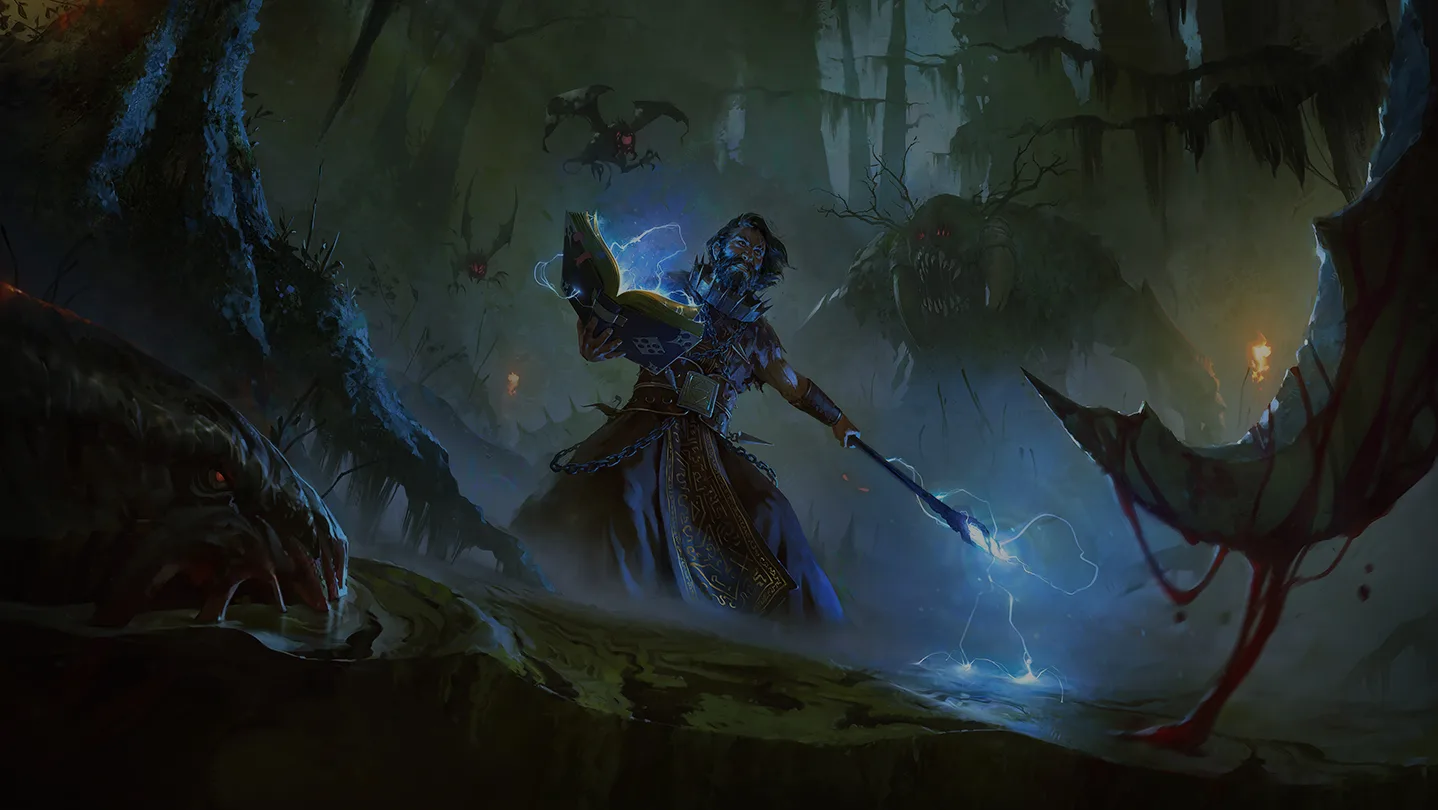
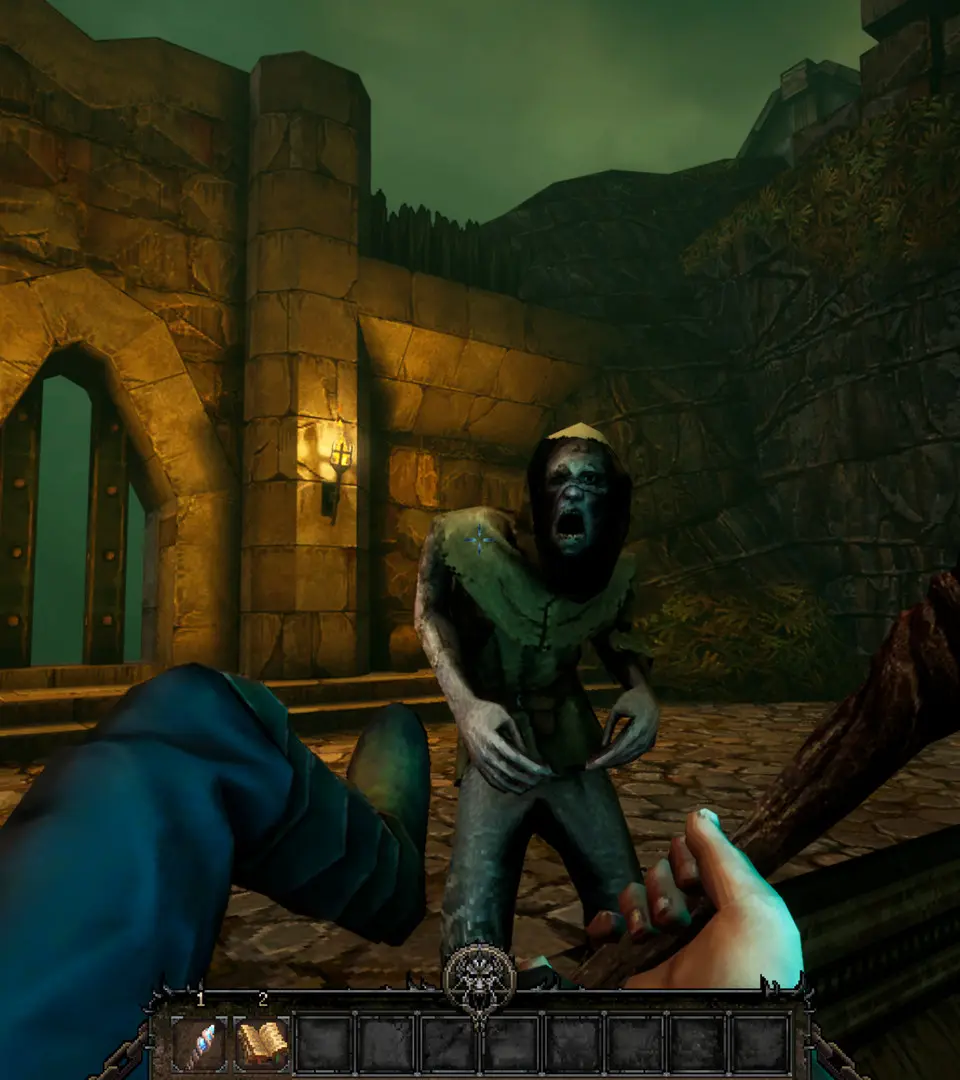
Navigate the world of Graven with ease. This guide breaks down the game's user interface, explaining menus, HUD elements, and controls to enhance your gameplay experience.
This guide provides an overview of the user interface elements within Graven, helping players understand the various menus, heads-up display (HUD) components, and control schemes to navigate the game effectively.
| Action | Button/Key |
|---|---|
| Movement | WASD / Left Analog Stick |
| Jump | Spacebar / A Button |
| Interact | E / X Button |
| Inventory | I / Y Button |
| Map | M / Select Button |
| Journal/Quests | J / Start Button |
| Primary Attack | Left Mouse Button / Right Trigger |
| Secondary Attack | Right Mouse Button / Left Trigger |
| Use Skill 1 | 1 / Bumper Left |
| Use Skill 2 | 2 / Bumper Right |
| Use Item | Q / D-Pad Up |
| Crouch | Ctrl / B Button |
| Sprint | Shift / Left Stick Click |
Understanding these controls and interface elements is crucial for efficient exploration, combat, and progression in Graven.
100% Human-Written. AI Fact-Checked. Community Verified. Learn how AntMag verifies content