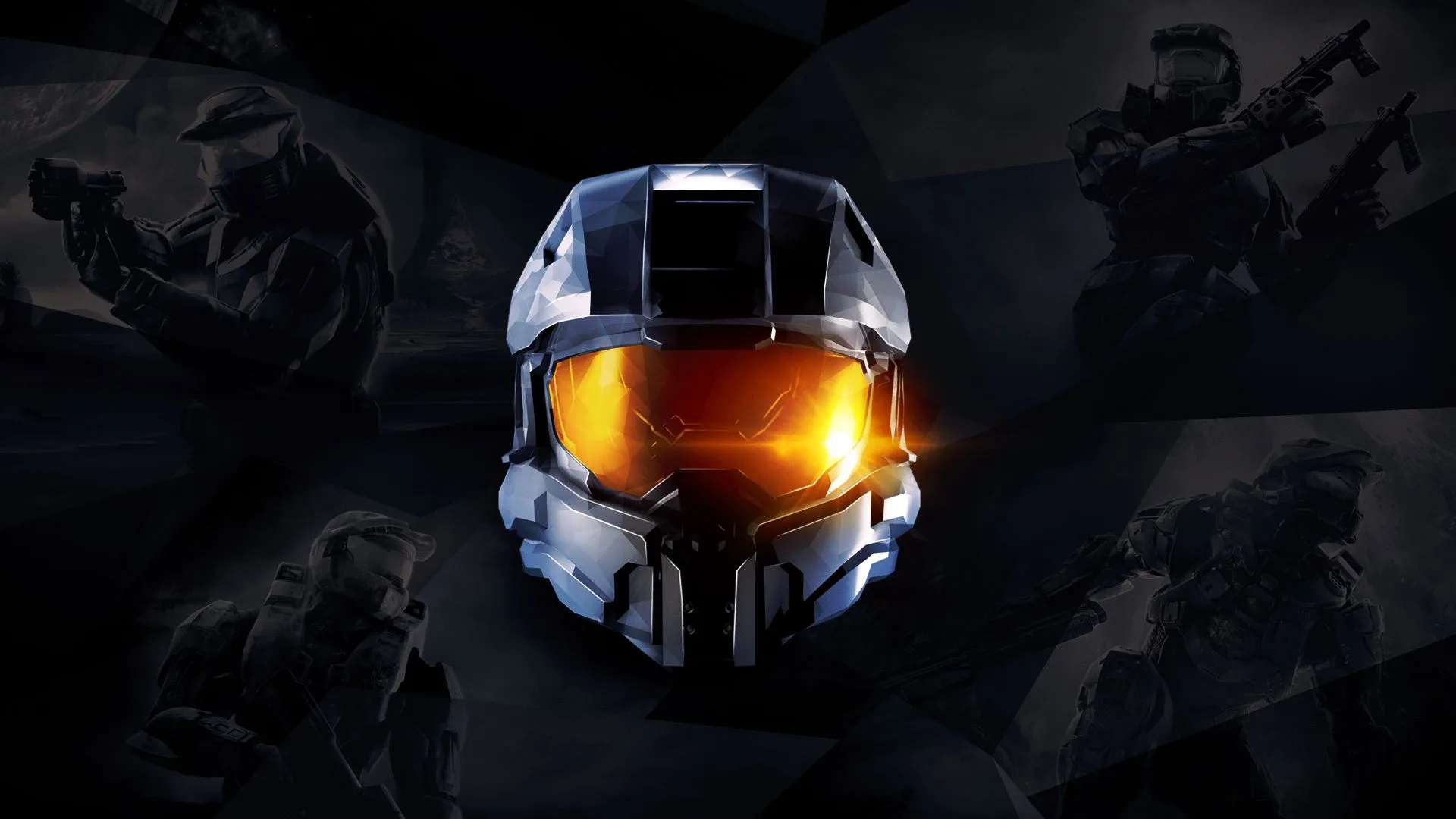
Welcome to the definitive collection of Halo's most iconic campaigns. Halo: The Master Chief Collection brings together Halo: Combat Evolved, Halo 2, Halo 3, and Halo 4, all running at 60FPS and 1080p. You'll step into the boots of Master Chief, fighting the Covenant and uncovering the secrets of ancient alien technology across numerous planets and space stations. It's a story-rich, first-person shooter experience perfect for co-op play or diving deep into the lore.
This guide is here to help you conquer every campaign mission, whether you're aiming for a Legendary walkthrough or just want to find all the hidden collectibles. We'll cover specific challenges like tough boss fights and navigating tricky sections, ensuring you can master the combat and dominate the battlefield across these legendary titles.
1. Update History
Track Halo: The Master Chief Collection FAQ updates from December 2005 to October 2021, including walkthroughs, multiplayer, and secrets.
- 1Version 1.00 (December 18, 2005): Initial release with a completed walkthrough and other sections, excluding Multiplayer.
- 2Version 1.25 (December 21, 2005): Updated enemy descriptions, added Multiplayer Controls, and began the Multiplayer section (maps, game types).
- 3Version 1.50 (December 23, 2005): Completed the Multiplayer section.
- 4Version 1.60 (December 26, 2005): Moved Multiplayer controls to the keyboard section, fixed spelling/grammar, added Rocket Warthog, Flamethrower, and Fuel Rod Gun, added a PC/Xbox changes section, and included Multiplayer Tips (weapon usage). Added Travis Combs to credits.
- 5Version 1.75 (December 29, 2005): Fixed Pillar of Autumn walkthrough (noting Legendary skip), completed Multiplayer Tips section.
- 6Version 2.00 (January 13, 2006): Added a new section detailing Overshield and Active Camouflage locations.
- 7Version 2.25 (August 22, 2006): Added a secrets section, included missing Overshields and Active Camouflages, and updated Foehammer's description.
- 8Version 2.40 (November 15, 2014): Fixed spelling/grammar, corrected inaccuracies, rewrote weapon/enemy descriptions, and broke the walkthrough into subsections.
- 9Version 2.50 (October 14, 2021): Added extra Active Camouflage locations (Truth and Reconciliation, Assault on the Control Room) and further cleaned up weapon and enemy descriptions.
2. Controls
Learn the default keyboard controls for Halo: The Master Chief Collection, including how to access the menu.
- 1Press the Escape key to view the menu.
- Controls can be customized in the options menu if you do not like the default layout.
Movement Controls
Master the movement controls for Halo: The Master Chief Collection. Learn button layouts, advanced techniques, and tips to enhance your gameplay across all titles.
This guide covers the movement controls for Halo: The Master Chief Collection, detailing actions and their corresponding button prompts across various titles within the collection.
| Action | Button |
|---|---|
| Move | Left Stick |
| Jump | A (Xbox) / X (PlayStation) |
| Crouch | B (Xbox) / Circle (PlayStation) |
| Sprint | Left Stick Click (Hold) |
| Melee | Right Stick Click |
| Reload | X (Xbox) / Square (PlayStation) |
| Use Equipment/Ability | Left Bumper (LB/L1) |
| Grenade | Right Bumper (RB/R1) |
| Weapon Swap | Y (Xbox) / Triangle (PlayStation) |
| Crouch/Slide | B (Xbox) / Circle (PlayStation) |
| Action/Interact | X (Xbox) / Square (PlayStation) |
| Vehicle Entry/Exit | A (Xbox) / X (PlayStation) |
| Vehicle Boost | Left Stick Click (Hold) |
| Vehicle Fire | Right Trigger (RT/R2) |
| Vehicle Aim | Left Trigger (LT/L2) |
Note: Button prompts may vary slightly depending on the specific Halo title within The Master Chief Collection and the controller layout selected in the game's settings.
Combat Controls
Learn the essential combat controls for Halo: The Master Chief Collection. Master every button prompt and action to dominate your enemies across all classic Halo titles.
This guide covers the combat controls for Halo: The Master Chief Collection. Understanding these controls is crucial for effective gameplay across all included titles.
| Action | Button |
|---|---|
| Halo: The Master Chief Collection | |
| Custom Game Browser support for Halo: Combat Evolved and Halo 3. | |
| New nameplates | |
| PC File Share | |
| View Model Adjustment for all games | |
| Steam Account Linking | |
| Campaign customization for Halo: Combat Evolved and Halo 3 to allow vehicle and weapon skins in campaign. | |
| Ability to select body type and voice separately in Halo: Reach and Halo 4. | |
| Colorblind Support options | |
| Halo: Reach |
Similar guides you might like



100% Human-Written. AI Fact-Checked. Community Verified. Learn how AntMag verifies content