
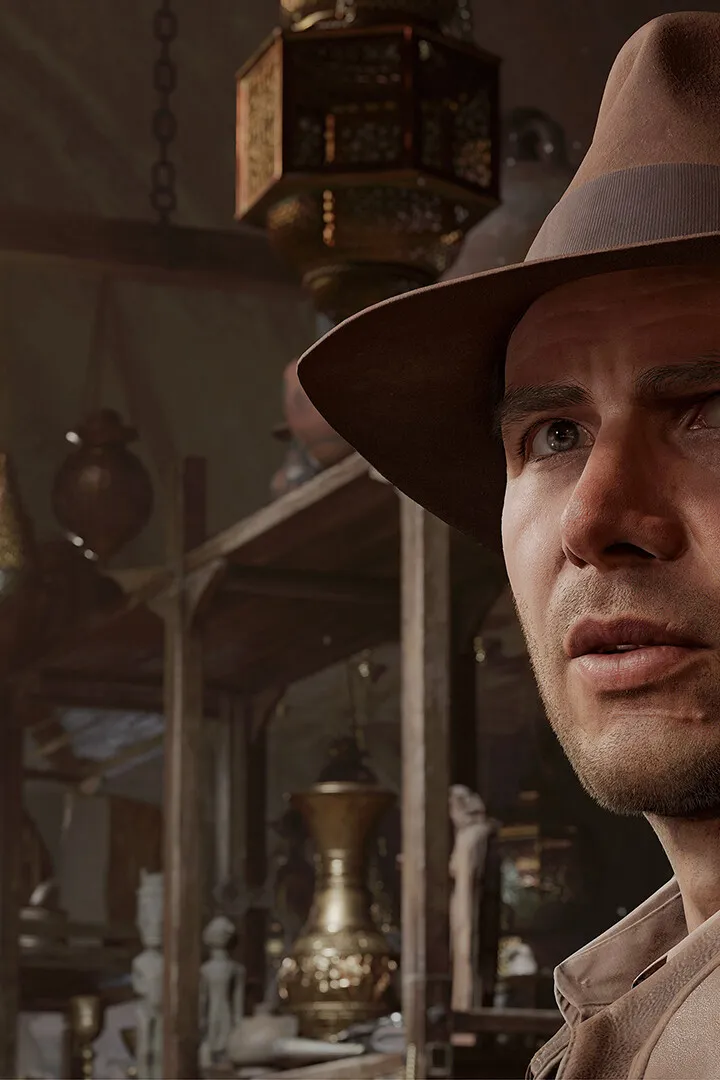
Customize your Indiana Jones and the Great Circle experience with Initial Setup and Accessibility Options. Adjust controls, subtitles, camera sensitivity, and d.
Before diving deep, take a moment to customize your experience. The game offers a range of accessibility options to tailor gameplay to your preferences. These include remapping controls, adjusting subtitle size and background, colorblind modes, and difficulty settings. For a more immersive experience, consider adjusting camera sensitivity to your liking. Audio settings allow you to balance music, sound effects, and dialogue volumes. If you're new to action-adventure games, starting on a lower difficulty can help you learn the mechanics without excessive frustration. Conversely, seasoned players might opt for a higher challenge from the outset. Experiment with these settings in the main menu before starting your first adventure to ensure optimal comfort and enjoyment throughout your playthrough.

100% Human-Written. AI Fact-Checked. Community Verified. Learn how AntMag verifies content