Console Installation Guide
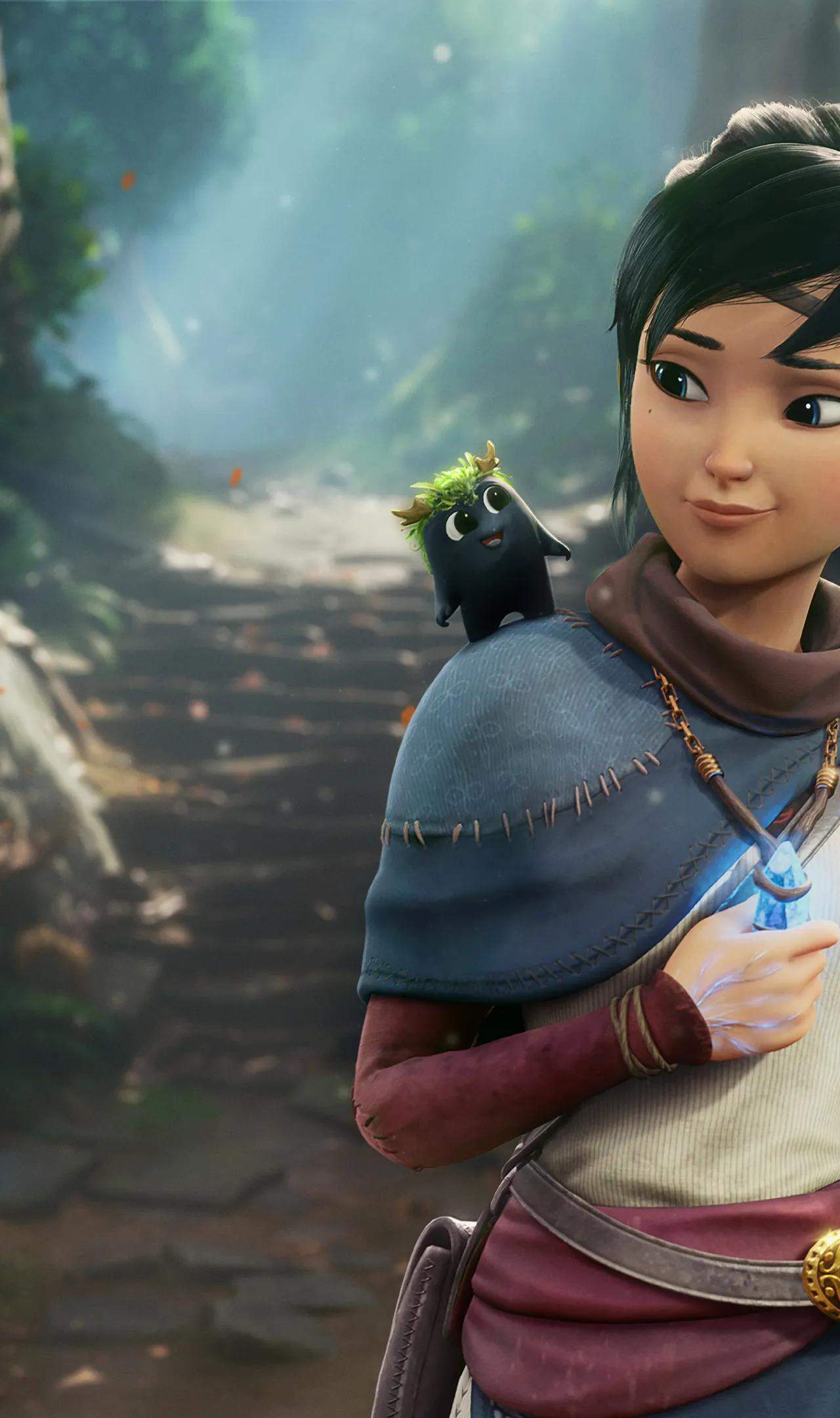
Installing Kena: Bridge of Spirits on your PlayStation or Xbox console is a streamlined process designed for ease of use. Whether you've purchased a physical copy or a digital download, the steps are intuitive and will have you exploring the spirit world in no time. For those with a physical disc, simply insert it into your console's disc drive. The console will typically begin the installation process automatically. If it doesn't, navigate to the disc icon on your dashboard and select the option to install.
For digital purchases, head to your console's digital store (PlayStation Store or Microsoft Store) and navigate to your game library. Locate Kena: Bridge of Spirits and select the download option. The console will then download and install the game automatically. Regardless of your method, it's highly recommended to connect your console to the internet after installation to download any available updates or patches. These updates are crucial for ensuring optimal performance, fixing any potential bugs, and sometimes even adding new features or quality-of-life improvements. Once the installation and any updates are complete, you can launch Kena: Bridge of Spirits from your console's game library or dashboard.