Display & Audio Settings Optimization
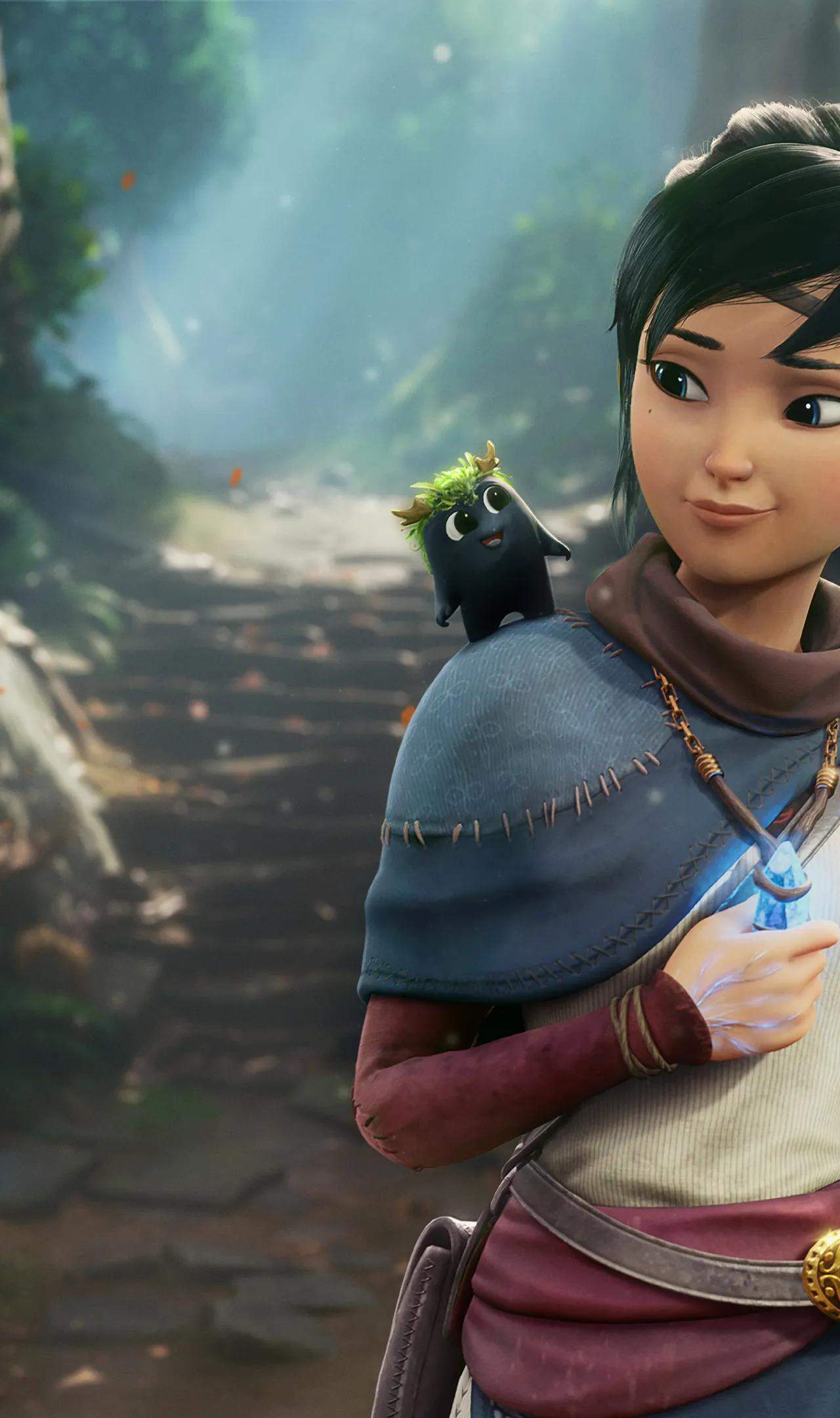
Optimizing your display and audio settings in Kena: Bridge of Spirits is key to achieving both visual fidelity and an immersive auditory experience. The game boasts stunning visuals, from its vibrant environments to its detailed character models, and adjusting these settings can significantly enhance your enjoyment. For display, consider your monitor's capabilities and your personal preferences. Resolution, refresh rate, and graphical presets like "High" or "Very High" will have the most impact on visual quality and performance. If you're experiencing performance issues, lowering some of these settings can provide a smoother frame rate.
Audio settings are equally important for immersion. Kena: Bridge of Spirits features a rich soundscape, with ambient noises, impactful combat sounds, and a beautiful musical score. Ensure your audio output is configured correctly for your setup, whether it's headphones, stereo speakers, or a surround sound system. Adjusting master volume, music volume, and sound effects volume allows you to tailor the audio to your liking. For a truly immersive experience, consider enabling any available spatial audio features your hardware or software supports. Experimenting with these settings will help you find the perfect balance between visual splendor and auditory richness, making your journey through the spirit world even more captivating.