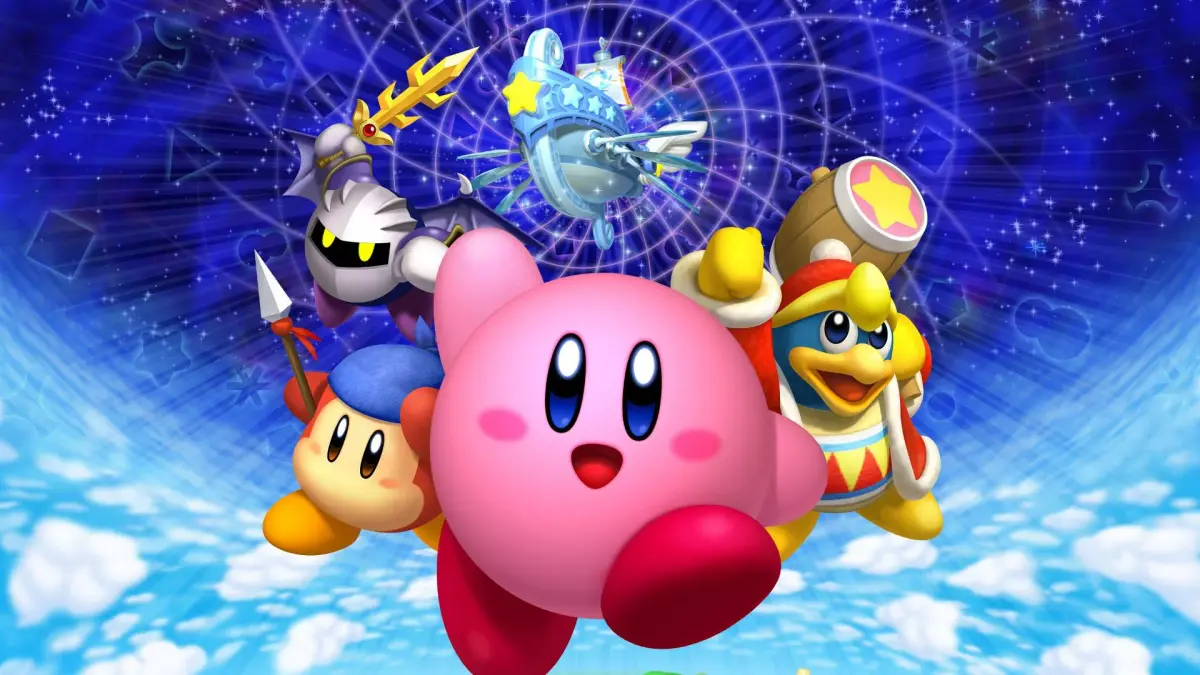
Learn the button layout and character actions for Kirby's Return to Dream Land Deluxe on Nintendo Switch. Master every move to save Dream Land!
Kirby's Return to Dream Land Deluxe offers a variety of moves and abilities for Kirby and his friends. Understanding the controls is key to navigating the levels, defeating enemies, and rescuing the Waddle Dees. This guide details the default control scheme for the Nintendo Switch.
| Action | Button |
|---|---|
| Move | Left Stick |
| Jump | A Button |
| Inhale / Shoot Star Bullet | B Button |
| Use Copy Ability / Guard | R Button |
| Dash / Float | ZL or ZR Button |
| Drop Ability / Crouch | L Button |
| Pause | Start Button |
| Home | + Button |
Note: Button assignments can be customized in the game's settings menu.
100% Human-Written. AI Fact-Checked. Community Verified. Learn how AntMag verifies content