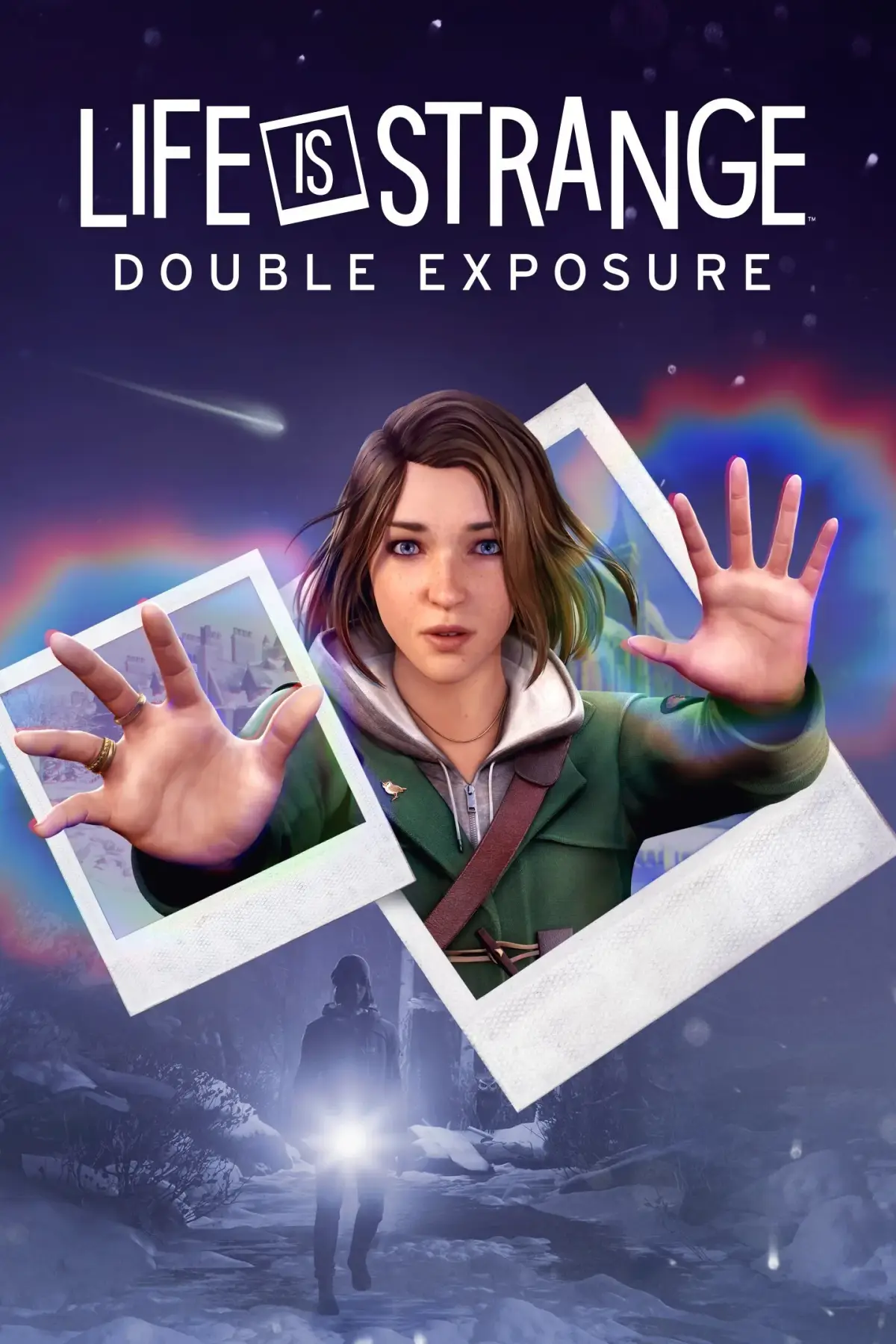
Welcome to Life is Strange: Double Exposure, the latest installment in Deck Nine Games' narrative-driven adventure series. You'll step into the shoes of Max Caulfield once again, but this time you're investigating the murder of your friend, Rachel Amber. This third-person, story-rich experience throws you into a world of branching choices and intricate narratives, where your decisions have real consequences. With a focus on atmospheric exploration and a killer soundtrack, it's a game for anyone who loves a good mystery with emotional depth.
This guide is here to help you navigate the complexities of Double Exposure. We'll cover everything you need to know to achieve those tricky Steam Achievements, uncover all the hidden secrets scattered throughout the game, and make sure you see the different story outcomes. Whether you're aiming for a perfect playthrough or just want to understand the narrative threads, we've got your back.
Info
Life is Strange: Double Exposure is the 5th entry in the series. Learn about its development, previous titles, and guide updates.
Life is Strange: Double Exposure follows Life is Strange (Season 1), Life is Strange Before the Storm, Life is Strange 2, The Awesome Adventures of Captain Spirit, and Life is Strange True Colors. Deck Nine, who previously developed Before the Storm and True Colors, is the developer. Dontnod developed Life is Strange 1, Captain Spirit, and Life is Strange 2.
This guide contains information about all chapters, how to obtain certain Trophies and Achievements, and lists of where to find certain Polaroids and how to unlock Snapshots.
Version Updates
- 3.0: Fixed some spelling mistakes, added photos to Polaroid and Snapshot lists.
- 2.0: Added guide to Chapters 3, 4, and 5, list for Polaroids and Snapshots, and information on what trophy unlocks during certain parts of the story.
- 1.0: Guide intros, recap of Life is Strange 1, guide for Early Access Chapters 1 and 2, and trophy list.
Guide and Walkthrough (PS5) by Mattgamer
Full Life is Strange: Double Exposure guide and walkthrough for PS5, including controls, recap, chapters, Polaroids, trophies, and DLC.
This guide provides a detailed walkthrough for Life is Strange: Double Exposure, including information on controls and gameplay, a recap of the first game, and walkthroughs for all chapters.
Contents:
- Info
- Recap First Game
- Controls and Gameplay
- Chapter 1: Still Life
- Chapter 2: Penumbra
- Chapter 3: Spin
- Chapter 4: Diptych
- Chapter 5: Decoherence
- Polaroids
- SnapShot list
- Trophies
- DLC (downloadable content — extra missions or items released after launch)
- Refer to the recap section to refresh your memory of the first game's events.
- Familiarize yourself with the controls and gameplay mechanics early on.
- Use the chapter walkthroughs to progress through the story and find all collectibles.
- Check the Polaroids and SnapShot lists to ensure you haven't missed any.
- Consult the trophies section to aim for completion.
- Information on DLC is also available.
Controls and Gameplay
Navigate the world of Life is Strange: Double Exposure with our comprehensive guide to controls, Max's powers (Shifting, Pulsing), making decisions, finding collectibles, and saving your game.
This guide covers the controls and gameplay mechanics for Life is Strange: Double Exposure, detailing movement, interaction, general actions, powers, menu navigation, photography, and object inspection.
| Action | Button |
|---|---|
| Move | |
| Turn Camera | |
| Run | |
| Run Toggle |
| Action | Button |
|---|---|
| Look | |
| Talk/Inspect | |
| Interact | |
| SnapShot/back | |
| Toggle Dynamic Dialogue Choices |
| Action | Button |
|---|---|
| Read | |
| Skip Cinematics | |
| View Objectives | |
| HotSpot Ping |
| Action | Button |
|---|---|
| Shift | |
| Pulse | |
| Entanglement | + |
| Action | Button |
|---|---|
| Open player Menu | |
| Pause | |
| Tab Left | |
| Tab Right | |
| Switch Apps Left | |
| Switch Apps Right | |
| Navigate Up | |
| Navigate Down | |
| Navigate Left | |
| Navigate Right |
| Action | Button |
|---|---|
| Rotate Camera | |
| Zoom in | |
| Zoom Out | |
| Repose/hide UI | |
| Take Photo | |
| Double Exposure | |
| Discard photo | |
| Confirm Photo |
| Action | Button |
|---|---|
| Rotate | |
| Reset Rotation | |
| Zoom In | |
| Zoom Out | |
| Read/interact | |
| Exit Inspection |
Gameplay
Shifting: This is Max’s new power, allowing her to shift between two timelines where things are slightly different. The blue orb represents the Original timeline, while the Orange orb represents the new timeline.
Pulsing: Allows you to see objects and people in the other timeline, listen in to conversations, and shows safe and discreet shifting points.
Decisions: Throughout the game, you will make major and minor decisions that affect the narrative. Major Choices freeze the scene with two options displayed. Minor Choices occur during exploration, such as dialogue options or signing up for alerts.
Collectibles: The main collectibles are Polaroids found by Shifting between timelines. Picking up a photo reveals what happened during the time it was taken. There are 7 collectibles in the first two chapters.
Saving and Restarting: The game features autosave only; there is no manual save option. Exiting mid-scene restarts the scene from the beginning, preserving previous choices. You can revisit completed scenes via the chapter select. Choosing to "replay" a scene does not save choices, mainly for achievements or exploring dialogue. Choosing to "begin play-through permanently from that scene" sets all future choices in stone until you return to chapter select. It is recommended to save to a different file if using this option to avoid losing progress.
Guide and Walkthrough (PS5) by Mattgamer (2)
Navigate Life is Strange: Double Exposure chapters, recap the first game, and find trophy information with this comprehensive guide.
- 1Info
- 2Recap First Game
- 3Controls and Gameplay
- 4Chapter 1: Still Life
- 5Chapter 2: Penumbra
- 6Chapter 3: Spin
- 7Chapter 4: Diptych
- 8Chapter 5: Decoherence
- 9Polaroids
- 10SnapShot list
- 11Trophies
- 12DLC (downloadable content — extra missions or items released after launch)
- Use the Table of Contents to quickly jump to specific sections of the guide.
- Refer to the 'Recap First Game' section to refresh your memory on previous events.
- Check the 'Trophies' and 'DLC' sections for additional content information.
Similar guides you might like





100% Human-Written. AI Fact-Checked. Community Verified. Learn how AntMag verifies content