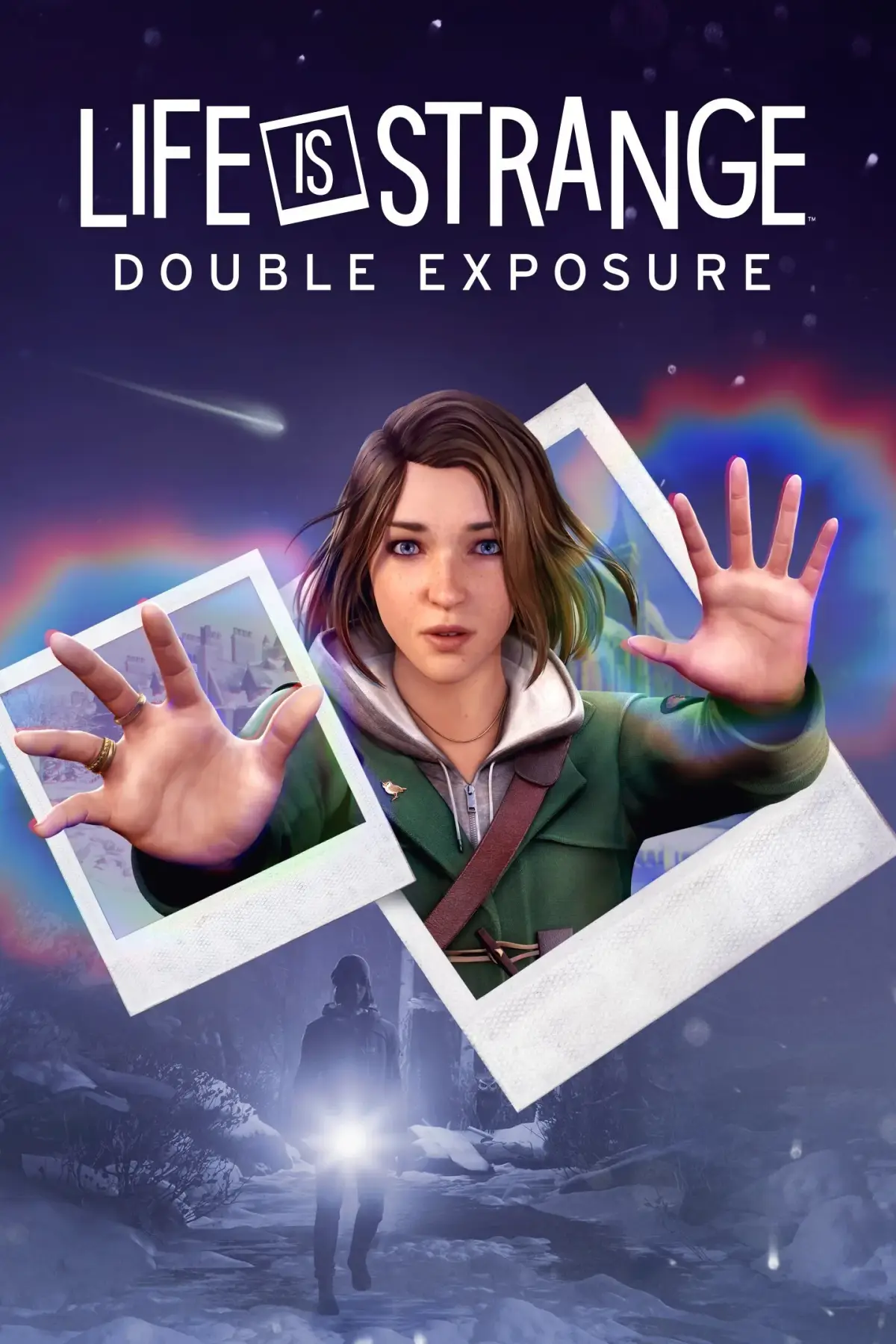
Navigate the world of Life is Strange: Double Exposure with our comprehensive guide to controls, Max's powers (Shifting, Pulsing), making decisions, finding collectibles, and saving your game.
This guide covers the controls and gameplay mechanics for Life is Strange: Double Exposure, detailing movement, interaction, general actions, powers, menu navigation, photography, and object inspection.
| Action | Button |
|---|---|
| Move | |
| Turn Camera | |
| Run | |
| Run Toggle |
| Action | Button |
|---|---|
| Look | |
| Talk/Inspect | |
| Interact | |
| SnapShot/back | |
| Toggle Dynamic Dialogue Choices |
| Action | Button |
|---|---|
| Read | |
| Skip Cinematics | |
| View Objectives | |
| HotSpot Ping |
| Action | Button |
|---|---|
| Shift | |
| Pulse | |
| Entanglement | + |
| Action | Button |
|---|---|
| Open player Menu | |
| Pause | |
| Tab Left | |
| Tab Right | |
| Switch Apps Left | |
| Switch Apps Right | |
| Navigate Up | |
| Navigate Down | |
| Navigate Left | |
| Navigate Right |
| Action | Button |
|---|---|
| Rotate Camera | |
| Zoom in | |
| Zoom Out | |
| Repose/hide UI | |
| Take Photo | |
| Double Exposure | |
| Discard photo | |
| Confirm Photo |
| Action | Button |
|---|---|
| Rotate | |
| Reset Rotation | |
| Zoom In | |
| Zoom Out | |
| Read/interact | |
| Exit Inspection |
Gameplay
Shifting: This is Max’s new power, allowing her to shift between two timelines where things are slightly different. The blue orb represents the Original timeline, while the Orange orb represents the new timeline.
Pulsing: Allows you to see objects and people in the other timeline, listen in to conversations, and shows safe and discreet shifting points.
Decisions: Throughout the game, you will make major and minor decisions that affect the narrative. Major Choices freeze the scene with two options displayed. Minor Choices occur during exploration, such as dialogue options or signing up for alerts.
Collectibles: The main collectibles are Polaroids found by Shifting between timelines. Picking up a photo reveals what happened during the time it was taken. There are 7 collectibles in the first two chapters.
Saving and Restarting: The game features autosave only; there is no manual save option. Exiting mid-scene restarts the scene from the beginning, preserving previous choices. You can revisit completed scenes via the chapter select. Choosing to "replay" a scene does not save choices, mainly for achievements or exploring dialogue. Choosing to "begin play-through permanently from that scene" sets all future choices in stone until you return to chapter select. It is recommended to save to a different file if using this option to avoid losing progress.
100% Human-Written. AI Fact-Checked. Community Verified. Learn how AntMag verifies content