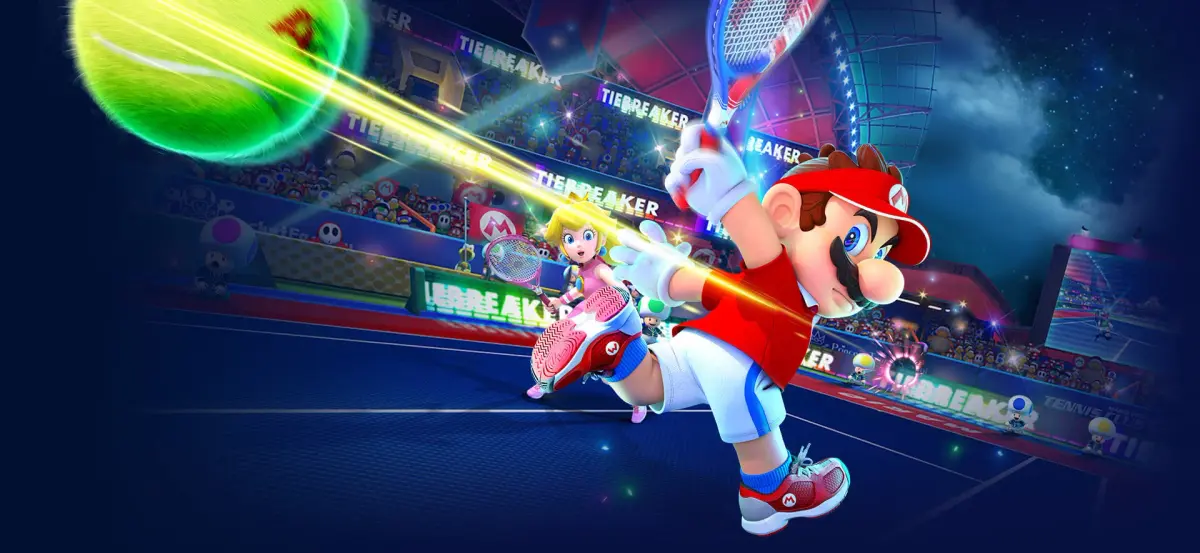
Learn how to use Mario Tennis Aces' motion controls in Swing Mode! Customize match rules, ball types, and court settings for a unique tennis experience.
Alright, so you're looking to try out Swing Mode in Mario Tennis Aces? This is where the game really tries to make you feel like you're on the court, using motion controls with just one Joy-Con. It's pretty neat, aiming to mimic a real tennis match!
First things first, you'll need to connect your Joy-Con. It doesn't matter if it's the left or right one, just pick the one that feels comfortable in your dominant hand. Once that's done, you get to dive into customizing the game to exactly how you want to play.
Here’s a look at all the rules you can tweak:
- Match Type: You can go for Singles-only, mix it up with Singles and Doubles, or stick to Doubles-only. If you pick the mixed option, the game will randomly decide if it's singles or doubles for you.
- Doubles Partners: If you're playing doubles, you get to pick your AI partner. This setting won't show up if you're playing singles, obviously. The options can change depending on how many people are playing.
- COM Difficulty: This is how tough the computer opponents will be. You've got Novice, Intermediate, Expert, Pro, and Ace, with Ace being the absolute hardest.
- Play Time: This sets how long matches last. 'Quick Play' is a fast tiebreaker, first to seven points. 'Extended Play' is a two-game set, but if you both win a game, you have to win by two games to take the set.
- Court: You can pick any court you like, or go for 'Custom' to choose exactly which ones you want in the rotation (you can access this list by pressing the +/\- Button). 'Stadium-only' locks you into Marina Stadium (all its surface types) and Marina Stadium - Night. There's a full list of courts available if you click the link. Just a heads-up, you can't add hazards to courts that normally have them.
- Challenge: This is a cool feature! If you think the umpire's call on where the ball landed was wrong, you can challenge it. The game will replay the moment in slow-mo, and if the call was off, it gets reversed. You can turn this on or off.
Once you've got all those rules set up just right, you'll pick what kind of game you want to play:
- Regular Ball: This is the standard experience, using a normal-sized ball to feel like real tennis.
- Big Ball: If you're finding it a bit tricky, you can switch to a bigger ball, which makes it easier to hit.
- Rally Challenge: Think you've got good stamina? This mode tests how long you can keep the ball in play with your opponent.
After you've confirmed your rules and chosen your play type, just pick your character and get ready to serve!
100% Human-Written. AI Fact-Checked. Community Verified. Learn how AntMag verifies content