
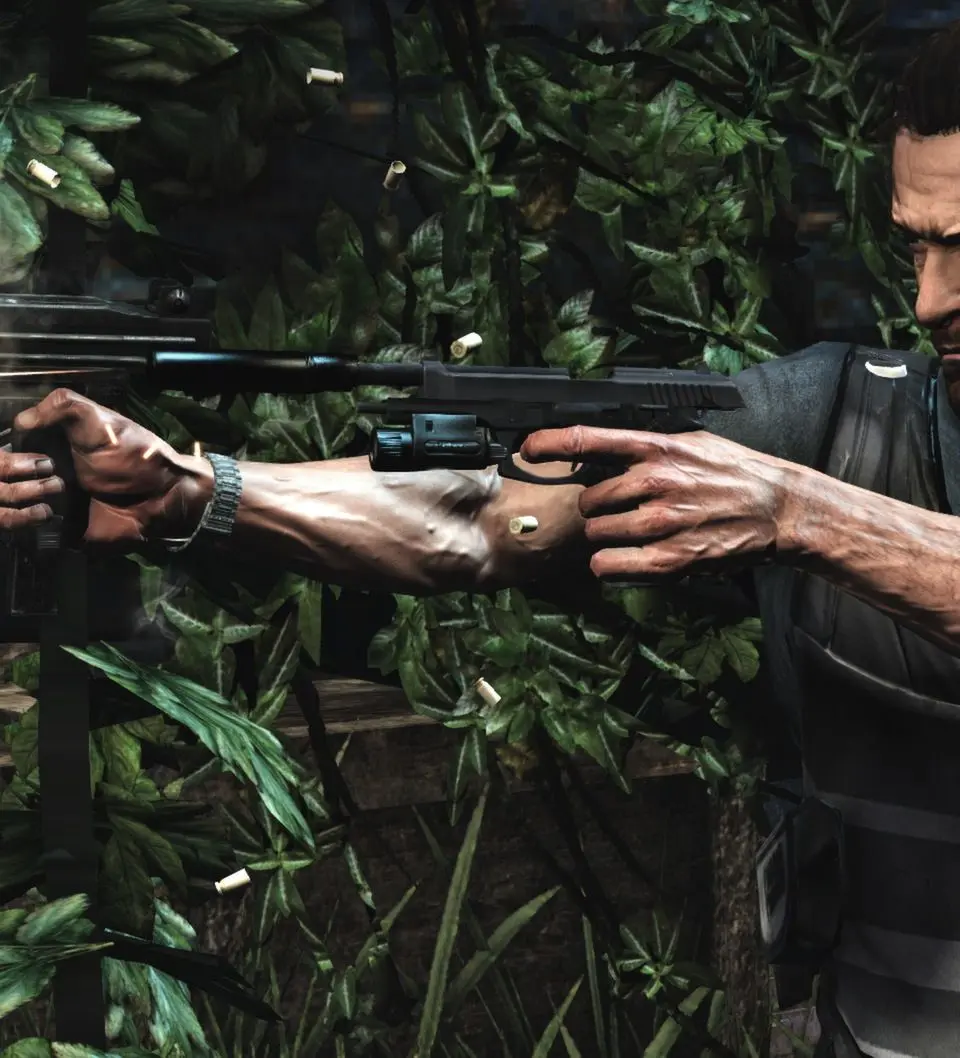
Learn the ins and outs of Max Payne 3's controls for Xbox 360 and PlayStation 3. Master weapon wheels, bullet time, shoot dodges, and more.
This section details the controls and user interface for Max Payne 3, covering both Xbox 360 and PlayStation 3 controllers. Understanding these is crucial for effectively navigating the game's mechanics, including combat maneuvers and weapon management.
| Action | Button (Xbox 360) | Button (Playstation 3) |
|---|---|---|
| Weapon Wheel | LB | L1 |
| Aim | LT | L2 |
| Crouch/prone | L3 | L3 |
| Shoot Dodge | RB | R1 |
| Fire/Melee | RT | R2 |
| Bullet Time | R3 | R3 |
| Sprint/climb | A | X |
| Reload | B | O |
| Cover | X | [] |
| Activate | Y | Triangle (T) |
| Pause | Start | Start |
| Weapon Attachments | Back | Select |
| Pain Killers | D-Pad Up | D-Pad Up |
| Drop weapon/quick turn | D-Pad Down | D-Pad Down |
| Aim over left/right shoulder | D-Pad L/R | D-Pad L/R |
| Move | LS | LS |
| Aim | RS | RS |
100% Human-Written. AI Fact-Checked. Community Verified. Learn how AntMag verifies content