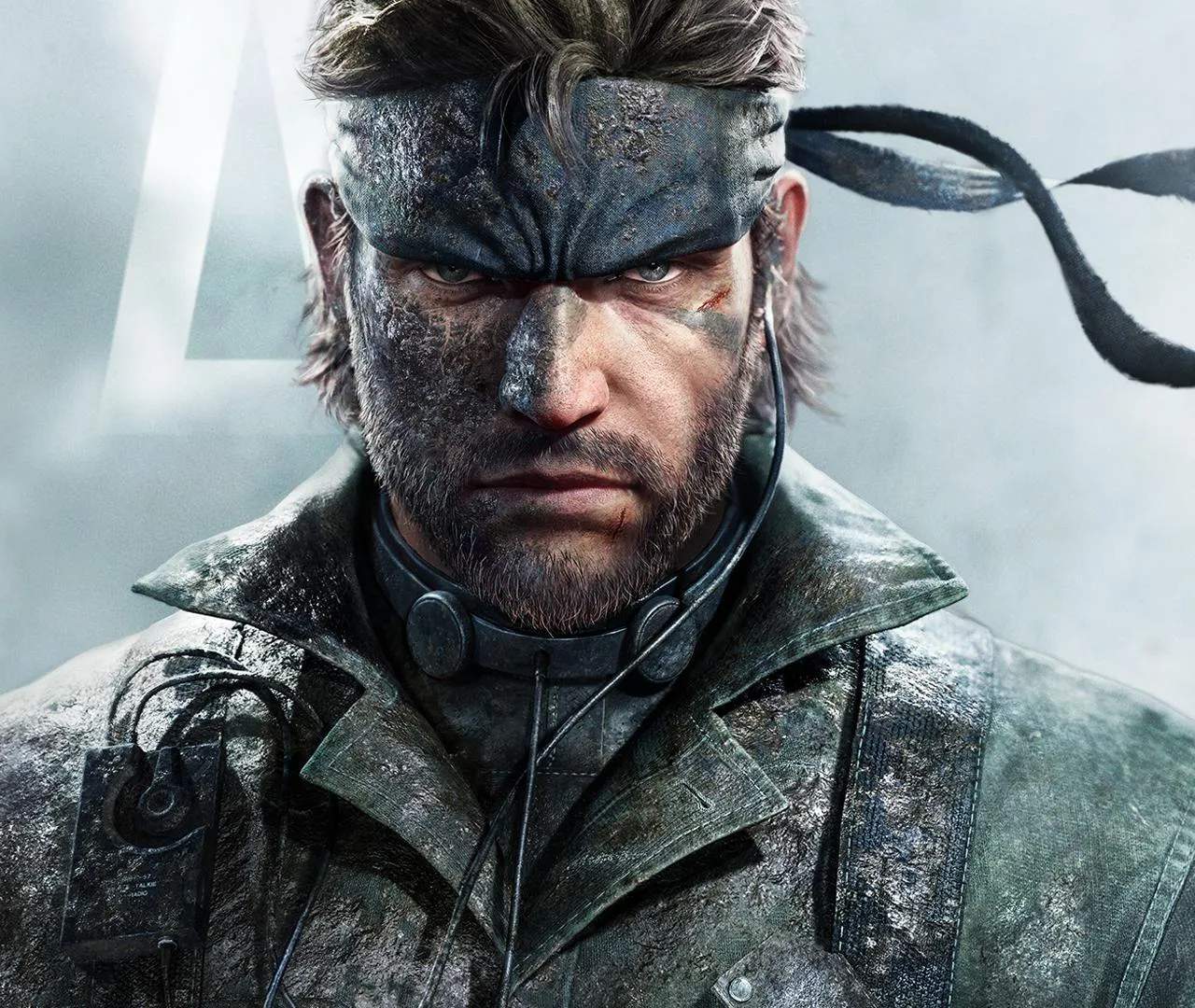
Saving & Loading in Metal Gear Solid Delta: Snake Eater
In the high-stakes espionage of Metal Gear Solid Delta: Snake Eater, the ability to save your progress and reload when necessary is a critical gameplay mechanic. This feature allows players to experiment with different strategies, recover from mistakes, and ensure they don't lose significant progress. Understanding how and when to save is key to a smoother and more enjoyable experience.
Metal Gear Solid Delta: Snake Eater employs a system that allows players to manually save their game at designated points or through specific in-game actions. This provides a crucial safety net, enabling you to retry challenging sections, experiment with combat approaches, or simply take a break without losing hours of gameplay. The game also features autosave functionality, which can provide an additional layer of security, though manual saves are generally recommended for critical junctures.
Manual Saving:
Manual saves are typically performed via the game's menu system. Accessing the pause menu will usually present an option to 'Save Game'. It is highly recommended to save frequently, especially after completing significant objectives, overcoming difficult encounters, or before entering a new, potentially dangerous area. This ensures that if something goes wrong, you can reload from a recent, stable point.
Autosave Functionality:
Metal Gear Solid Delta: Snake Eater may also feature an autosave system that automatically records your progress at certain checkpoints. While convenient, it's important to understand when these autosaves occur. Relying solely on autosave can sometimes mean losing a small amount of progress if you make a mistake shortly after an autosave point. Therefore, manual saves remain the most reliable method for ensuring your progress is secured.
Loading Your Game:
To load a previous save, you will typically select the 'Load Game' option from the main menu. This will present you with a list of your saved games, allowing you to choose which one to continue from. Be mindful of the save slots available and the timestamps associated with each save to ensure you load the correct game state.
Best Practices for Saving:
- Save After Major Milestones: Completed a tough boss fight? Found a crucial piece of intel? Save your game.
- Save Before Risky Actions: About to attempt a difficult stealth section or a challenging combat encounter? Save beforehand.
- Utilize Multiple Save Slots: If the game allows, use a few different save slots to create backups, especially before making major decisions or attempting difficult achievements.
- Check Autosave Points: Understand where the game automatically saves to gauge how much progress you might lose if you rely on it.
By effectively utilizing the saving and loading features in Metal Gear Solid Delta: Snake Eater, You can approach the game with more confidence, knowing that their hard-earned progress is secure and that they have the freedom to experiment and learn from their mistakes.