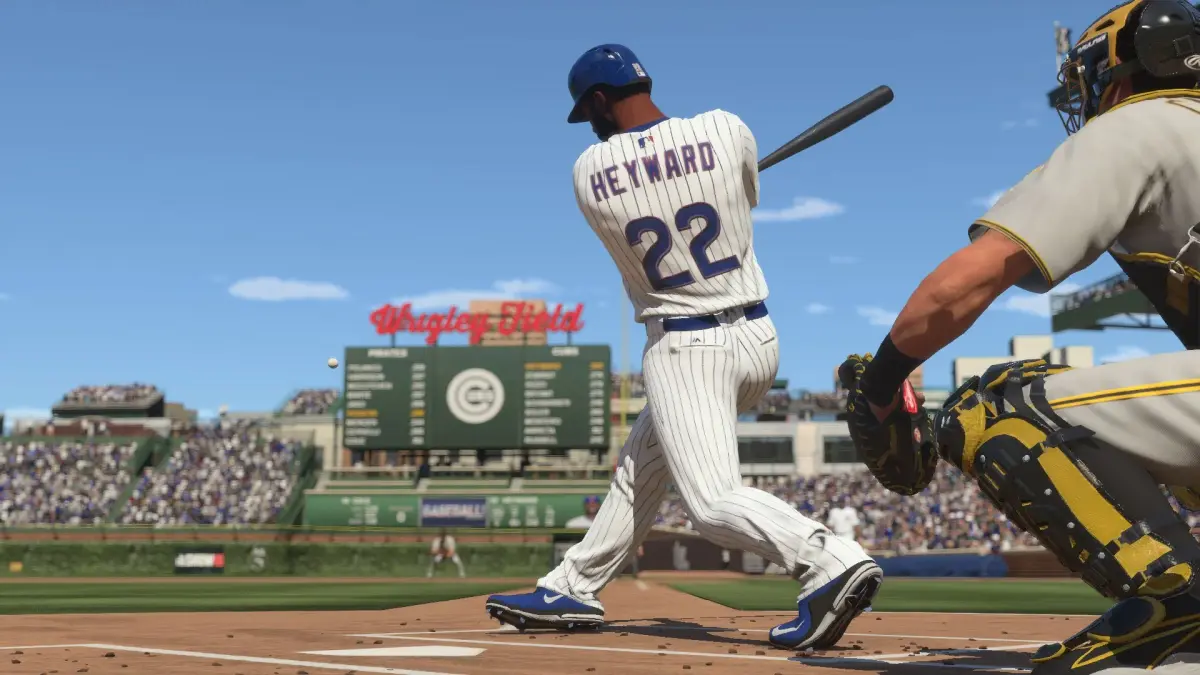
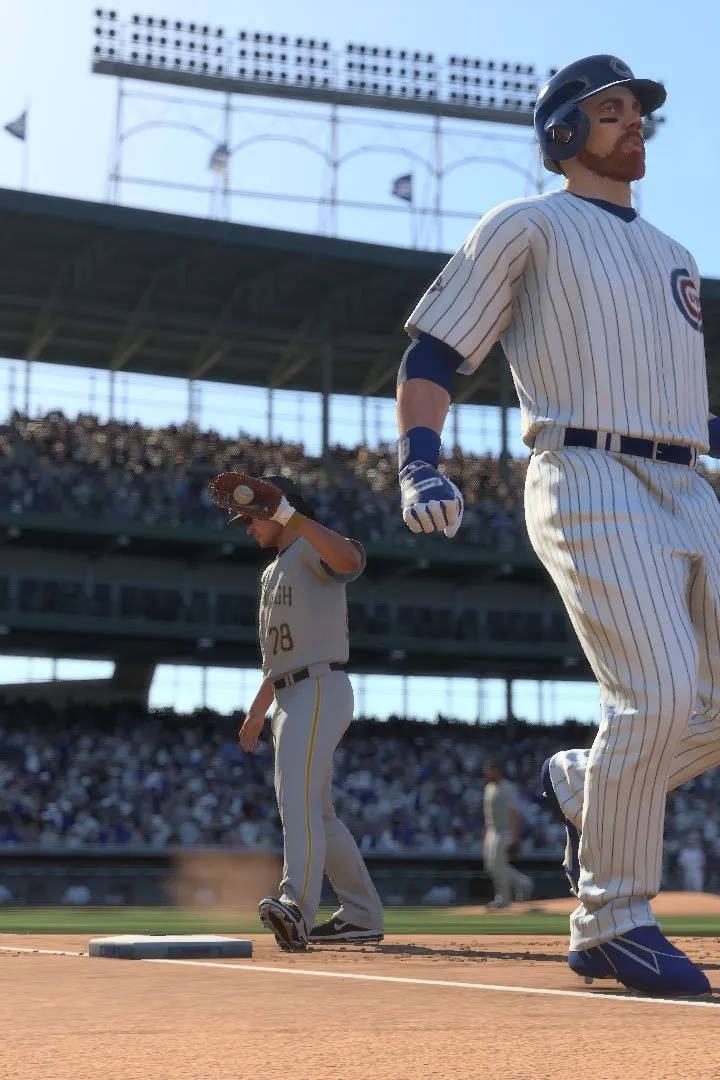
Learn the essential controls and interface elements for MLB The Show 24. Master batting, pitching, fielding, and base running to dominate the diamond.
Welcome to the official guide for MLB The Show 24 controls and interface. This section will break down all the necessary inputs and on-screen elements to help you navigate the game effectively, whether you're batting, pitching, fielding, or running the bases.
| Action | Button |
|---|---|
| Batting: | |
| Swing (Contact) | X (PS), A (Xbox), B (Switch) |
| Swing (Power) | Square (PS), X (Xbox), Y (Switch) |
| Swing (Defensive) | Circle (PS), B (Xbox), A (Switch) |
| Bunt | L1 (PS), LB (Xbox), ZL (Switch) |
| Guess Pitch / Location | R1 (PS), RB (Xbox), ZR (Switch) |
| Batter's Eye | Up on Right Stick |
| Pitching: | |
| Select Pitch Type | Left/Right on Left Stick |
| Select Pitch Location | Left/Right on Left Stick |
| Throw Pitch | X (PS), A (Xbox), B (Switch) |
| Pitcher's Focus | R2 (PS), RT (Xbox), R (Switch) |
| Pitcher's Stance | L2 (PS), LT (Xbox), L (Switch) |
| Fielding: | |
| Jump/Dive | Circle (PS), B (Xbox), A (Switch) |
| Throw Ball | X (PS), A (Xbox), B (Switch) |
| Lob Throw | Square (PS), X (Xbox), Y (Switch) |
| Power Throw | Triangle (PS), Y (Xbox), X (Switch) |
| Switch Player | L1 (PS), LB (Xbox), ZL (Switch) |
| Cut Off/Relay Man | R1 (PS), RB (Xbox), ZR (Switch) |
| Base Running: | |
| Advance Runner | X (PS), A (Xbox), B (Switch) |
| Return Runner | Circle (PS), B (Xbox), A (Switch) |
| Lead Off | Square (PS), X (Xbox), Y (Switch) |
| Slide | Triangle (PS), Y (Xbox), X (Switch) |
| Take Lead | Up on Left Stick |
| Cancel Lead | Down on Left Stick |
| General Interface: | |
| Pause Menu | Options (PS), Menu (Xbox), + (Switch) |
| Quick Menu | Touchpad (PS), View (Xbox), - (Switch) |
Mastering these controls is key to success in MLB The Show 24. Experiment with different techniques in practice mode to find what works best for your playstyle.
100% Human-Written. AI Fact-Checked. Community Verified. Learn how AntMag verifies content