Unlock the secrets of MLB The Show 24! Discover hidden settings and optimize your camera views for ultimate control and a better gaming experience. Learn how to gain the edge.
Hey there! So, you're diving into MLB The Show 24 and want to get the most out of it, right? Let's talk about tweaking those settings and camera views. It might seem small, but getting this dialed in can seriously up your game. Think of it like finding the perfect grip on your bat – it just feels right and makes everything smoother.
While this guide isn't going to walk you through specific button presses for every single menu option (that's what the in-game tutorials are for!), we're going to cover the general areas you'll want to explore to really customize your experience. It’s all about making the game work for you, not the other way around.
Why Bother With Settings?
Honestly, the default settings are usually pretty good, but they're rarely perfect for everyone. Everyone sees the game differently, and what works for a seasoned pro might be overwhelming for a beginner. By digging into the settings, you can:
- Improve Visibility: Make sure you can see the ball clearly, track pitches, and spot fielders without straining your eyes.
- Enhance Control: Adjust things like vibration feedback or controller sensitivity to match your play style.
- Personalize Your Experience: From presentation styles to audio cues, you can make the game feel exactly how you want it.
Key Areas to Explore
When you're in the game's main menu, look for the 'Settings' or 'Options' tab. You'll find a bunch of sub-menus in there. Here are the ones that are super important for what we're talking about:
Camera Settings
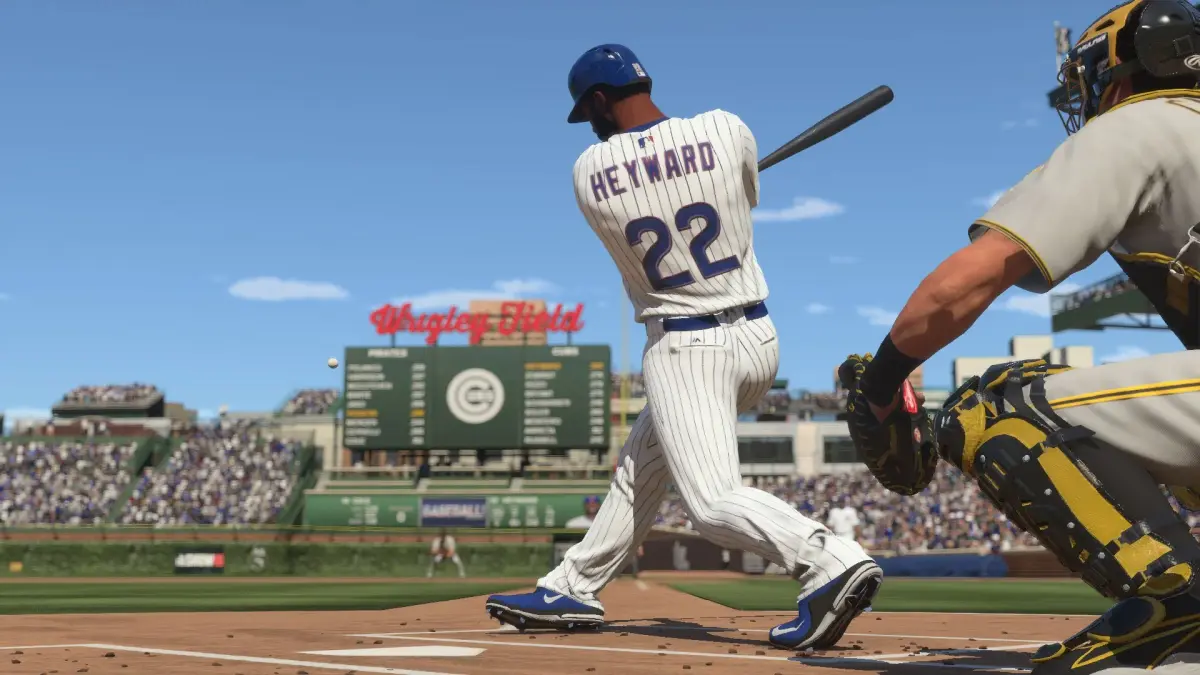
This is probably the biggest game-changer. You'll want to experiment with different camera views for both batting and fielding. Some popular choices include:
- Batting View: Many players prefer a slightly zoomed-out view that gives them a good look at the pitcher and the strike zone, but isn't so far that the ball looks tiny. Experiment with 'Strike Zone' or 'Offset Zoom' views. Try adjusting the 'Zoom' and 'Height' sliders until you find a sweet spot.
- Pitching View: For pitching, you'll want a clear view of your release point and the strike zone. The default 'Pitcher' view is often a good starting point.
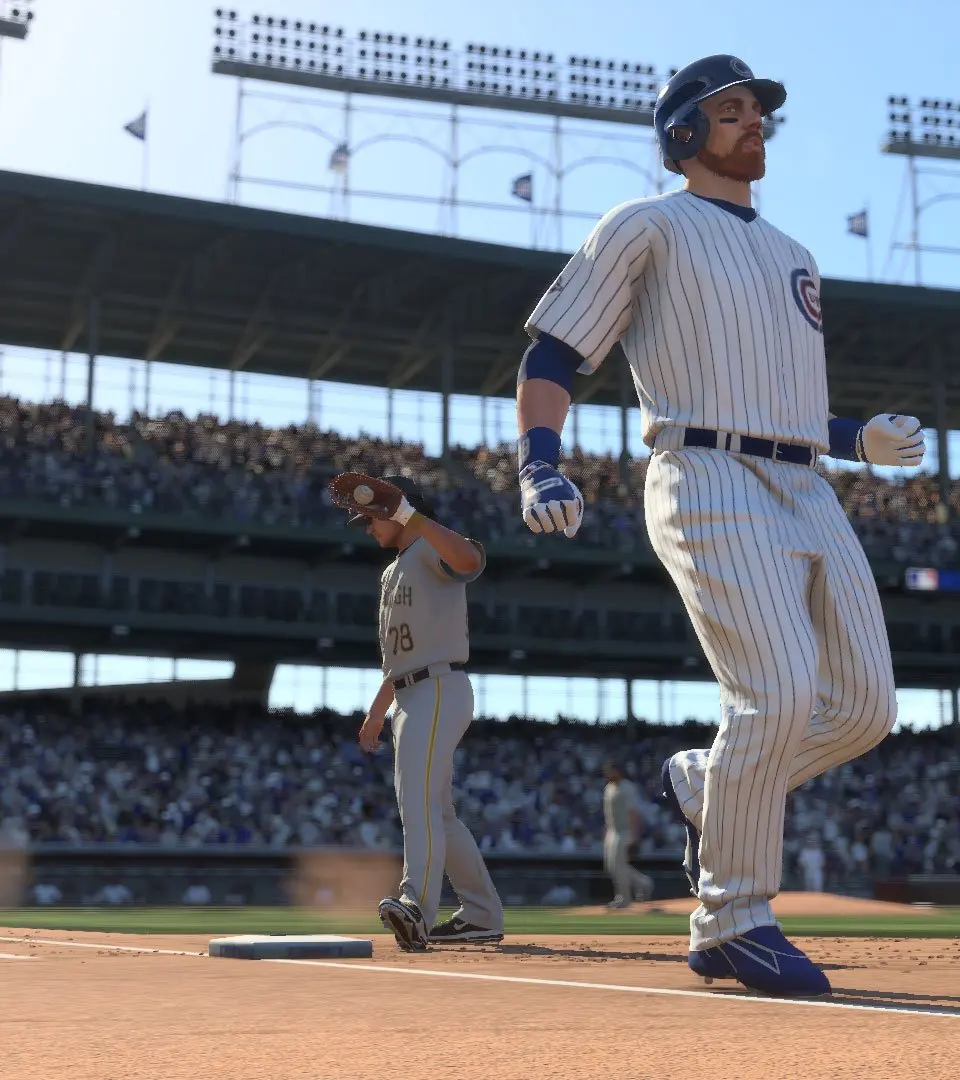
- Fielding View: When you're in the field, you need to see where the ball is going and where your teammates are. 'Catcher' view can be great for seeing the whole field, while other views might give you a closer perspective on the action.
Pro Tip: Don't just pick one and stick with it! Try different views for a few innings or even a full game. What feels good for hitting might not feel as good for fielding, and vice-versa. You can often save custom camera profiles, so play around and save what works!
Presentation Settings
This is where you can really tailor the broadcast feel. You can often adjust things like:
- Umpire Settings: Want a tighter strike zone? A more generous one? You can usually tweak this.
- Ball Trail: Some players like seeing a trail behind the ball to better track its trajectory.
- Hit/Pitch Indicators: These can give you visual feedback on timing and contact.
Audio Settings
Don't underestimate the power of sound! You can adjust the volume for:
- Crowd Noise: Want to feel the roar of the stadium or prefer to focus on the game sounds?
- Commentary: Turn it up for insights or down if it gets distracting.
- Music: Control the menu music volume.
Controller Settings
This is crucial for how the game *feels* in your hands:
- Vibration: Some players love the feedback, others find it distracting. Turn it off if it pulls your focus.
- Swing/Pitch Input: If you're using analog sticks, experiment with different input types (e.g., Pure Analog, Zone Timing) to see what feels most natural for your swing timing.
Take some time to explore these menus. It might not seem like the most exciting part of the game, but getting your settings just right is a key step to playing your best. Happy gaming!
100% Human-Written. AI Fact-Checked. Community Verified. Learn how AntMag verifies content