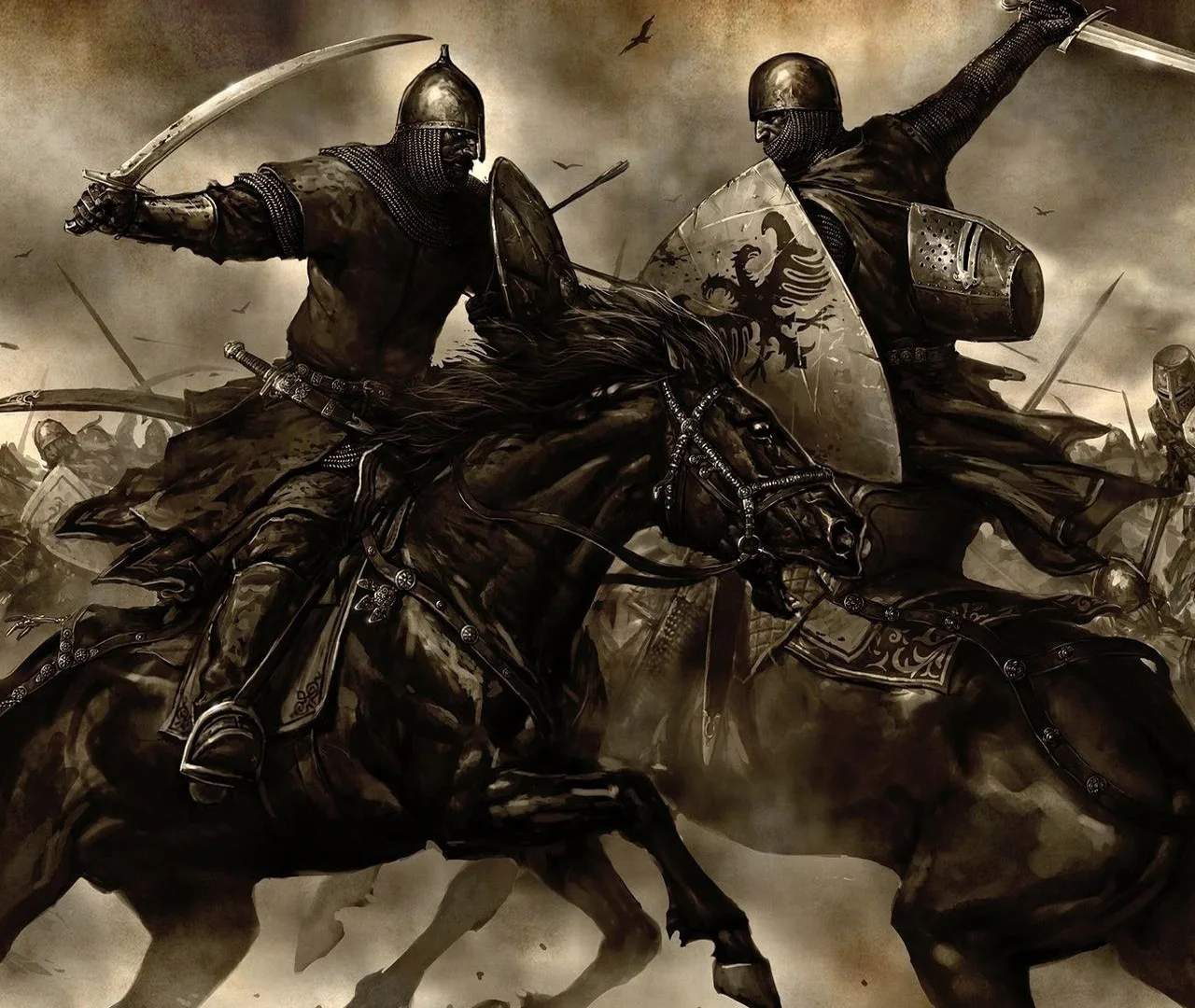
Mastering the controls is fundamental to surviving combat and navigating the world map. Warband uses a combination of mouse and keyboard for most actions. Movement is handled with WASD, while the mouse controls your camera and attack direction. In combat, directional attacks (swinging from left, right, overhead, or thrusting) are crucial and performed by moving the mouse in the desired direction before clicking the attack button (usually left-click).
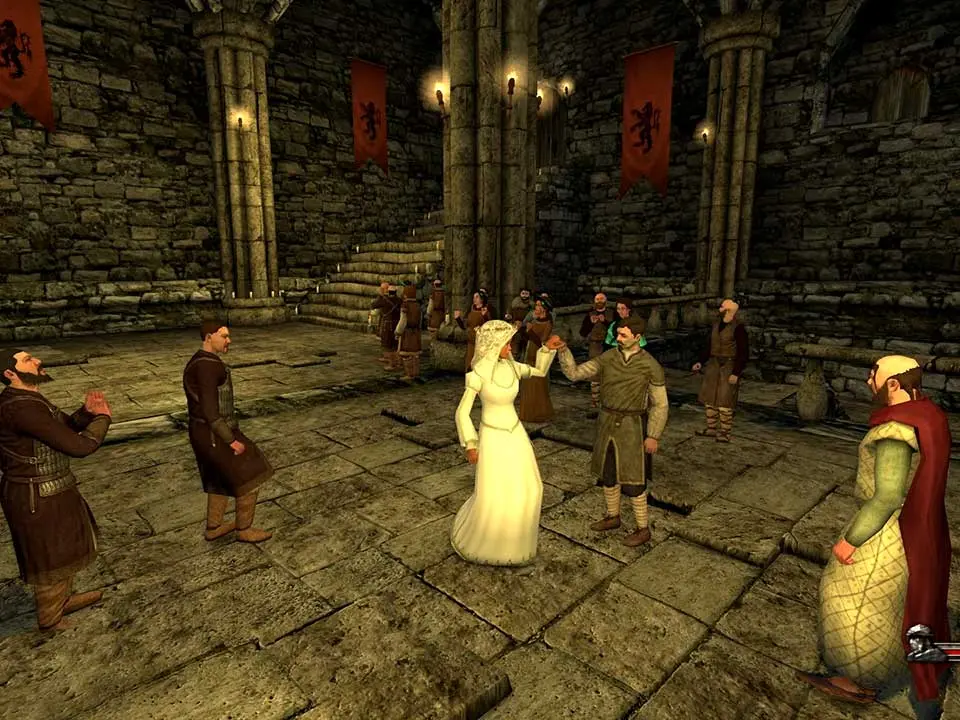
The User Interface (UI) provides vital information. On the world map, you'll see your party's current location, speed, and morale. In battle, the UI displays your health, weapon, and ammunition, along with a mini-map and troop commands. Pay attention to the bottom-left corner for important messages and quest updates. The inventory screen (accessed via 'I') allows you to manage your equipment, while the character screen ('C') shows your stats and skills. Understanding these elements will significantly improve your gameplay experience.