
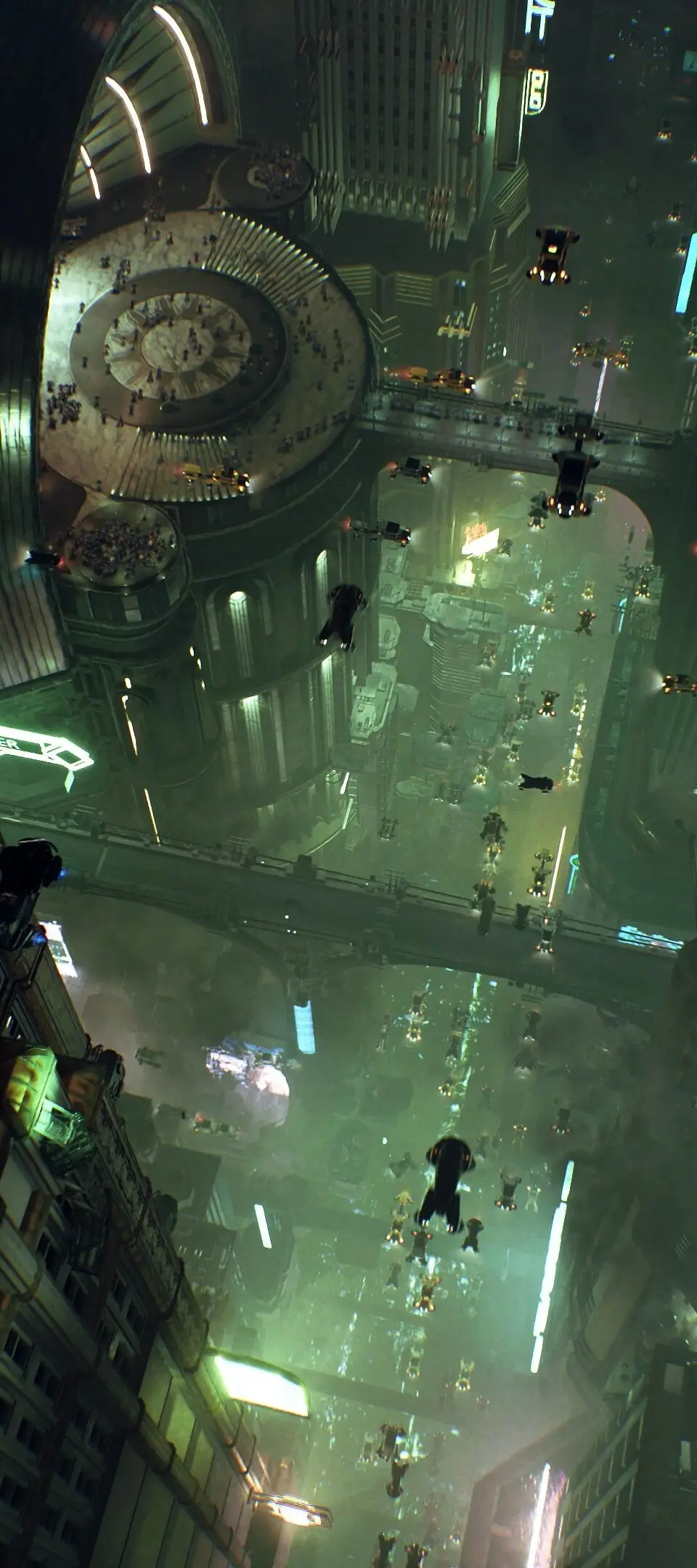
Learn the core systems of Nobody Wants to Die. Understand investigation techniques and evidence collection to solve mysteries in New York City.
Welcome, aspiring detective, to the intricate world of Nobody Wants to Die. Understanding the core mechanics is paramount to unraveling the mysteries of New York City in 2329. This section will detail the essential systems you'll encounter, from investigation techniques to navigating the environment and managing your crucial tools.

Investigation and Evidence Collection
Your primary role as Detective James Karra is to meticulously investigate crime scenes and gather evidence. This isn't a simple point-and-click affair; success hinges on thoroughness and critical thinking.
- Focus Mode (L2/LT): This is your most vital investigative tool. Activating Focus Mode highlights interactive elements in the environment. Look for glowing outlines or shimmering distortions. These indicate potential evidence, points of interest, or environmental clues.
- Scanning Evidence: Once an item is highlighted in Focus Mode, approach it and press the Interact button (X/A). Karra will often automatically scan the item, adding it to your evidence log. Pay close attention to the on-screen prompts; some items require multiple scans or specific angles.
- Environmental Analysis: Don't just look at the obvious. Use Focus Mode to scan walls, floors, ceilings, and even seemingly innocuous objects like discarded food wrappers or overturned furniture. These can reveal subtle clues, such as blood spatter patterns, scuff marks, or hidden compartments.
- Interacting with Technology: Many clues are digital. Look for terminals, data pads, or security cameras. Interacting with these (X/A) will often initiate a mini-game or prompt a data download. Successfully completing these will unlock new information or access restricted areas.
- Evidence Log (Touchpad/View Button): Regularly check your Evidence Log. This comprehensive database stores all collected clues, witness statements, and forensic reports. Reviewing it can help you connect disparate pieces of information and form new hypotheses.
The Chronos Device
The Chronos Device is your most advanced piece of technology, allowing you to manipulate time at specific points. Mastering its use is crucial for solving complex puzzles and overcoming environmental obstacles.
- Activating Chronos (R1/RB): When prompted, or when you identify a Chronos anomaly, press R1/RB to activate the device. This will often present you with a temporal distortion or a sequence of events to analyze.
- Rewinding and Fast-Forwarding: Use the Left Analog Stick to scrub through the timeline presented by the Chronos Device. You'll need to carefully observe events in reverse or fast-forward to identify key moments, hidden interactions, or the exact sequence of actions that led to a particular outcome.
- Identifying Key Moments: As you scrub, look for visual cues or audio prompts that indicate a significant event. These are often highlighted or accompanied by a distinct sound. Once identified, you may need to "lock in" that moment to proceed.
- Manipulating the Past: In some instances, the Chronos Device will allow you to subtly alter past events. This is not about changing history entirely, but rather about interacting with a past state to open a new path in the present. For example, you might rewind to a moment where a door was open, allowing you to access a previously blocked area.
Environmental Navigation and Interaction
New York City in 2329 is a sprawling, multi-layered environment. Efficient navigation and interaction are key to uncovering its secrets.
- Movement (Left Analog Stick): Standard movement controls apply. Utilize sprinting (L3/LS) for faster traversal, especially when backtracking.
- Jumping and Climbing (X/A): While not a platformer, you'll encounter ledges and obstacles that require basic jumping or climbing. Look for highlighted handholds or platforms in Focus Mode.
- Opening Doors and Activating Panels (X/A): Most interactive elements, such as doors, elevators, and control panels, are operated with the Interact button. Some doors may require a keycard or a successful Chronos manipulation.
- Environmental Puzzles: Beyond Chronos, you'll encounter various environmental puzzles. These might involve rerouting power, manipulating machinery, or finding specific items to unlock a path. Always use Focus Mode to highlight potential interactive elements.
- The Sewers: As detailed in the "Rewind or Die" guide, navigating the Sewers requires careful attention. Expect tight corridors, dimly lit areas, and potential environmental hazards. Always be on the lookout for alternative routes or hidden passages. The "Sewers" section of your map will be invaluable here.
Inventory and Item Management
While Nobody Wants to Die is not a resource management game, you will acquire and utilize various items.
- Inventory (Touchpad/View Button): Your inventory holds key items, such as data pads, security cards, and unique evidence. Access it to review item descriptions or to select an item for use in the environment.
- Key Items: These are automatically used when you interact with the appropriate environmental element. For example, a "Security Keycard Alpha" will automatically be used when you interact with a door requiring that specific card.
- Consumables (Rare): While rare, you might occasionally find items that replenish your Chronos energy or provide temporary boosts. These are typically used automatically when picked up or through a specific prompt.
100% Human-Written. AI Fact-Checked. Community Verified. Learn how AntMag verifies content