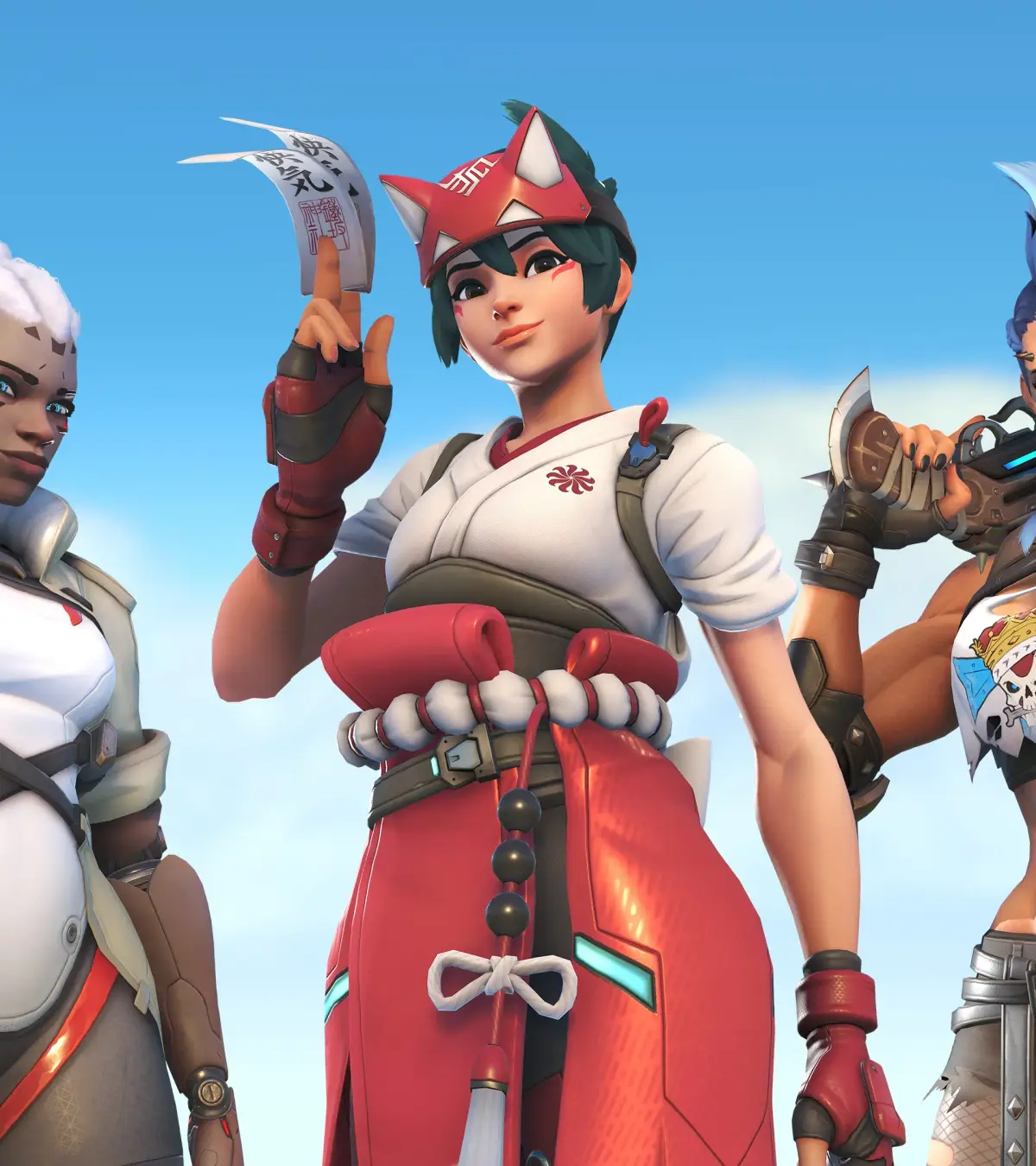
Discover how to use emotes in Overwatch 2, customize your hero's expressions, and enhance your gameplay experience with unique character animations and interactions.
Emotes are cosmetic animations that allow players to express themselves in-game. While they don't affect gameplay, they add a layer of personality and fun to Overwatch 2.
How to Use Emotes:
- Access the Emote Wheel: Press and hold the designated emote key (default is 'C' on PC).
- Select an Emote: While holding the emote key, move your mouse to select the desired emote from the wheel.
- Release the Key: Release the emote key to perform the selected animation.
Customizing Emotes:
- Navigate to the 'Hero Gallery' in the game's main menu.
- Select the hero you wish to customize.
- Go to the 'Emotes' tab.
- Here you can view all available emotes for that hero and equip up to four to your emote wheel.
Acquiring New Emotes:
- Emotes can be purchased from the in-game shop using Overwatch Coins.
- They are also sometimes available through Battle Pass rewards or special events.
Tips
- Emotes can be used during non-combat moments to interact with teammates or taunt opponents.
- Some emotes are tied to specific hero interactions or lore.
- Experiment with different emotes to find your favorites!
100% Human-Written. AI Fact-Checked. Community Verified. Learn how AntMag verifies content