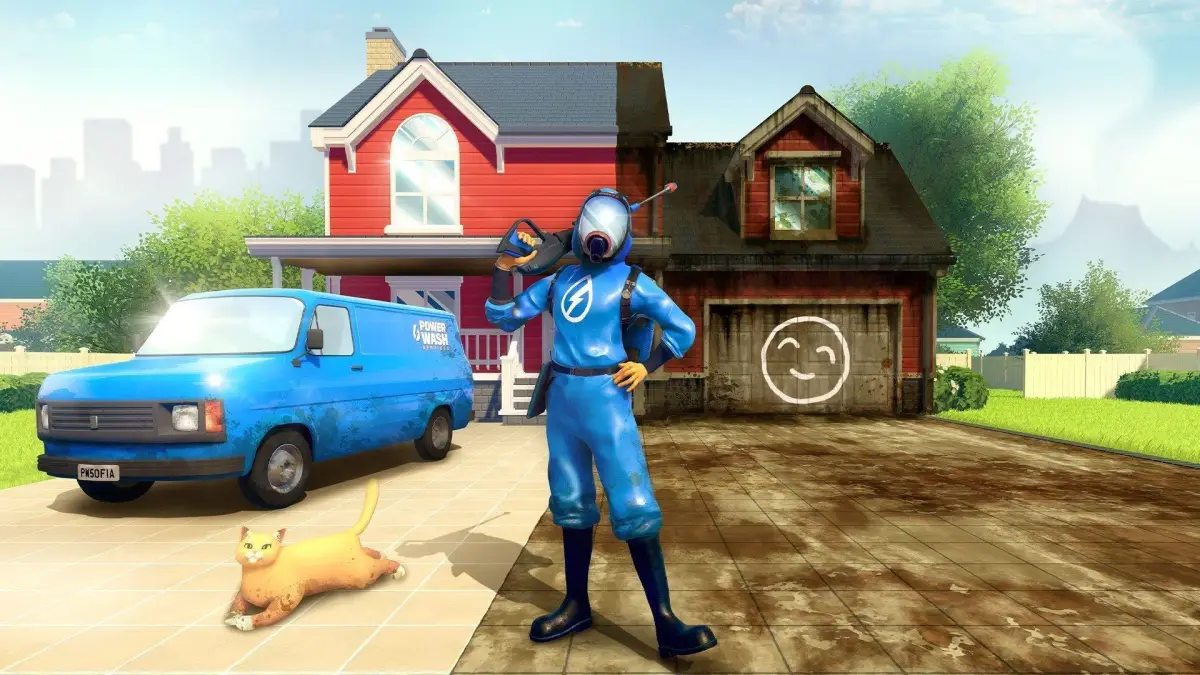
Follow this PowerWash Simulator walkthrough to clean the Fire Plane, a Bonus Job added in Muckingham Files - Part 4. Get tips and complete the job efficiently.
Walkthrough
- 1Start by using the red hose to clean the main body of the plane, focusing on the wings and fuselage.
- 2Switch to the yellow hose for tougher grime on the engines and landing gear.
- 3Use the green hose for any remaining stubborn spots or hard-to-reach areas.
- 4Ensure all surfaces are completely clean to finish the job.
Tips
- Start with the largest, most accessible areas to make quick progress.
- Utilize the different nozzle types to tackle varying levels of dirt.
- Keep an eye on your water pressure and distance to avoid missing spots.
100% Human-Written. AI Fact-Checked. Community Verified. Learn how AntMag verifies content