
Welcome to House Flipper 2! Get ready to dive into a satisfying first-person sandbox experience where you'll transform dilapidated houses into dream homes. You'll be using a variety of tools to clean, demolish, build, and decorate, tackling everything from dusty interiors to overgrown gardens. It's a game for anyone who loves a good renovation project and building something from the ground up.
This guide is here to help you master every aspect of your flipping empire. We'll cover essential skills like demolition and gardening, guide you through challenging client requests, and show you how to customize your character and tools. Whether you're aiming to build a successful flipping business or just want to create the perfect virtual space, we've got you covered.
Side Quests & Activities
Explore all the DLC and content packs for House Flipper 2, including new houses, jobs, and furniture. Get the details on Garden Flipper, HGTV, Luxury Flipper, and more!
Side Quests & Activities
Explore all the DLC and content packs for House Flipper 2, including new houses, jobs, and furniture. Get the details on Garden Flipper, HGTV, Luxury Flipper, and more!
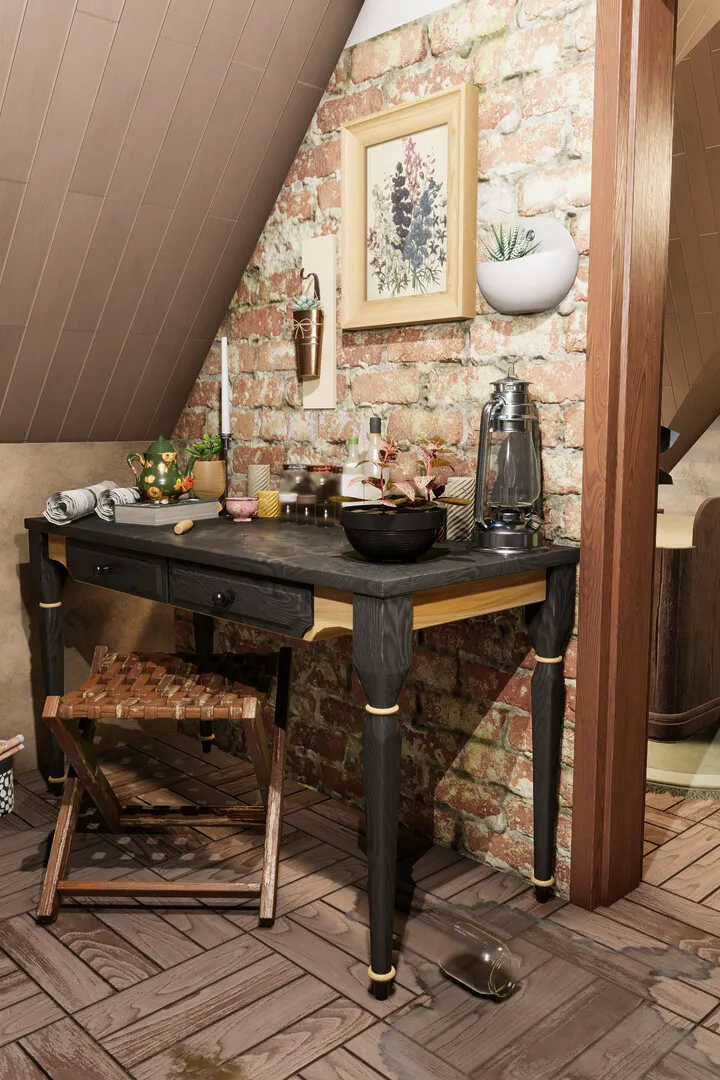

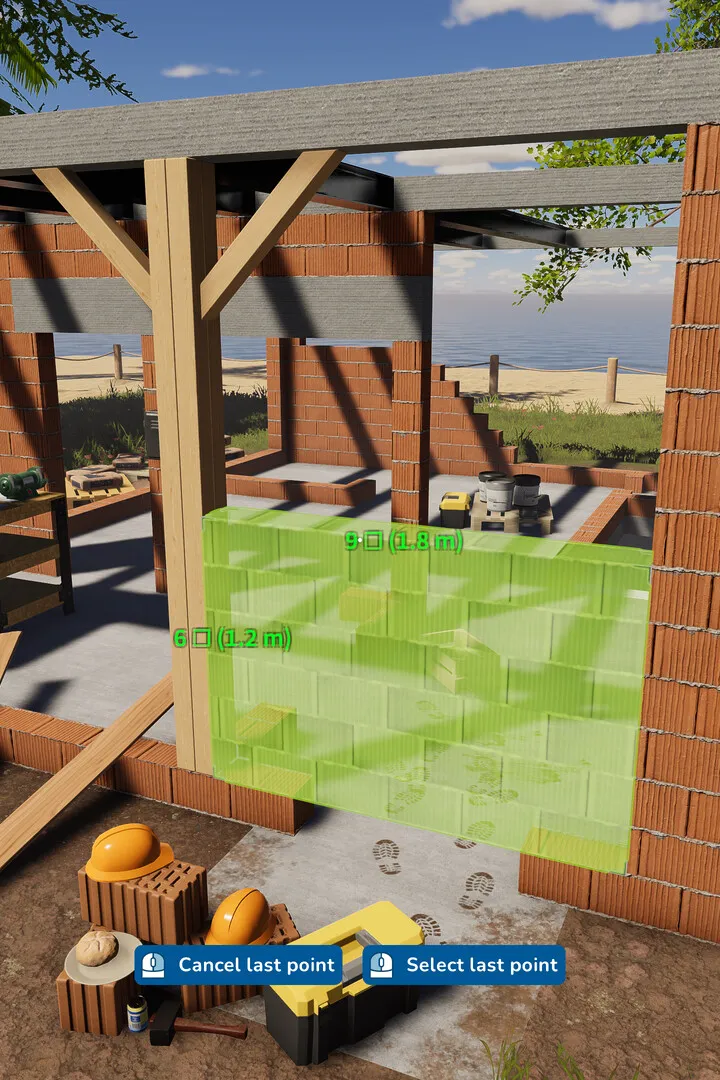
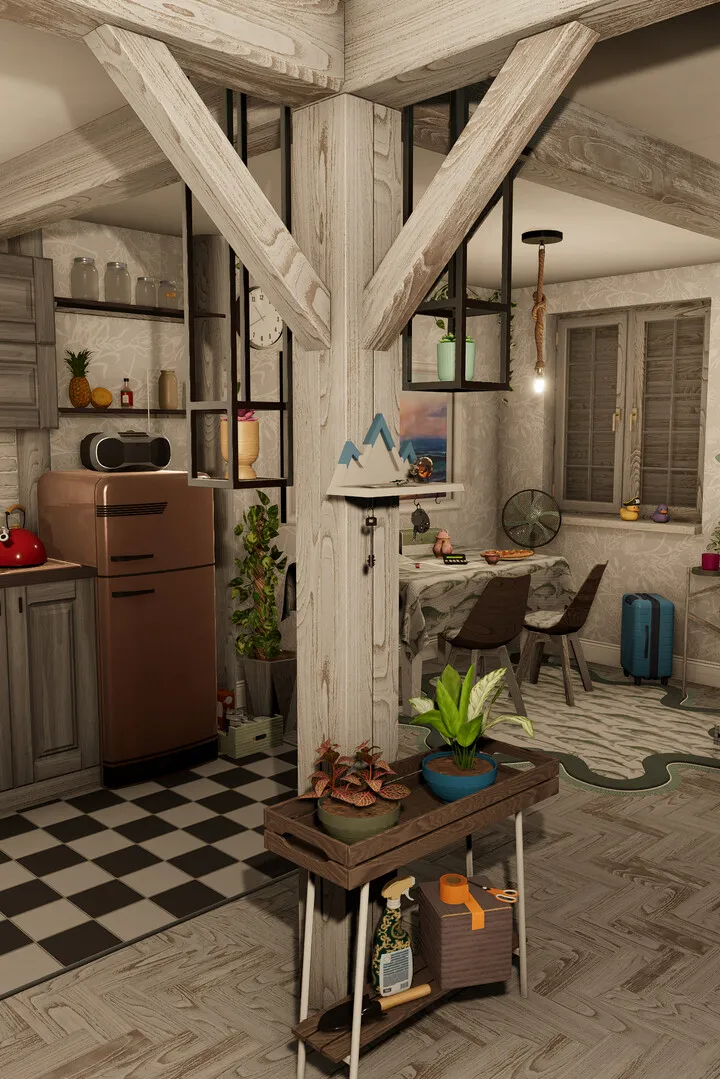
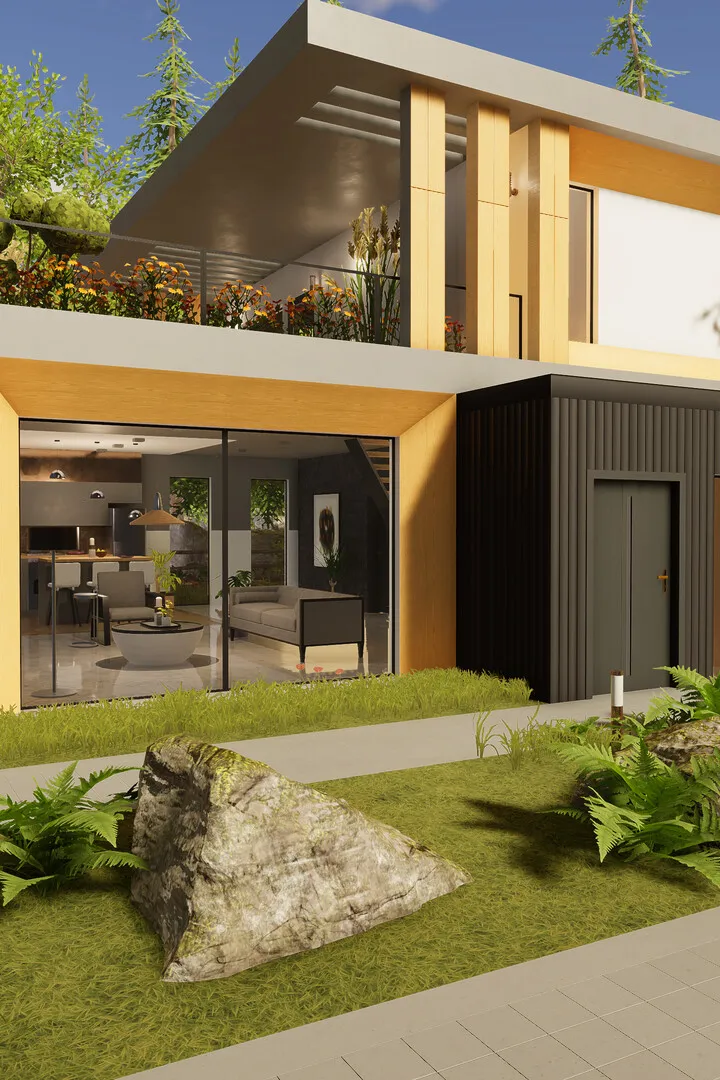
Garden & Exterior Renovation
Learn how to tackle garden and exterior renovations in House Flipper 2. This guide covers essential tips and tricks to transform outdoor spaces and boost your property's appeal.
Hey there, future flipper! Ready to take your House Flipper 2 skills outside? While the game is mostly about the inside, there are definitely ways to spruce up the exterior and get those gardens looking sharp. Think of it as giving your houses a great first impression!
Right now, House Flipper 2 focuses more on interior renovations. You won't find a dedicated 'garden' toolset like in some other games. However, you can still make a big impact by focusing on what's available.
What you CAN do:
- Demolish and Rebuild: Just like inside, you can knock down old fences, sheds, or anything else that's an eyesore. Then, you can use the building tools to put up new fences, maybe add a small patio, or even lay down some pathways.
- Painting and Texturing: Don't forget the exterior walls! A fresh coat of paint or new siding can make a world of difference. You can also use textures to create paths or define garden areas.
- Planting (Limited): While there isn't a specific 'garden' mode with tons of plants, keep an eye out for any decorative items that can be placed outside. Sometimes, simple potted plants or small trees can add a nice touch.
- Clean Up: Make sure to clear away any trash or debris left on the property. A clean yard is always more appealing!
- Plan your layout: Even without a dedicated garden tool, think about where you want paths, seating areas, or fences to go.
- Match the style: Try to keep the exterior style consistent with the interior renovations you've done.
- Focus on curb appeal: A good-looking exterior can really bump up the selling price and make buyers happier.
It might not be as in-depth as interior design, but a little exterior love goes a long way in House Flipper 2!
Identifying Walls for Demolition
Learn how to use the Demolition tool in House Flipper 2 to change house layouts by knocking down interior walls. Get tips on efficient demolition!
You can access the Demolition tool by clicking and holding the right mouse button to bring up the radial menu, or by hitting the '7' key when you're inside, and '8' when you're outside. Remember, you can only demolish interior walls; the exterior ones are staying put!
Each wall section usually takes about 2-5 hits to come down, while those lintel pieces above doorways only need one. A good strategy, especially when you're starting out, is to work from the top of a wall pillar down to the bottom. Aim for the top, then the center, then the bottom, trying to cover as much of the wall as you can with each swing.
As you upgrade your skills, you'll notice a big difference. Perks like 'Passionate hammer master' make you swing faster, 'Triceps of steel' increase your strike force for fewer hits, and 'Better equipment' gives you access to better hammers. With these upgrades, you can sometimes clear out a whole section of walls (like 5+ pillars!) in just a few well-placed hits. You'll know you've done a good job when you see a bunch of wall polygons fall at once and the yellow disappears from your minimap.
A quick heads-up: if you're demolishing a wall that happens to have heating or bathroom pipes in it, you might cause a 'Broken pipes' issue. So, keep an eye out for those!
Decorating & Furnishing Challenges
Learn about decorating and furnishing challenges in House Flipper 2. Discover item assembly, buyer types, and sandbox mode features to enhance your flipping experience.
This guide section focuses on the decorating and furnishing aspects of House Flipper 2. While the game primarily features job-based renovations and a sandbox mode for creative building, there isn't a specific "Decorating & Furnishing Challenges" section in the traditional sense. Instead, players engage with these elements through various gameplay mechanics.
Key elements include:
- Item Assembly: A separate mini-game where players can assemble furniture items to receive discounts on similar items in the store. This includes simple items like picture frames and lamps, moderate items like desks and bathtubs, and complex items like TV cabinets.
- Buyers: Most buyers are randomly generated and have no specific requests. However, special "collectible" buyers can appear at auction if certain hidden requirements are met, similar to the original game.
- Sandbox Mode: This mode allows players to build houses from scratch with extensive tools, an unlimited budget, and a wide array of customizable items, including landscaping tools and decorative elements. Jobs and houses created in sandbox mode can be exported and shared.
Players can also explore community builds and share their own creations.
Similar guides you might like





100% Human-Written. AI Fact-Checked. Community Verified. Learn how AntMag verifies content