
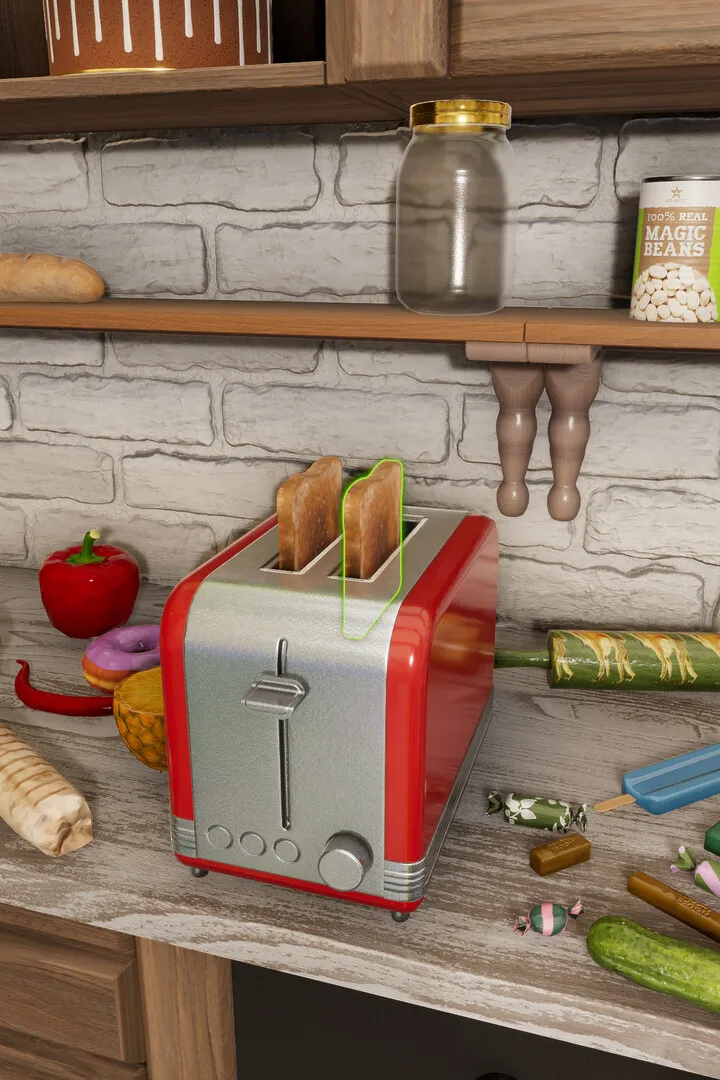
Master the House Flipper 2 Level Editor with advanced techniques and tips. Learn to create stunning builds and optimize your designs for the ultimate renovation experience.
The Level Editor in House Flipper 2 offers powerful tools for creating and customizing your builds. While the game provides a robust set of features for general renovation, advanced techniques can elevate your creations to the next level. This guide explores some of these advanced methods and tips to help you design unique and impressive spaces.
Advanced Techniques & Tips:
- Utilize the Grid System Effectively: While the grid is fundamental, learn to manipulate it for precise placement of objects, especially for complex furniture arrangements or architectural details. Experiment with snapping options to achieve perfect alignment.
- Layering and Depth: Create more realistic and visually appealing rooms by layering objects. This involves placing items in front of and behind each other to add depth, such as placing plants in front of shelves or hanging decorations on walls behind furniture.
- Customizing Textures and Materials: Beyond simply painting walls, explore advanced texture application. Learn how to use different materials for floors, walls, and ceilings to create unique patterns and finishes. Experiment with combining different textures for a more dynamic look.
- Lighting as a Design Element: Advanced lighting setups can dramatically change the mood and perception of a space. Experiment with different light sources, intensities, and colors to highlight specific areas or create a desired ambiance. Consider using spotlights to draw attention to decorative items.
- Smart Object Placement for Flow: Think about the practical flow of a room. Advanced users consider how a player or NPC would navigate the space, ensuring furniture is placed logically and pathways are clear. This is crucial for creating functional and believable environments.
- Leveraging the Sandbox Mode: The sandbox mode is your ultimate playground for experimentation. Use it to test out complex design ideas, practice advanced building techniques, and refine your skills without the constraints of job objectives or budgets.
- Community Creations as Inspiration: Explore community builds shared online. Analyzing how other players have used the editor's tools can provide invaluable inspiration and teach you new techniques you might not have considered.
By incorporating these advanced techniques, you can transform your House Flipper 2 creations from simple renovations into truly remarkable architectural designs.
100% Human-Written. AI Fact-Checked. Community Verified. Learn how AntMag verifies content