
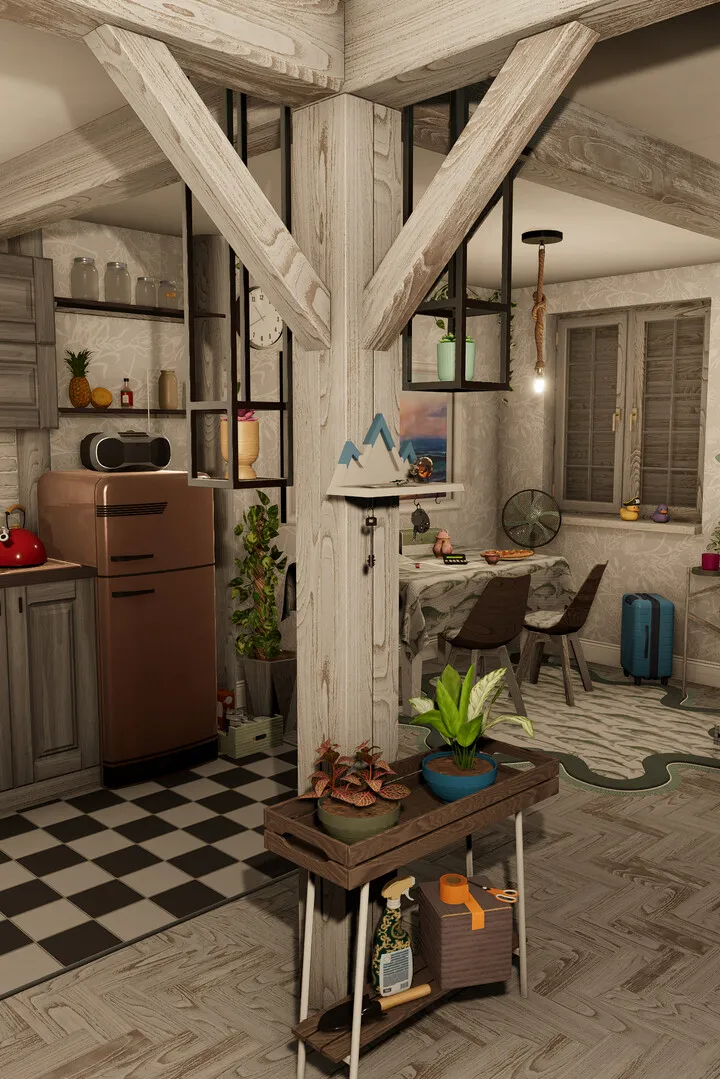
Learn the essential controls and movement mechanics in House Flipper 2. Master your tools and navigate your way to successful renovations with our comprehensive guide.
This guide covers the basic controls and movement within House Flipper 2. Understanding these fundamentals is key to efficiently renovating and flipping houses.
| Action | Button |
|---|---|
| Move Forward | W |
| Move Backward | S |
| Move Left | A |
| Move Right | D |
| Jump | Spacebar |
| Crouch | Ctrl |
| Sprint | Shift |
| Interact | E |
| Open Tablet | Tab |
| Use Tool | Left Mouse Button |
| Aim Tool | Right Mouse Button |
| Change Tool Mode | Scroll Wheel |
| Drop Item | G |
| Inventory | I |
| Build Mode | B |
| Buy Mode | Q |
100% Human-Written. AI Fact-Checked. Community Verified. Learn how AntMag verifies content