
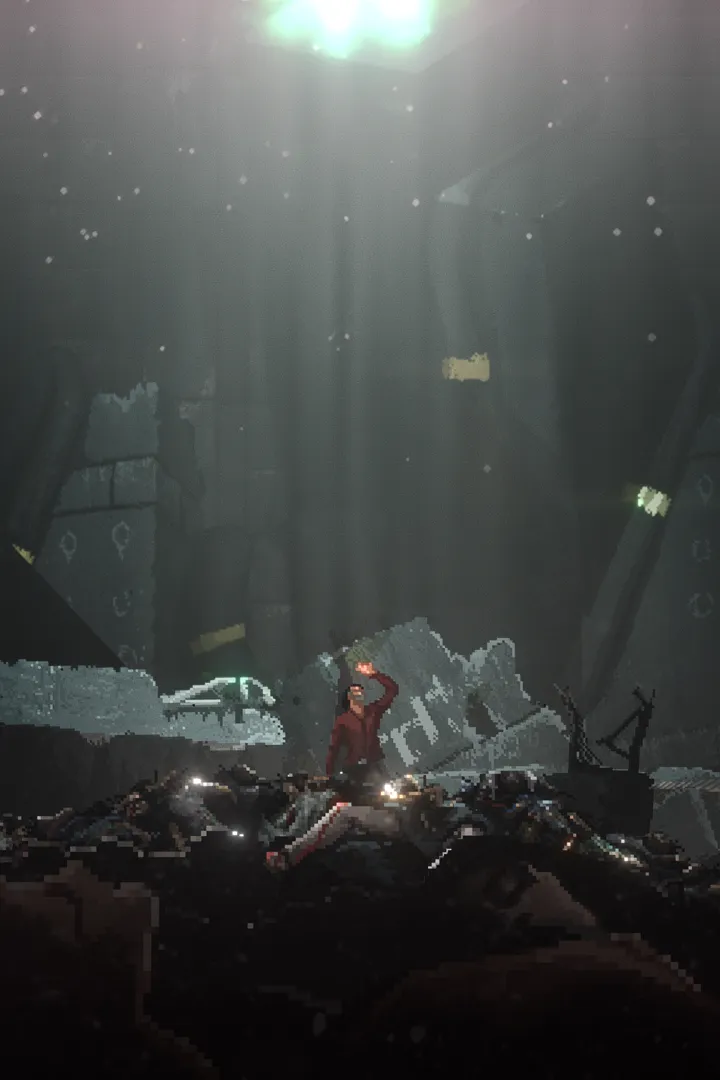
Resolve REPLACED technical issues. Learn how to fix stuttering, low frame rates, and crashes by verifying your system meets minimum specifications.
Encountering technical issues while navigating the dystopian world of REPLACED can be frustrating, but there are several steps you can take to ensure a smooth gameplay experience. If you're experiencing performance problems such as stuttering, low frame rates, or crashes, the first course of action is to ensure your system meets the game's minimum or recommended specifications. You can find these details on the game's store page on PC platforms like Steam or the Microsoft Store.
For PC players, keeping your graphics drivers updated is crucial. Visit the websites of NVIDIA, AMD, or Intel, depending on your graphics card manufacturer, and download the latest drivers. Sometimes, a clean installation of these drivers can resolve persistent graphical glitches.
If the game fails to launch or crashes unexpectedly, try verifying the integrity of the game files. On Steam, this can be done by right-clicking REPLACED in your library, selecting "Properties," then "Local Files," and finally "Verify integrity of game files." This process checks for any corrupted or missing files and redownloads them.
For console players on Xbox One or Xbox Series S/X, ensure your console's system software is up to date. Navigate to the console's settings menu and check for system updates. If you're experiencing persistent issues with a specific game installation, uninstalling and then reinstalling REPLACED can often resolve the problem.
If you're facing persistent bugs or issues that you believe are not hardware-related, consider reporting them to the game's developers. Many games have dedicated forums or support channels where You can submit bug reports. Providing detailed information, such as the circumstances under which the issue occurred, your system specifications, and any error messages you received, will greatly assist the development team in identifying and fixing the problem.
For general troubleshooting, restarting your PC or console can often clear temporary glitches. If you're using a wired connection for online play, ensure your Ethernet cable is securely plugged in at both ends. For wireless connections, try moving closer to your router or restarting your router and modem.
100% Human-Written. AI Fact-Checked. Community Verified. Learn how AntMag verifies content