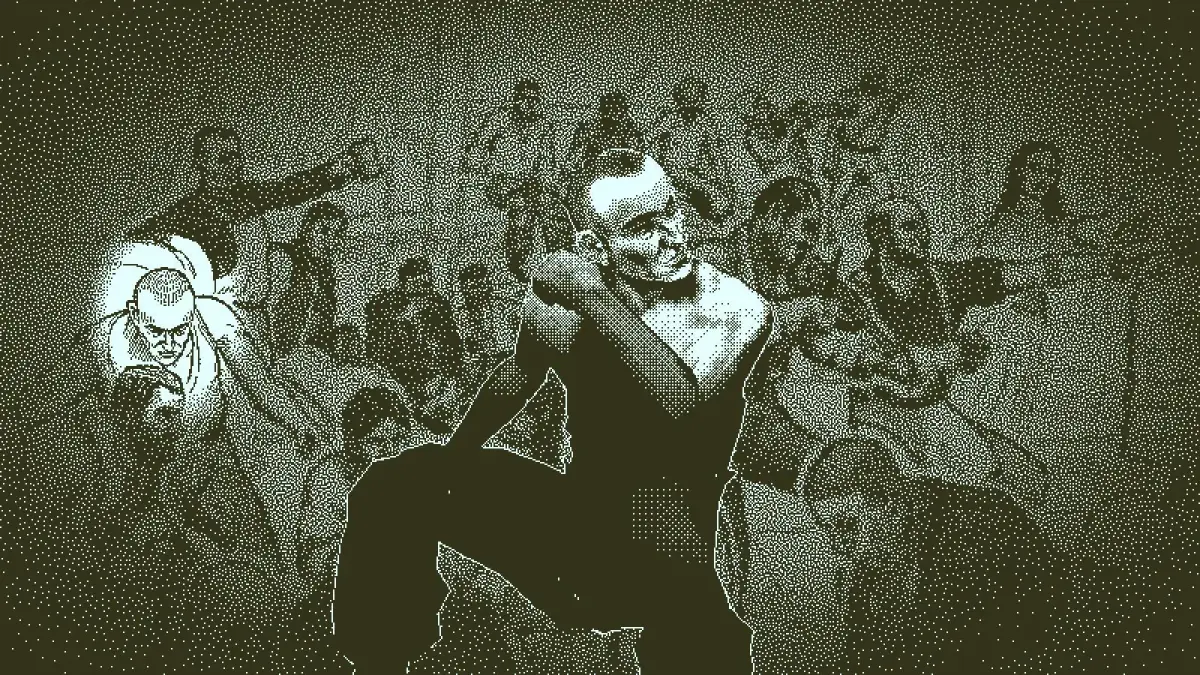
Learn the keyboard and mouse controls for Return of the Obra Dinn, including how to explore, open the logbook, and activate memories.
Keyboard Controls:
Exploring:
- Up Arrow: Move forward
- Down Arrow: Move backward
- Left Arrow: Turn left
- Right Arrow: Turn right
- Spacebar: Confirm action
- Tab: Open logbook
- "E" Key: Hold in to zoom in on a person's face during a memory; brings up the fullscreen information when pressing Tab
- Esc: Brings up the menu settings
- Alt+Enter: Enter/exit Windowed Mode
Reading (Logbook):
- Tab: Close logbook
- "D" Key: Page Right
- "A" Key: Page Left
- Esc: Back
- "Q" Key: Back to Table of Contents
Mouse Controls:
- Move mouse up or down: Move forward or backward (world map)
- Move mouse left or right: Turn left or right (world map)
- Left-click button: Confirm action; activate memory with the pocketwatch (first click) when near a corpse; abort the memory process while entry animation is running (second click)
- Right-click button: Zoom in on an object or person in a memory
100% Human-Written. AI Fact-Checked. Community Verified. Learn how AntMag verifies content