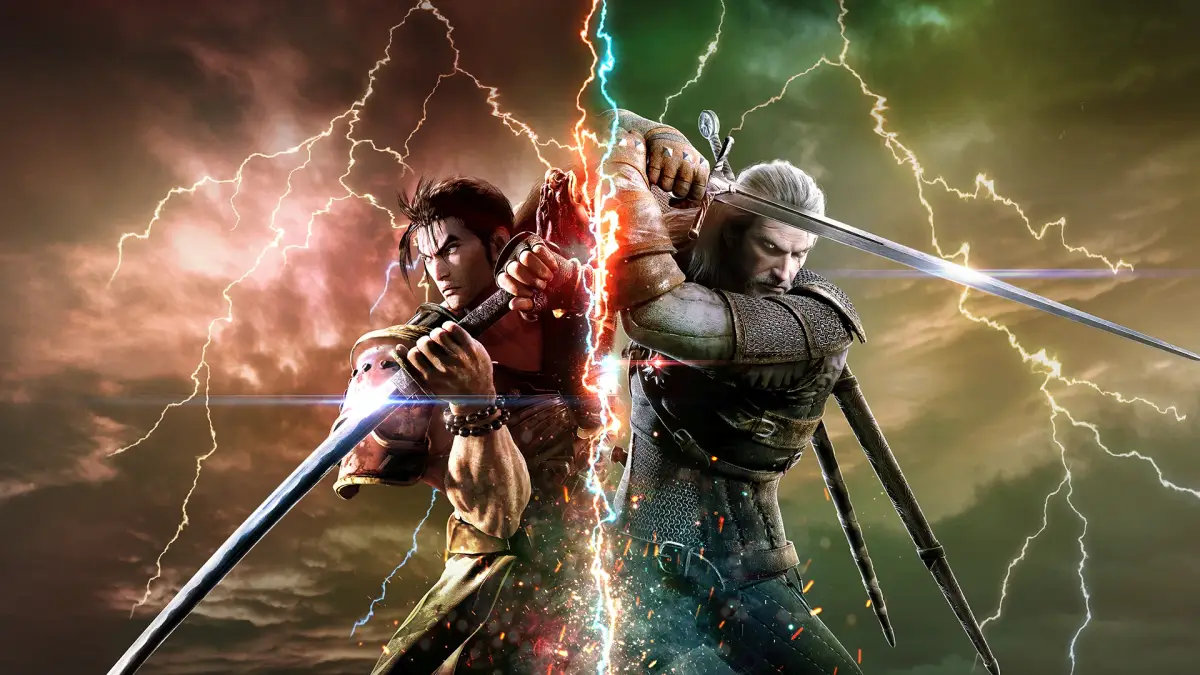
Learn the button mapping for Soulcalibur VI on PS4 and Xbox, including Horizontal Attack, Vertical Attack, Kick, Block, and Critical Edge.
Controls:
PlayStation 4 (PS4) / Xbox Button Mapping:
- Square (PS4) / X (Xbox): Horizontal Attack (A)
- Triangle (PS4) / Y (Xbox): Vertical Attack (B)
- Circle (PS4) / B (Xbox): Kick (K)
- X (PS4) / A (Xbox): Block (G)
- Forward + X (PS4) / Forward + A (Xbox): Guard Impact
- Hold X (PS4) / Hold A (Xbox): Jump (Shortcut: D-Pad/Left Stick Up)
- L1 (PS4) / LB (Xbox): Break Attack (Requires: A+B)
- L2 (PS4) / LT (Xbox): Forward Throw (Requires: A+G)
- Back + L2 (PS4) / Back + LT (Xbox): Back Throw (Requires: Back+A+G)
- R1 (PS4) / RB (Xbox): Reversal Edge (Requires: B+G)
- R2 (PS4) / RT (Xbox): Critical Edge (Requires: A+B+K)
- Back + R2 (PS4) / Back + RT (Xbox): Soul Charge (Requires: Back+A+B+K)
- D-Pad/Left Stick: Move
Tips
- Combine attack buttons for special moves like Break Attack, Forward Throw, Back Throw, Reversal Edge, Critical Edge, and Soul Charge.
- Use the D-Pad or Left Stick for all movement.
- Holding the Block button (X on PS4, A on Xbox) allows you to jump.
100% Human-Written. AI Fact-Checked. Community Verified. Learn how AntMag verifies content