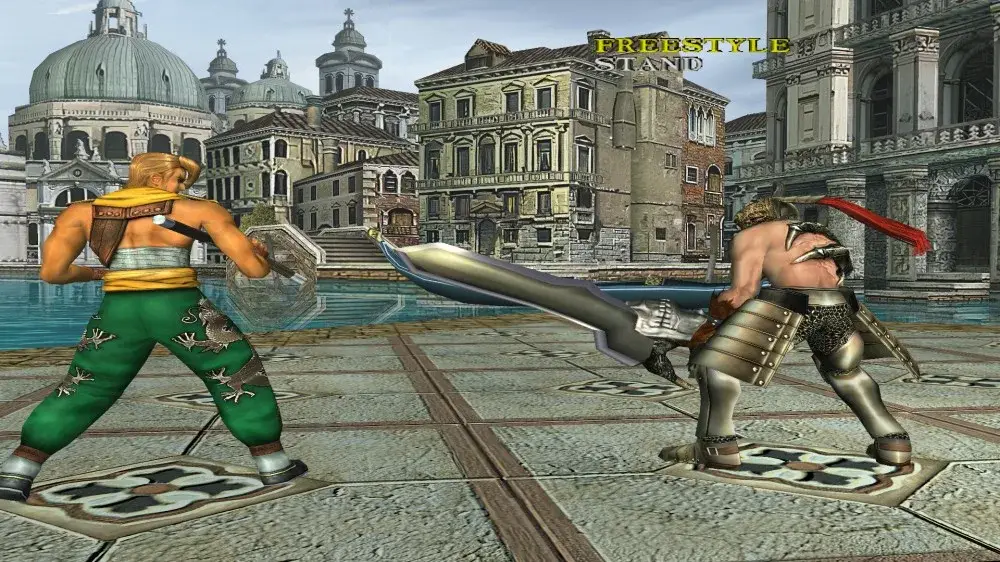
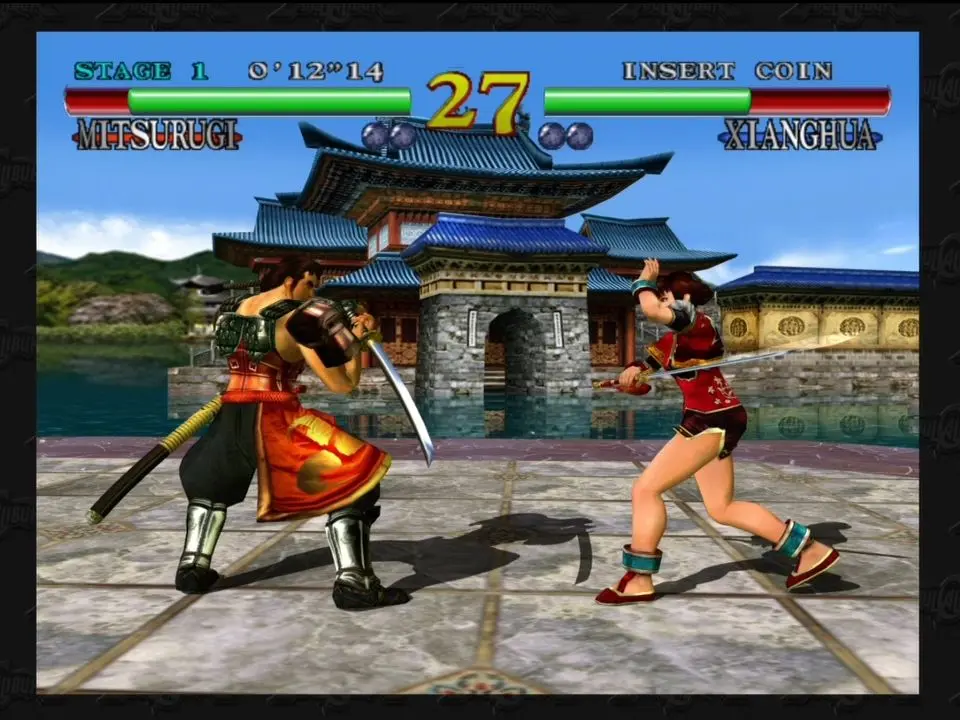
Master Soulcalibur's Practice Mode with effective strategies. Learn key techniques and settings to improve your character matchups and combat execution for any.
The Training Mode in Soulcalibur is an invaluable resource for players of all skill levels, from newcomers learning the ropes to veterans refining their character mastery. This detailed guide will walk you through effective strategies to maximize your time in the dojo, focusing on specific techniques and settings that will elevate your gameplay.
Understanding the Practice Menu
Before diving into advanced techniques, familiarize yourself with the comprehensive options available in the Practice Mode menu. Accessing this menu typically involves pausing the game during a practice session. Key settings to pay attention to include:
- Opponent Action: This is crucial for simulating various combat scenarios.
- Guard Settings: Essential for practicing offense and defense.
- Counter Hit Settings: For understanding frame data and combo extensions.
- Display Settings: To visualize important game mechanics.
Fundamental Training: Mastering Your Character
Start with the basics for your chosen character. Even if you think you know them, a refresher can reveal overlooked nuances.
- Command List Exploration:
- Go to the pause menu and select "Command List."
- Methodically execute every move listed. Pay attention to the input timing and the visual cues of each attack.
- Focus on understanding the range, speed, and recovery of your character's basic Horizontal Attacks (A), Vertical Attacks (B), and Kicks (K).
- Practice your character's unique stances and their transitions. For example, Nightmare's "Grim Stride" (214) or Siegfried's "Dark Legacy" (4B+K).
- Basic Combo Practice:
- Set the "Opponent Action" to "Guard All" initially, then switch to "Stand" or "Crouch" as needed.
- Practice your character's most reliable 2-3 hit combos. These are often found at the top of the Command List or in character-specific guides.
- Focus on consistent execution and understanding the timing for each hit to connect.
- use the "Display Settings" to show "Hit Confirm" or "Damage Display" to verify your combos are landing correctly and for optimal damage.
Advanced Techniques: Elevating Your Game
Once you're comfortable with the fundamentals, it's time to delve into more advanced concepts.
Punishment Training
Punishing your opponent's mistakes is a cornerstone of competitive Soulcalibur. This requires precise timing and knowledge of your character's fastest, most damaging attacks.
- Simulating Whiffs:
- Set the "Opponent Action" to "Record" and record the dummy performing a slow, easily punishable move, such as a character's 6B+K (Guard Break) or a highly telegraphed vertical attack.
- After recording, set "Opponent Action" to "Playback."
- Practice reacting to the dummy's whiffed attack with your fastest, most damaging punish. This might be a quick 1A, a launcher like 3B, or a specific combo.
- Experiment with different whiffed moves from various characters to broaden your punishment repertoire.
- Block Punishment:
- Set the "Opponent Action" to "Guard All."
- Record the dummy performing a move that is significantly negative on block (e.g., -14 frames or worse). Many character-specific guides will list these.
- Set "Opponent Action" to "Playback."
- Practice blocking the move and immediately retaliating with a guaranteed punish. This will often be a launcher or a high-damage combo starter.
- use the "Frame Data Display" (if available in your version of Soulcalibur) to identify which moves are truly unsafe on block.
Guard Impact and Reversal Edge Practice
These defensive mechanics are vital for turning the tide of a match.
- Guard Impact (GI) Timing:
- Set "Opponent Action" to "Record" and record the dummy performing several attacks: fast horizontals, slow verticals, and mid-speed kicks.
- ."
- Practice timing your Guard Impact (6A+B+K or 4A+B+K depending on direction) to deflect the incoming attacks.
- Focus on the visual and auditory cues that indicate a successful GI.
- Once you can consistently GI, practice following up with your character's guaranteed GI punish.
- Reversal Edge (RE) Counterplay (Soulcalibur VI):
- Set "Opponent Action" to "Record" and have the dummy perform a Reversal Edge (B+K).
- ."
- Practice reacting to the RE flash by either sidestepping, guarding, or using a fast attack to interrupt it.
- Alternatively, set "Opponent Action" to "RE Attack" (if available) and practice the rock-paper-scissors aspect of the RE clash, choosing between A, B, or K.
Ring Out Strategies
Ring Outs are a quick path to victory. Practice pushing your opponent off the stage.
- Stage Awareness:
- Select a stage with easily accessible ring out zones, such as "Azure Horizon" or "Grand Labyrinth."
- Set the "Opponent Action" to "Guard All" or "Stand."
- Practice your character's moves that have strong pushback or launch properties, like Mitsurugi's "Heavenly Dance" (66B) or Sophitia's "Angel Step" (236B).
- Focus on positioning yourself and your opponent near the edge before initiating these attacks.
- Ring Out Combos:
- Some characters have specific combos designed to carry opponents to the edge. Research these for your main.
- Practice these combos, ensuring you can execute them consistently while maintaining optimal positioning for a ring out.
By diligently working through these practice mode strategies, you'll develop a deeper understanding of Soulcalibur's mechanics and your chosen character, leading to significant improvements in your live matches.
100% Human-Written. AI Fact-Checked. Community Verified. Learn how AntMag verifies content