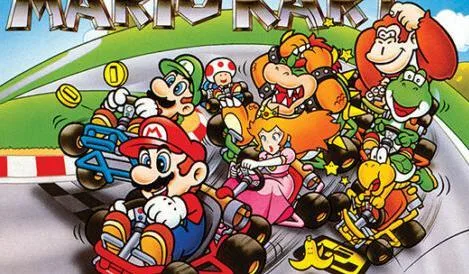
Learn about Super Mario Kart multiplayer modes, including Normal and Simple, and their requirements for connecting with other players.
Walkthrough
- 1Select multiplayer mode to connect to other players and race against them.
- 2Choose between two modes: Normal mode or Simple mode.
- 3Normal mode: Requires every participating player to have both a Nintendo DS (DS) and a copy of the Super Mario Kart game.
- 4Simple mode: Requires every participating player to have a Nintendo DS (DS), but not necessarily a copy of the Super Mario Kart game.
- 5In Simple mode, the only character available to select is Shy Guy.
- 6If you are a player without a copy of the Super Mario Kart game, select 'DS Download Play' when setting up multiplayer mode to access the game.
- 7All participating players must be within 30 feet of each other to play this mode; this is not Wi-Fi gameplay.
- 8When other players are registering to join your session, you can set the limit for participants by hitting 'Cut Off' once enough people have joined.
Tips
- Ensure all players have their Nintendo DS systems within the 30-foot range for a stable connection.
- If some players do not own the game, Simple mode is the only option, restricting character choice to Shy Guy.
- Use the 'Cut Off' feature to manage the number of players joining your session.
100% Human-Written. AI Fact-Checked. Community Verified. Learn how AntMag verifies content