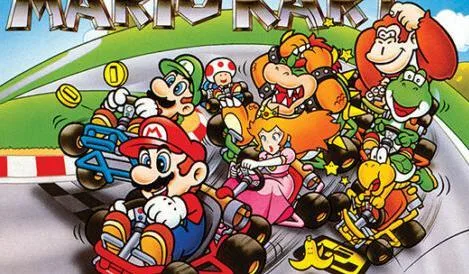
Learn how to change sound settings, Wi-Fi alerts, edit your nickname, design kart emblems, and manage saved data in Super Mario Kart.
Hey there! So, you're diving into Super Mario Kart and want to tweak things a bit? The Options menu is where you'll do just that. Think of it as your personal control center for the game.
In here, you can mess with your sound settings – maybe you want the music a little louder or the sound effects toned down. If you're playing online using Wi-Fi, you can even set it up to let you know when your buddies hop online, so you don't miss out on any races. Pretty neat, right?
Want to change how you're known in the game? You can edit your in-game nickname here. But the really cool part? You can design your very own emblem to slap on the front of your kart. Yep, you get to use the stylus for this, so get creative!
Oh, and one more thing – if you ever need to start fresh or clear out old save data, you can do that right from the Options menu too. It's all about making the game feel just right for you.
100% Human-Written. AI Fact-Checked. Community Verified. Learn how AntMag verifies content