Understand the minimalist UI in The Beginner's Guide. Learn to use the central crosshair for interaction in Davey's immersive game development showcase.
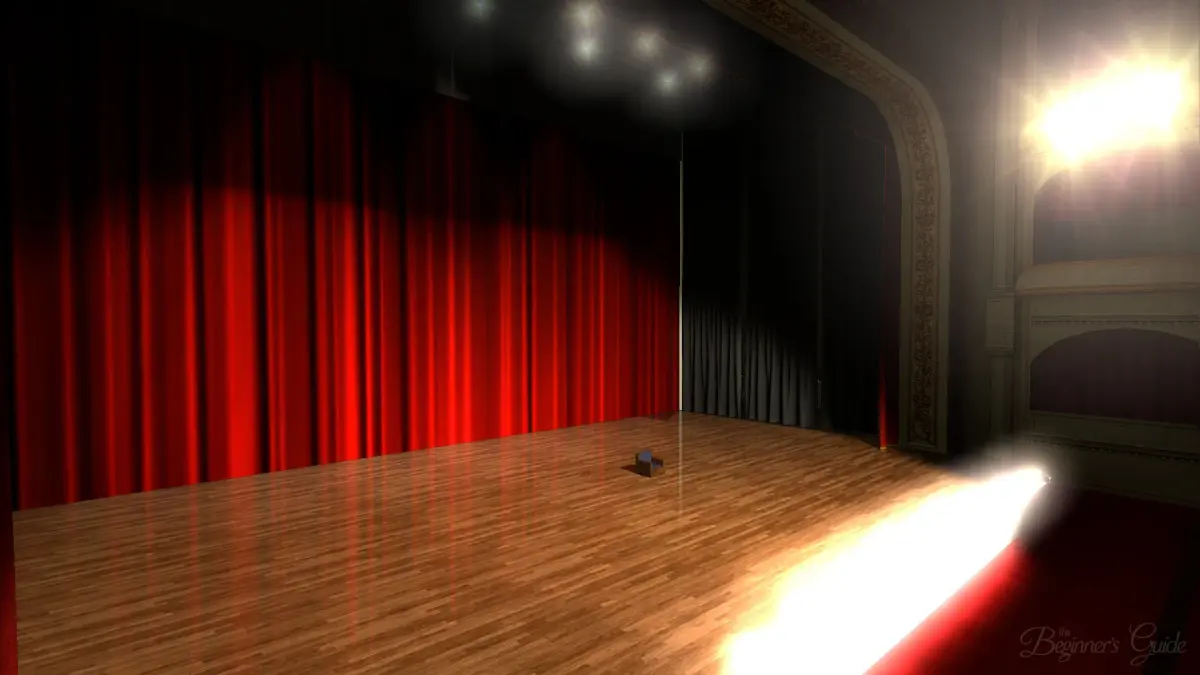
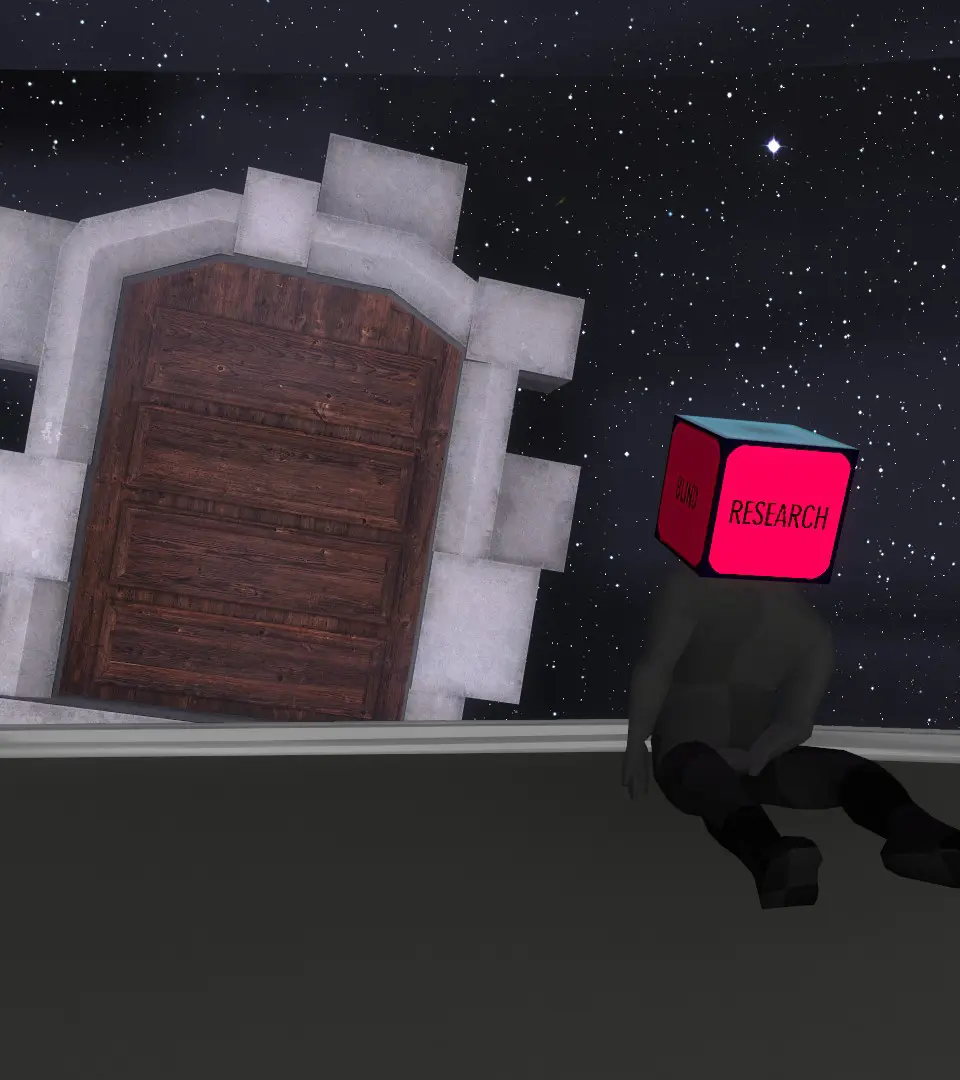
The user interface in The Beginner's Guide is almost non-existent, which is a deliberate design choice to immerse you fully in the experience. You won't find health bars, mini-maps, or quest logs. Your primary 'UI' elements are:

- Crosshair: A small dot in the center of your screen, indicating where you are looking. It will sometimes change slightly when you can interact with an object.
- Narration Subtitles: If enabled in the settings, subtitles for Davey's voiceover will appear at the bottom of the screen. This is highly recommended for accessibility and to ensure you don't miss any crucial details of his commentary.
- Loading Screens: Brief loading screens will appear between different game prototypes or significant transitions. These are usually quick and don't interrupt the flow significantly.
The lack of traditional UI elements encourages you to pay closer attention to the environment and Davey's spoken words, which are the core of the game's narrative.
100% Human-Written. AI Fact-Checked. Community Verified. Learn how AntMag verifies content